
The Flashcard App Your Mac Has Been Missing
Most flashcard apps treat macOS as an afterthought. You get a web app in a browser tab, or an iPad app stretched to fit your screen. Mindomax is different. It is a native flashcard app for Mac built to take full advantage of your desktop — the larger screen, the keyboard shortcuts, the file system. Drag a PDF from Finder, and the AI turns it into study-ready flashcards in seconds. No browser tabs. No clunky workarounds. Just a clean macOS experience designed for serious studying.
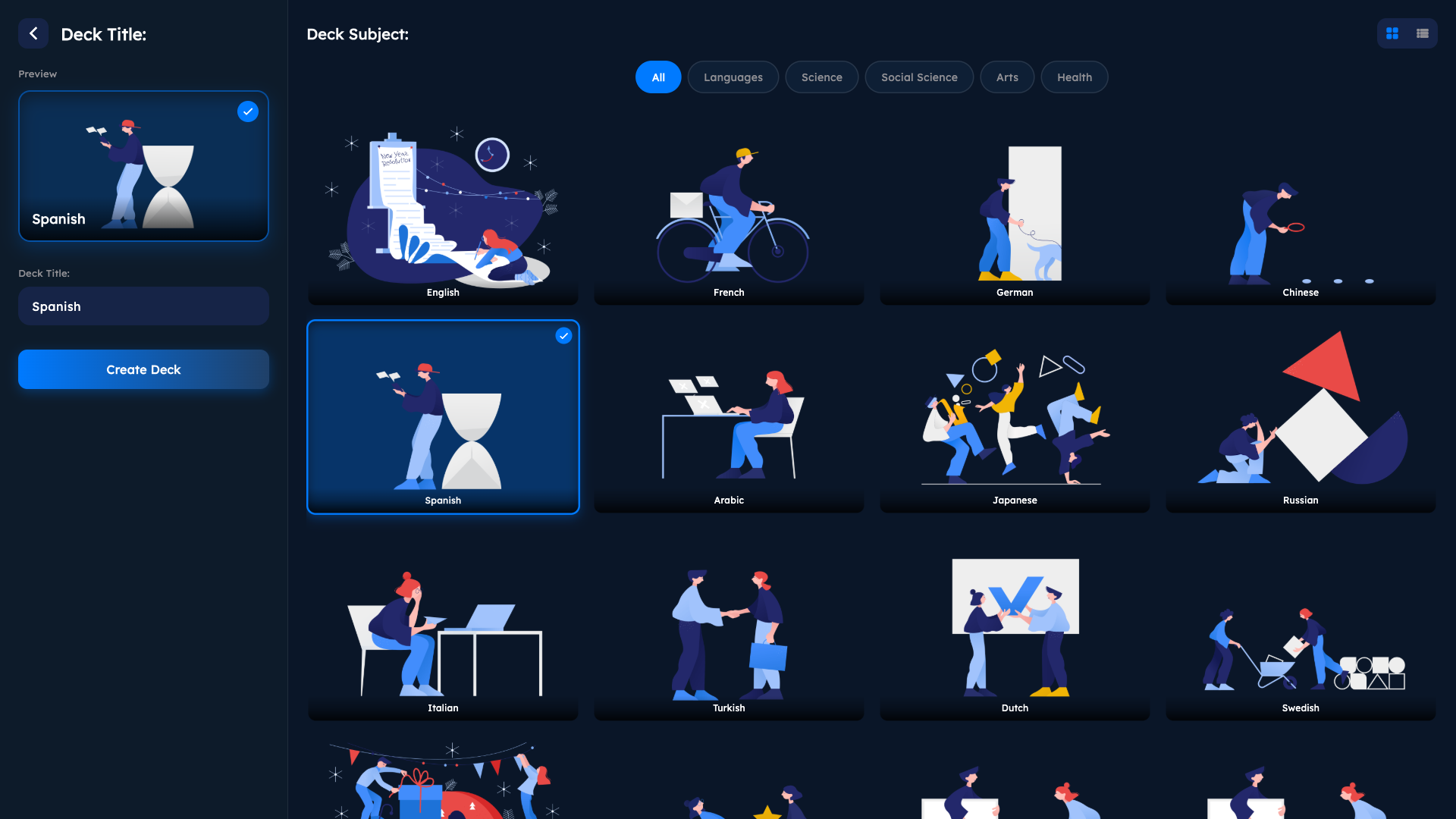
AI That Creates Your Flashcards for You
This is not just another digital index card app. Mindomax uses AI to generate flashcards automatically from your study materials. Drop a PDF lecture, upload an audio recording, paste your notes, or even snap a photo of a textbook page — the AI reads the content, identifies key concepts, and creates question-and-answer pairs ready for review.
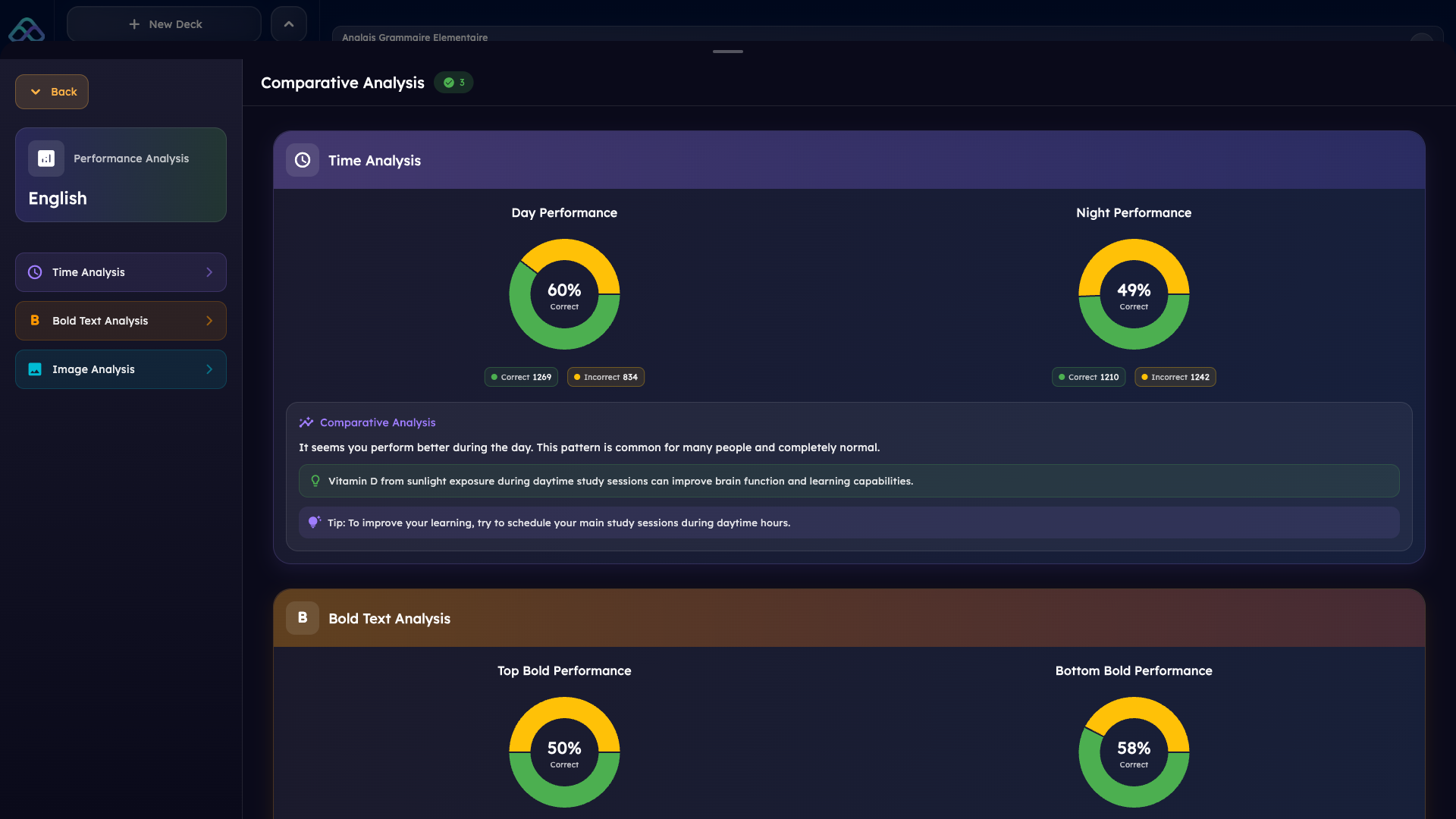
On Mac, this workflow feels especially natural. You can drag files directly from Finder into the app. Working on a research paper in one window? Pull the key terms into Mindomax in the next. The AI handles the heavy lifting so you spend your time studying, not typing cards one by one.
Each generated card can include AI-created images, LaTeX formulas for math and science content, and translations in 16 languages. And if the AI gets something wrong, editing is instant — click, fix, move on.
Spaced Repetition That Adapts to You
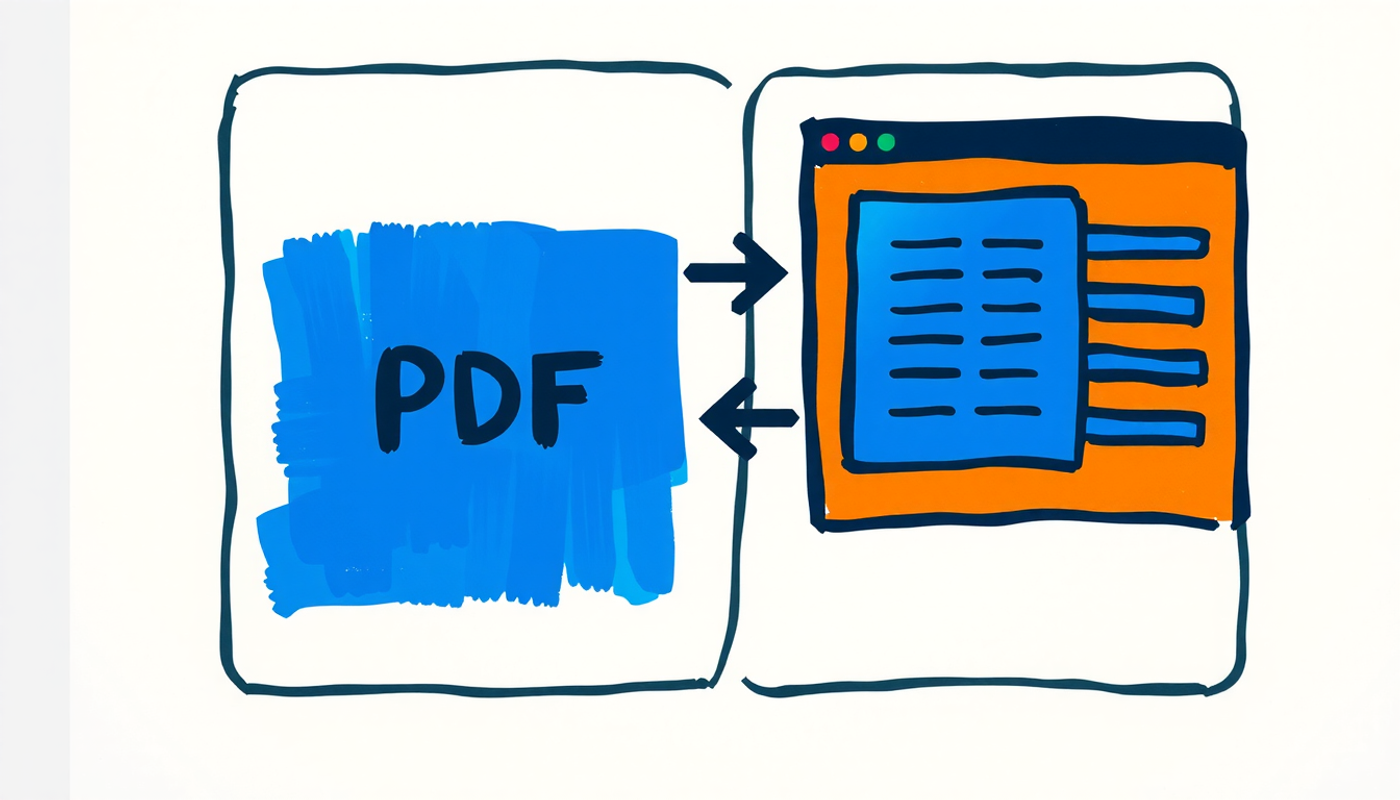
Flashcards only work if you review them at the right time. Too early and you waste time on things you already know. Too late and you have already forgotten. Mindomax uses an advanced spaced repetition algorithm that schedules reviews based on your individual performance — not a one-size-fits-all timer.
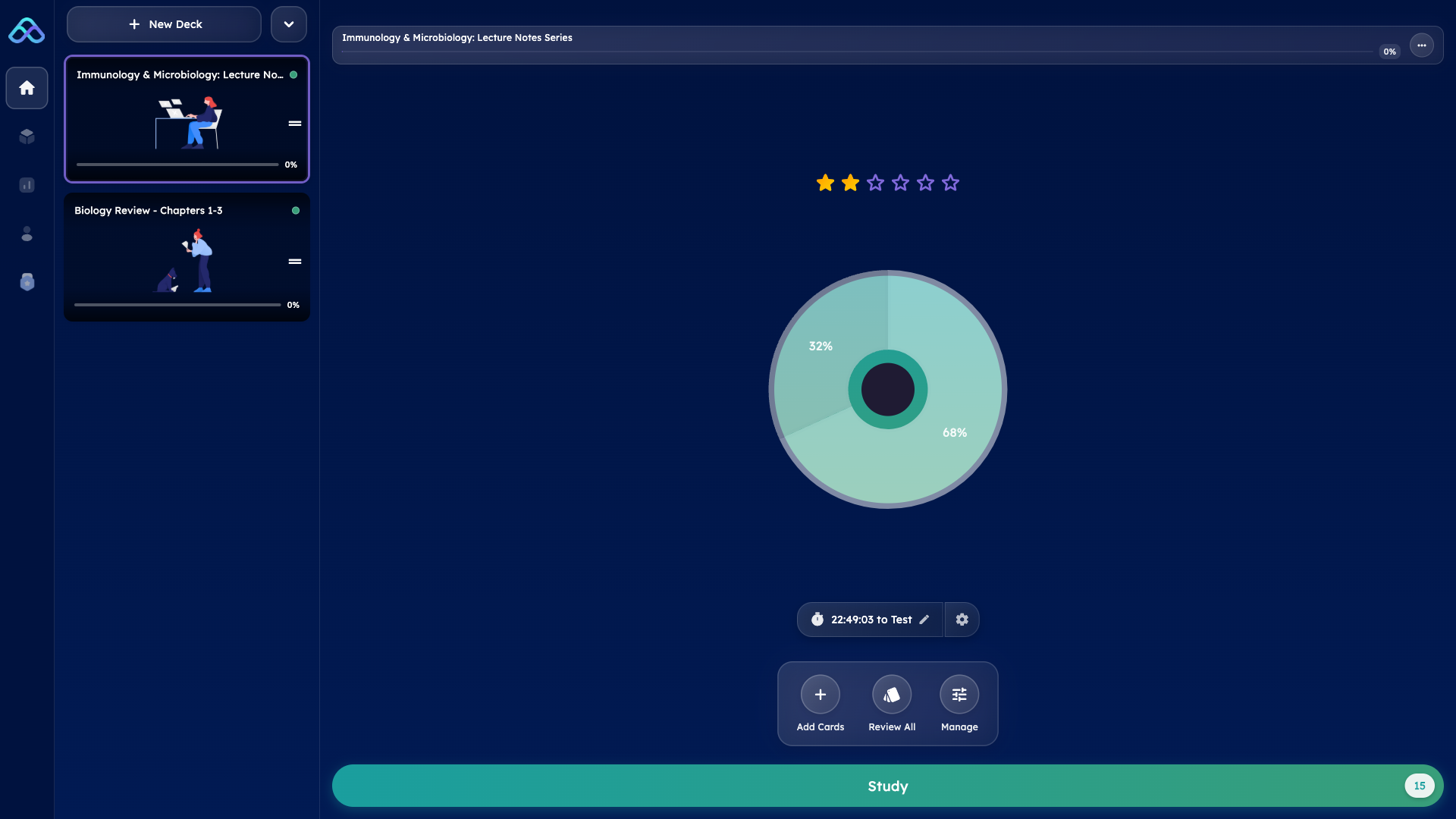
The system tracks how well you know each card, when you study best, and which subjects give you trouble. Over time it builds a personalized review schedule that maximizes retention with minimum effort. Open the flashcard app for Mac each morning and your daily review deck is already waiting.
AI Tutor Built Into Every Card
Stuck on a concept? Every flashcard in Mindomax comes with an AI tutor. Ask it to explain the answer in simpler terms, give you a real-world example, or quiz you from a different angle. It is like having a study partner who never gets tired and always knows the material.
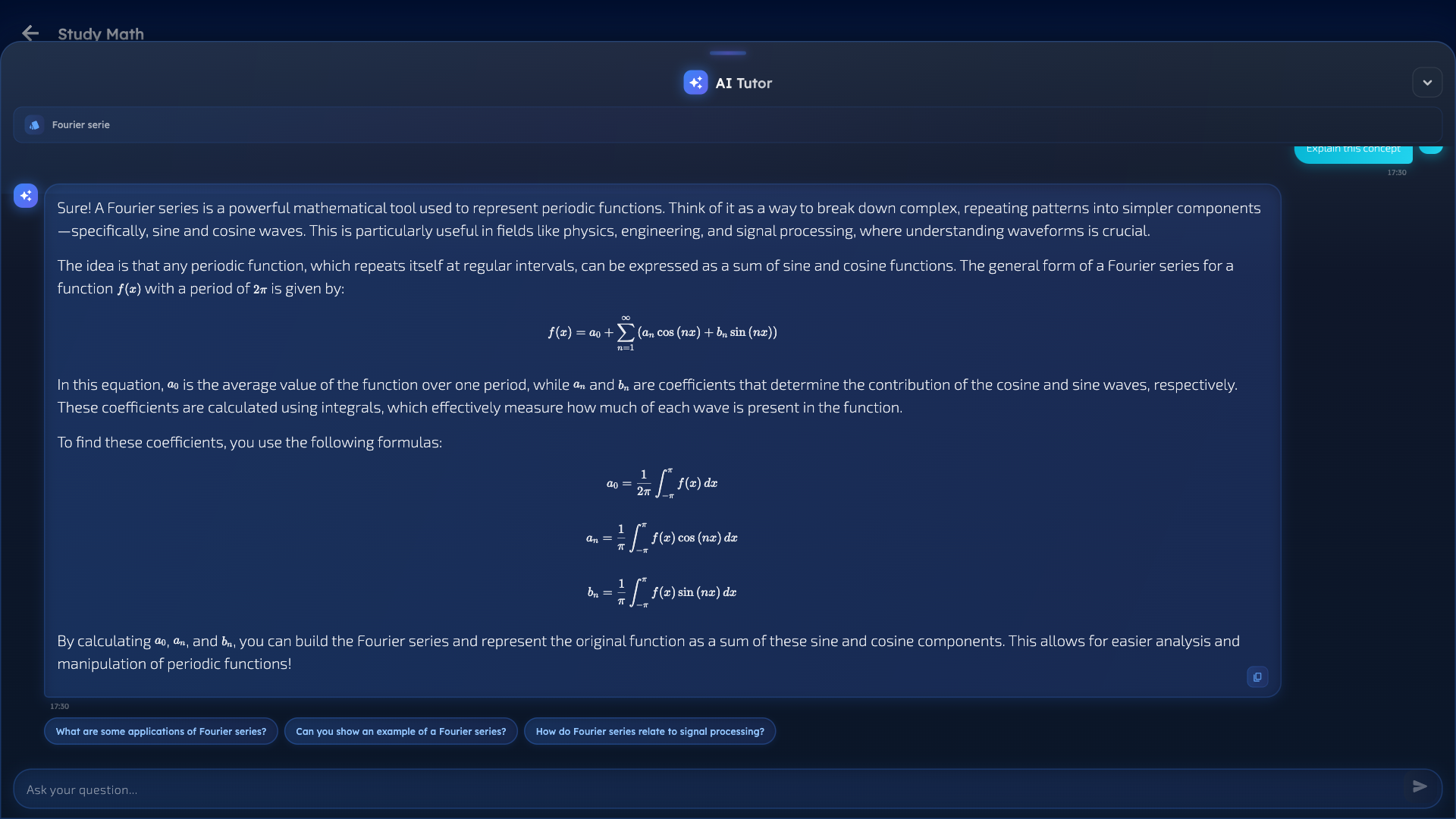
On Mac, the AI tutor runs in a side panel next to your cards. You can have a full conversation about a topic without leaving your study session. This is especially useful for medical students working through complex pharmacology or anatomy cards, or engineering students tackling multi-step formulas.
450,000+ Ready-Made Flashcards
Not every study session needs to start from scratch. Mindomax includes a library of over 450,000 pre-made flashcards covering major exams and subjects. USMLE, MCAT, GMAT, GRE, PMP — the decks are built and waiting. Language learners get access to 180,000+ vocabulary cards across multiple languages.
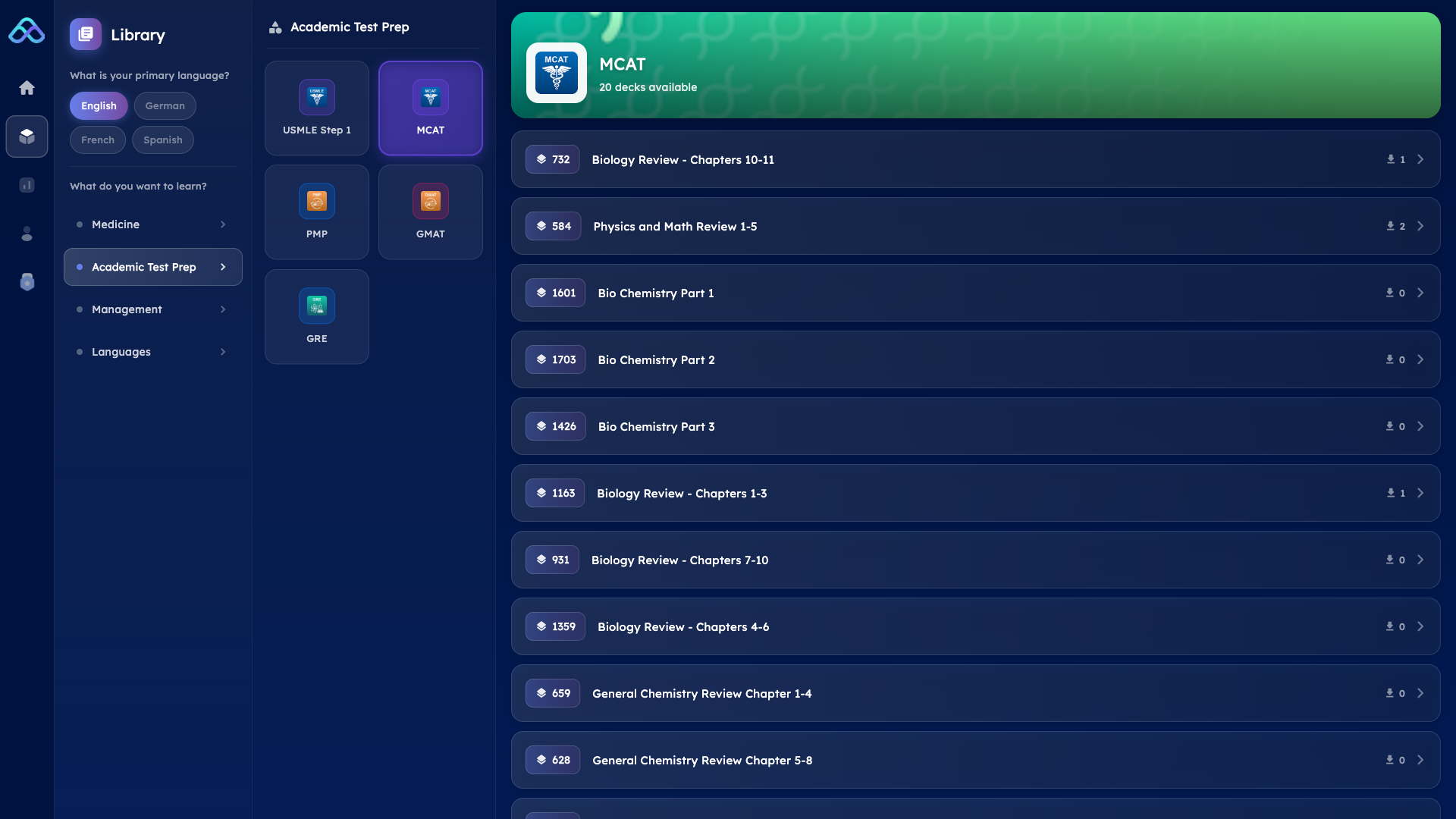
Browse the library on your Mac, pick a deck, and start studying immediately. Or use the pre-made cards as a starting point and customize them with your own notes and AI-generated additions.
Works Everywhere, Syncs Automatically
Your flashcards live in the cloud. Create a deck on your Mac at home, review it on your iPhone during your commute, then continue on the web app at the library. Everything syncs automatically. Your progress, your review schedule, your AI tutor conversations — all of it follows you across devices.
The flashcard app for Mac is available as a direct download. No App Store restrictions, no subscription to download. Install the .pkg file and you are ready to go in under a minute.
Download: Mac OS (Direct Download) · iOS (App Store) · Android (Google Play) · Web App

What Makes This Mac Flashcard App Different
Other flashcard apps for Mac give you the basics — type a question on one side, an answer on the other, flip through them manually. Mindomax starts where those apps stop. AI-powered card generation from any file type. An AI tutor that explains concepts on demand. A spaced repetition engine that adapts to your personal learning curve. Pronunciation support in 14 languages. Image generation for visual memory. LaTeX for scientific notation.
And it runs natively on macOS. Not a web wrapper. Not an Electron shell around a website. A real Mac app that respects your system preferences, works offline, and feels like it belongs on your dock.
Pricing
The free plan gives you one box with unlimited cards and three AI requests per day — enough to try everything and see if it fits your workflow. Premium unlocks 90 daily AI requests, unlimited boxes, full access to the pre-made library, and priority sync across all devices. It costs five dollars a month.
Frequently Asked Questions
Is Mindomax a native Mac app or a web app?
Mindomax is a native macOS application available as a direct .pkg download from the official website. It runs natively on your Mac without needing a browser, supports offline study, and syncs seamlessly with the iOS, Android, and web versions of the app.
Can I create flashcards from PDF files on Mac?
Yes. Drag any PDF into the Mindomax Mac app and the AI will automatically generate flashcards from the content. It identifies key concepts, definitions, and important facts, then creates question-and-answer pairs that you can review, edit, and start studying immediately.
Does the Mac flashcard app work offline?
Yes. Once your flashcards are synced to your Mac, you can study them entirely offline without an internet connection. Just new cards and study progress need internet connection.
What file types can the AI convert into flashcards?
The AI accepts PDF documents, audio recordings, images, and plain text. On the Mac app, you can drag files directly from Finder for instant conversion. Audio lectures in MP3 or WAV format work especially well for turning spoken content into study cards.
How much does the Mac app cost?
The Mac app is free to download and use with basic features. The Premium plan at five dollars per month unlocks full AI capabilities including 90 daily AI requests, unlimited card boxes, and complete access to the pre-made flashcard library.


