
INTRODUCTION
A 45-minute organic chemistry lecture on YouTube contains enough material for 30 to 50 flashcards. Typing those cards by hand takes two hours. Most students never do it. They rewatch the video instead, and according to a landmark review by Dunlosky et al. (2013), rereading and passive review rank among the least effective study methods ever tested. The best flashcard generator from YouTube video tools in 2026 solve this by extracting transcripts automatically and converting them into question-answer pairs within seconds. A 2026 meta-analysis in The Clinical Teacher covering 21,415 learners confirmed that spaced repetition produces significantly better retention than standard study methods (effect size d = 0.78). The five tools below turn passive YouTube watching into active recall. After the list, a closer look at the research explains why this workflow matters.
1. Knowt — Free AI Cards From Lecture Videos
Knowt has grown past four million students by keeping its best features free. Upload a lecture video or paste a YouTube link through the Chrome extension, and the AI generates flashcards, summaries, and practice tests from the content. Spaced repetition and learn mode both work without a subscription, which sets Knowt apart from Quizlet, where those features require a paid plan. The AI tutor Kai answers follow-up questions about study material. The free tier caps video imports at roughly 30 minutes per clip, and the spaced repetition scheduler is simpler than algorithms like FSRS or SM-2. Premium starts at around $5 per month billed annually.
2. RemNote — Notes and Flashcards in One Workspace
RemNote offers a dedicated YouTube-to-flashcards tool. Paste a video URL, and the AI extracts key ideas from the transcript and turns them into cards linked to the original notes. The app supports both SM-2 and the newer FSRS algorithm for review scheduling. PDF annotation, image occlusion, and a bidirectional knowledge graph connect concepts across documents. Over one million students use it. Pro costs $8 per month. The free tier is generous for basic note-taking and flashcard review but limits AI-powered features and PDF annotation slots. RemNote has a steeper learning curve than single-purpose flashcard apps.
3. Mindomax — AI Flashcards From Text, Audio, and Images
Mindomax does not accept a YouTube URL directly, but it handles the transcript route well. Copy the transcript from any YouTube video (click "Show Transcript" below the video on desktop or mobile), paste the text into the app, and the AI generates flashcards from it in seconds. The same text-to-flashcard engine also processes PDFs, audio recordings, and photos of handwritten notes. A LaTeX formula editor targets STEM students. Pronunciation support covers 14 languages. The library holds over 450,000 pre-made cards for USMLE, MCAT, GRE, and language exams. The free plan allows one box with unlimited cards and three AI requests daily. Premium is $5.99 per month. The extra manual step of copying the transcript is a real limitation compared to tools that accept a URL directly.
4. Gizmo — Gamified Study From Any Source
Gizmo raised $22 million in April 2026 and reports over 13 million learners across 120 countries. Paste a YouTube URL and the AI builds flashcards plus gamified quizzes with streaks, leaderboards, and a lives system. Import decks from Quizlet or Anki. Founded by Cambridge alumni, the app pairs spaced repetition with game mechanics designed to keep students coming back. The free tier provides 15 daily lives and 10 AI quiz attempts. The subscription runs around $8.80 per month. The lives-based throttling can feel restrictive during heavy study sessions, and the gamification style is not for everyone.
5. Scholarly — Paste a URL and Export to Anki
Scholarly focuses specifically on source-to-flashcard conversion. Paste a YouTube URL and the AI generates cards from the video transcript, with the option to export directly to Anki. The platform also offers exam mode with AI-graded feedback, cloze deletion cards, and tools for lecture notes and study guides. The free plan includes three AI creations per day, quizzes, and manual flashcard creation. Ultimate costs $12 per month billed annually and unlocks unlimited generation plus Anki export. The interface is clean but the free tier limits feel tight for students processing multiple lectures per day.
Download: Web
Why Flashcards From Video Beat Rewatching
Most students rewatch lectures when they want to review. It feels productive. The material sounds familiar. But familiarity is not the same as recall.
A study by Roediger and Butler (2011) published in Trends in Cognitive Sciences found that retrieval practice, the act of pulling information from memory rather than rereading it, is among the most effective methods for building durable long-term retention. Students who tested themselves forgot only about 13% over two days. Students who simply restudied forgot 56%.
That gap is enormous. And it maps directly onto the difference between rewatching a YouTube lecture and studying flashcards made from the same lecture.
A separate meta-analysis of 54 studies on video-based learning (2025) found that active learning strategies embedded in video, like quizzes and self-testing, significantly outperformed passive viewing. The effect held for retention, comprehension, and transfer to new problems.
The Science of Spaced Repetition With Video Content
Turning a video into flashcards is only the first step. The second step, reviewing those cards on a schedule, is where the real memory gains happen.
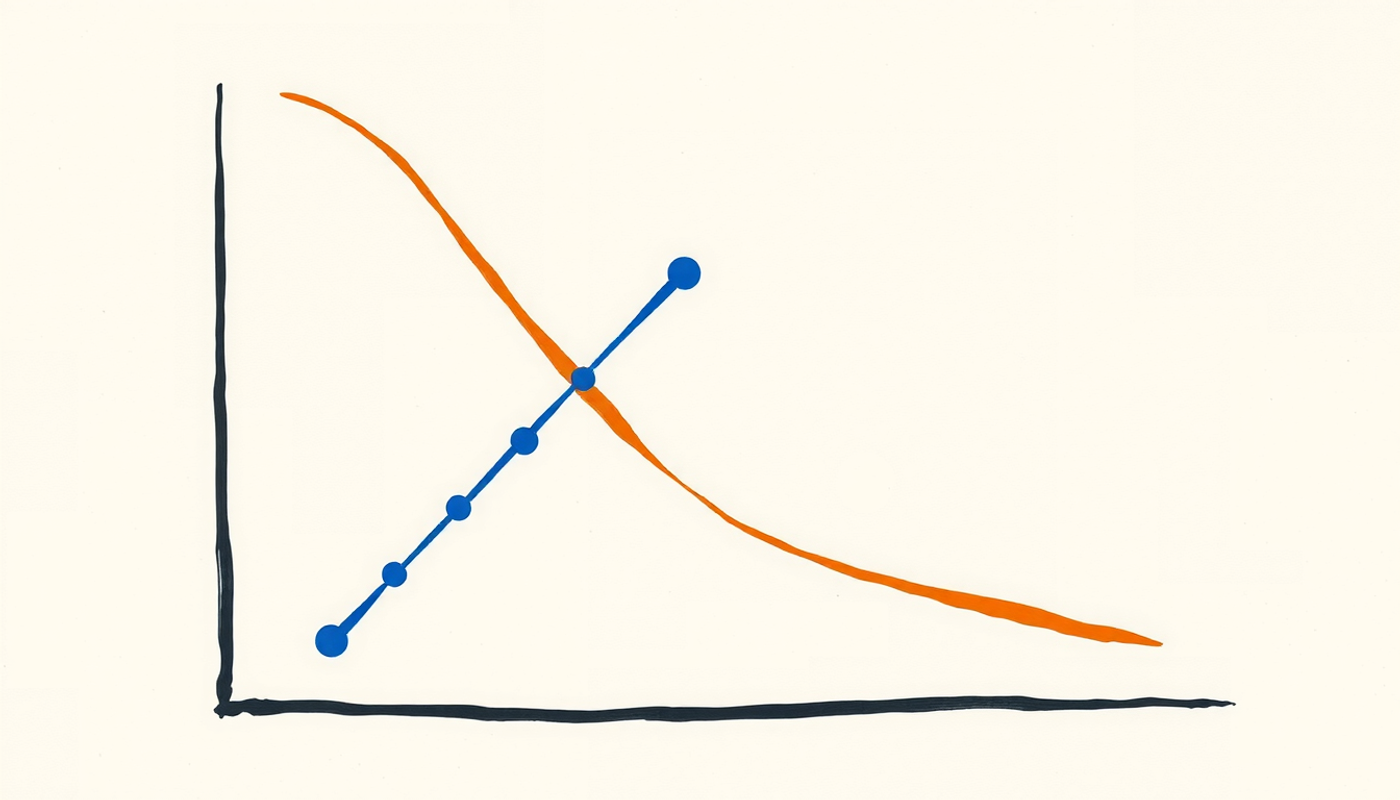
In 1885, Hermann Ebbinghaus documented the forgetting curve. A 2015 replication by Murre and Dros confirmed that most people forget 50 to 70% of new information within a single day without review. But each successful retrieval at the right moment flattens the curve. The intervals grow longer. The memory stabilizes.
Kang (2016) confirmed in Policy Insights from the Behavioral and Brain Sciences that spaced review produces substantially better outcomes than massed study. The 2026 meta-analysis by Maye and Hurley, covering 21,415 participants across 13 studies, found a standardized mean difference of 0.78 favoring spaced repetition over conventional studying. That is a large effect by any standard in education research.
Not all flashcard apps schedule reviews the same way. SM-2, the algorithm Anki has used for years, adjusts intervals based on a fixed ease factor. FSRS, now available in Anki and RemNote, uses machine learning to personalize scheduling. Other tools like Mindomax use proprietary systems. A large-scale experiment by Upadhyay et al. (2021) in npj Science of Learning found that ML-based scheduling helped learners retain material roughly 69% longer than fixed-interval approaches. The practical difference between algorithms matters, but it is smaller than the difference between using any spaced repetition system and using none at all.
YouTube as a Study Platform: What the Numbers Say
YouTube is not a side channel for learning anymore. A 2025 report by YouTube and Livity surveying over 7,000 teenagers across seven European countries found that 74% watch YouTube videos to learn something new for school. In the United States, YouTube logged over 5.5 billion views of educational and how-to content in June 2025 alone. A 2025 Oxford Economics study reported 94% teacher adoption.
The gap between watching and retaining remains the central problem. A survey on AI tool usage among students (Quizlet How America Learns, 2025) found that 89% of students already use AI for schoolwork, up from 77% in 2024. The top uses include summarizing content (56%), research (46%), and creating study guides (45%). Tools that connect video content to active study methods fill the exact gap where students lose the most information.
One caution about AI-generated flashcards from video: a Brown University study (2025) testing GPT-4o and Claude 3.5 Sonnet on medical lecture transcripts found a hallucination rate of roughly 4.8%, or about one factual error per 21 cards. Students should always review AI-generated cards before studying them. The technology saves hours, but a quick accuracy check remains essential.
How to Get a YouTube Transcript (Any Video)
For tools that require a transcript rather than a URL, the process takes under a minute. On desktop, open the YouTube video and click "...more" below the video description. Scroll to the bottom and click "Show Transcript." A panel appears on the right. Select all the text and copy it. On mobile, the steps are similar: tap "...more," scroll down, tap "Show Transcript," and copy the text. Most educational videos on YouTube have auto-generated captions enabled, which means a transcript is usually available even if the creator did not add one manually. Paste the copied text into any AI flashcard tool that accepts text input. Some tools also accept audio files, so downloading the video audio and uploading it is another option for channels where transcripts are disabled. For a related workflow using audio-to-flashcard conversion, recorded lectures follow the same principle.
Flashcard generation from YouTube is one piece of a larger system. Students who pair a video-to-card tool with a note-taking app, a focus blocker, and a planner tend to retain more and waste less time switching between methods. For a full breakdown of how these categories fit together, the best study apps for students in 2026 guide compares fifteen tools across all five categories.
CONCLUSION
The science behind flashcard-based study is not new. Retrieval practice and spaced repetition have decades of experimental support. What changed in 2025 and 2026 is the tooling. AI now handles the slowest part of the process: turning a lecture into study material. Whether a student uses Knowt, RemNote, Mindomax, Gizmo, or Scholarly, the underlying workflow is the same. Watch a video. Generate cards. Review on a schedule. That combination outperforms rewatching by a wide margin, and the tools have made it fast enough that the excuse of "it takes too long to make flashcards" no longer holds.
Frequently Asked Questions
Can AI turn any YouTube video into flashcards?
AI flashcard generators work best with educational content that has a clear transcript: lectures, tutorials, explainers, and language lessons. Music videos, vlogs, and heavily visual content with little narration produce poor results because the AI relies on the spoken or captioned text to extract key concepts.
Are AI-generated flashcards from YouTube accurate?
A 2025 Brown University study found roughly one factual error per 21 AI-generated flashcards from lecture transcripts, a 4.8% hallucination rate. Most factual and definitional content converts accurately, but students should review cards before studying them, especially for exam preparation.
Do I need a paid subscription to make flashcards from YouTube?
Several tools offer free tiers. Knowt provides free spaced repetition and flashcard generation with a 30-minute video cap. Heuristica requires no sign-up for basic card generation. Scholarly includes three free AI creations per day. Free tiers usually limit video length or daily generation count.
What is the best spaced repetition algorithm for YouTube flashcards?
FSRS uses machine learning to personalize review intervals based on individual forgetting patterns. SM-2 is simpler but well-proven. Both significantly outperform no scheduling at all. The algorithm matters less than the habit of reviewing cards consistently every day.


