
INTRODUCTION
A student builds fifty flashcards on a laptop at home. The next morning on the train, they open their phone to review before a quiz. Nothing syncs. The cards are missing. This is not a rare complaint. According to a 2024 Pew Research Center survey, 95 percent of American teens have access to a smartphone and 88 percent have access to a laptop or desktop computer. Students move between devices throughout the day. But most flashcard apps that advertise "cross-device" support are simply websites that open in a browser. No dedicated desktop application. No offline study on a computer. No sync that actually works across platforms.
For this guide, fourteen popular flashcard apps were tested against three strict requirements: a native mobile app, an installable desktop application, and a browser-based web interface — all connected by real-time sync. Only four of the best flashcard apps with sync across devices passed.
1. Anki — Free and Open-Source on Every Platform
Anki is the only flashcard app that provides native desktop applications for Windows, Mac, and Linux entirely for free.
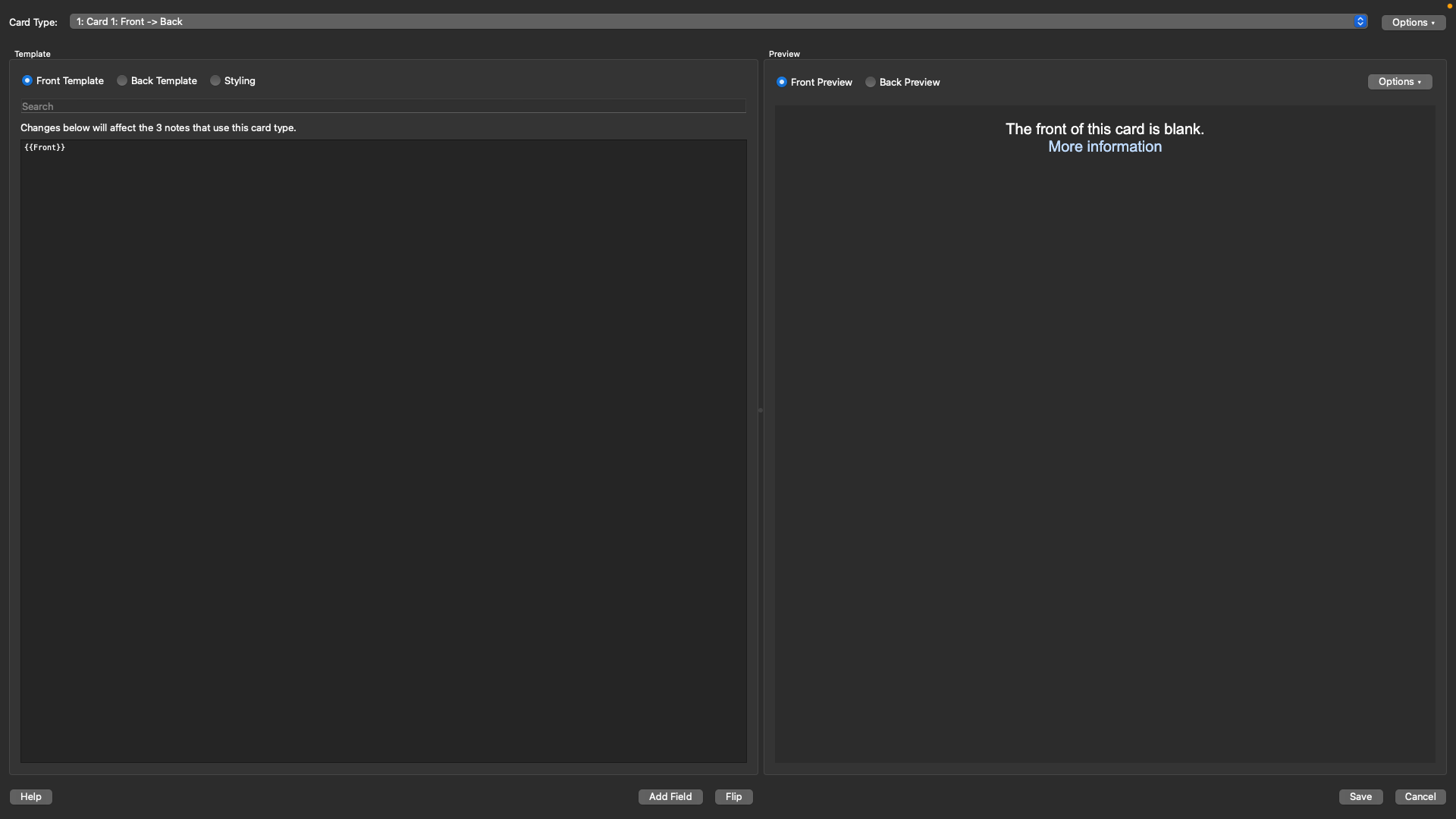
Built on the SM-2 algorithm and now also supporting the newer FSRS machine-learning scheduler, Anki has been the standard for medical students and language learners since 2006. Sync runs through AnkiWeb's free cloud service, keeping cards and scheduling data identical across every device. Over 1,600 community add-ons extend functionality, and shared deck libraries cover subjects from anatomy to bar exam preparation. A 2023 study by Gilbert et al. in Medical Science Educator found that medical students using Anki scored 12.9 percent higher on comprehensive exams compared to non-users. The tradeoffs are real though. The interface looks dated, the learning curve is steep, and card creation is entirely manual without third-party add-ons. The iOS app costs $24.99 as a one-time purchase that funds development of all the free platforms.
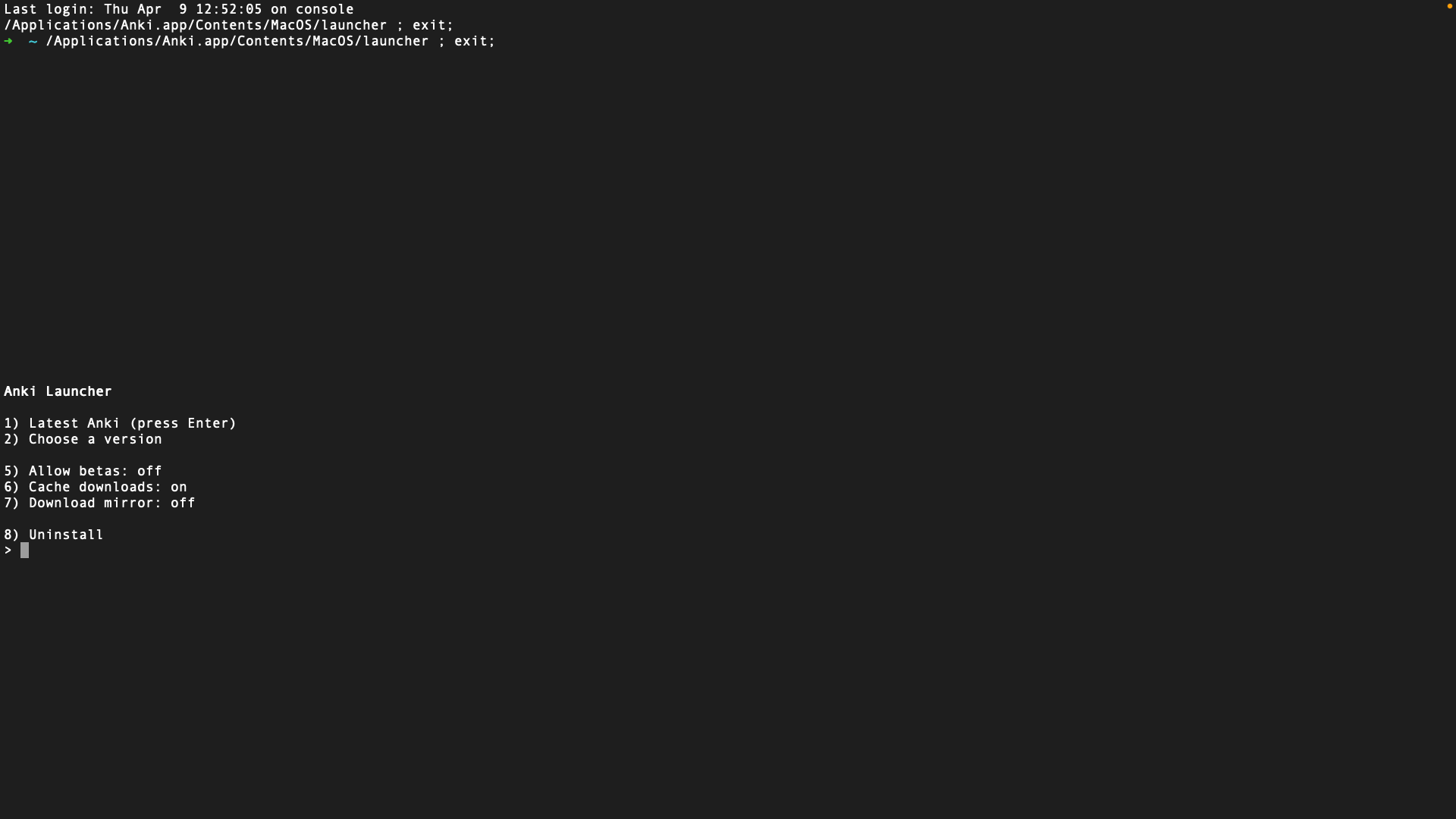
On macOS, installation is not straightforward either — some users need to install through Terminal using Homebrew rather than a simple drag-and-drop process. The download weighs close to ~600 MB, which is unusually large for a flashcard app. And during testing on a Mac, the app crashed the operating system after installation — not exactly a smooth first impression for a tool that prides itself on reliability.
Download: iOS ($24.99) · Android (Free) · Web App
Pricing: Free (desktop, Android, web). iOS one-time $24.99.
2. RemNote — Notes and Flashcards in One System
RemNote bridges the gap between note-taking and flashcard study. Any bullet point in a note can become a spaced repetition flashcard with one click — no copying, no reformatting. The app offers native desktop downloads for Windows, Mac (Intel and Apple Silicon), and Linux alongside mobile apps and a full web interface. Cross-device sync is free on all plans, which is a significant advantage. RemNote also includes AI-powered card generation with 100 free credits per month, PDF annotation, image occlusion, and a knowledge graph with bidirectional linking.
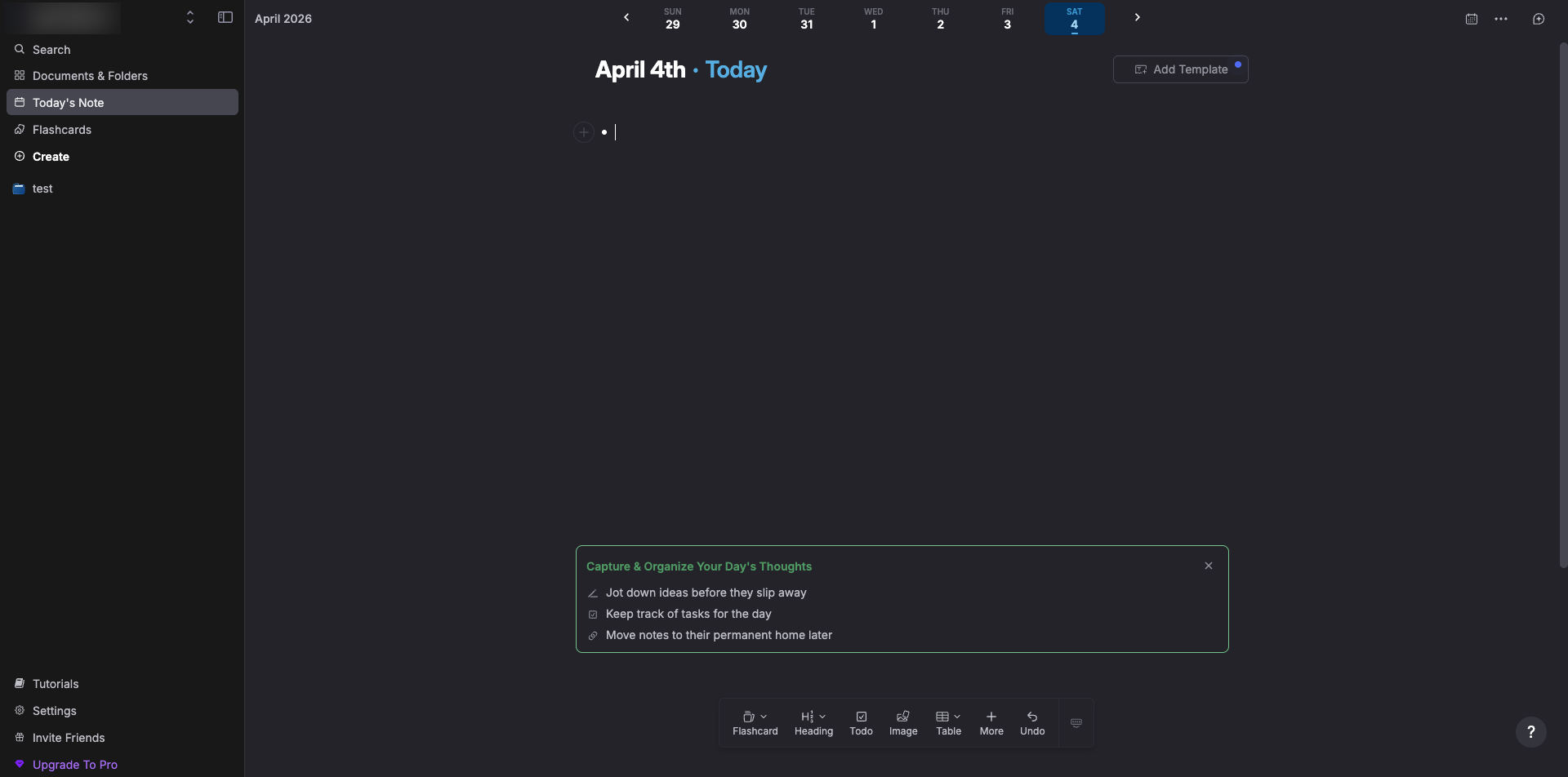
The platform originated at MIT and reports over one million student users. Pro unlocks unlimited PDF annotations, templates, and 1,000 monthly AI credits for $8 per month billed annually. The honest limitation: mobile apps feel noticeably less polished than the desktop experience, occasional sync hiccups have been reported by users, and at $96 per year the Pro plan is steep compared to Anki's zero ongoing cost.
Download: iOS · Android · Web App
Pricing: Free (basic sync included). Pro $8/month (billed annually).
3. Mindomax — AI-Powered Cards on Mac, Mobile, and Web
Mindomax brings aggressive AI capabilities to flashcard creation. Upload a PDF, record a lecture, photograph handwritten notes, or paste text — the AI generates question-answer flashcards automatically. The platform offers native apps for macOS, iOS, and Android alongside a web app, with instant sync across all connected devices. A library of over 150,000 premade flashcards covers popular exams including MCAT, USMLE, and AWS certifications. Pronunciation support spans 14 languages, and a LaTeX formula editor with AI assistance handles complex mathematical equations. The free tier includes one box with unlimited cards and three AI requests per day.
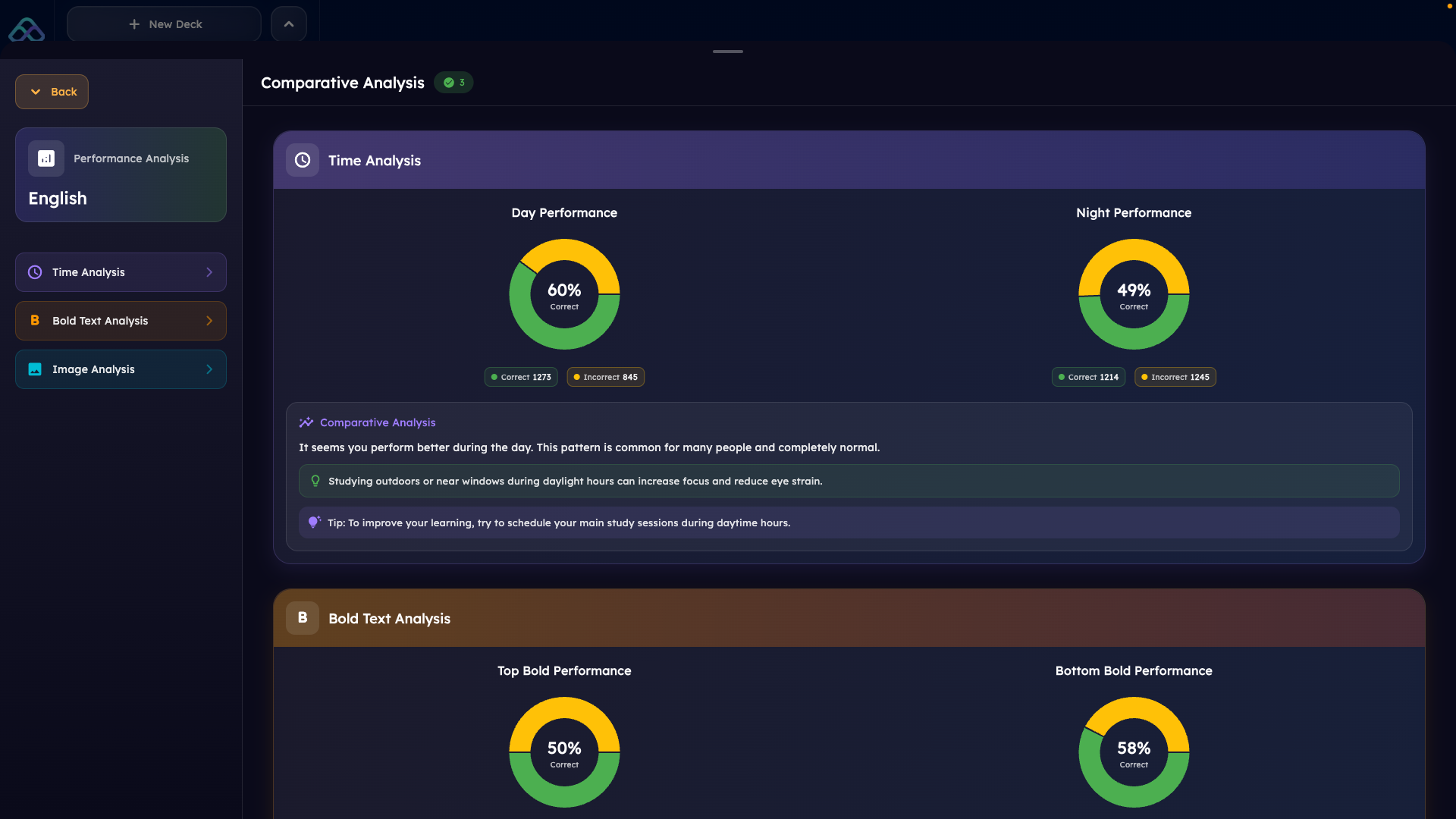
Premium at $5 per month unlocks unlimited boxes, 90 daily AI requests, and the full premade library. The limitation worth noting: a macOS desktop app is available but there is no Windows or Linux application, which makes this a strong choice for Mac users specifically but not a complete solution for Windows-based workflows.
Download: iOS · Android · Web App
Pricing: Free (1 box, 3 AI requests/day). Premium $5/month.
4. Mochi Cards — Minimal Design with Markdown Power
Mochi Cards takes a different approach to flashcard apps with sync across devices. Cards are written in Markdown, the interface is minimal and distraction-free, and all data is stored locally first — no account needed to start studying. Desktop apps are available for Windows, Mac (Intel and Apple Silicon), and Linux. Mobile apps for iOS and Android work offline and sync when reconnected. The built-in spaced repetition algorithm is solid, and features like image occlusion, bidirectional linking, and Anki deck import (.apkg) come without plugins. Language learners benefit from integrated dictionaries, text-to-speech, and auto-translate.
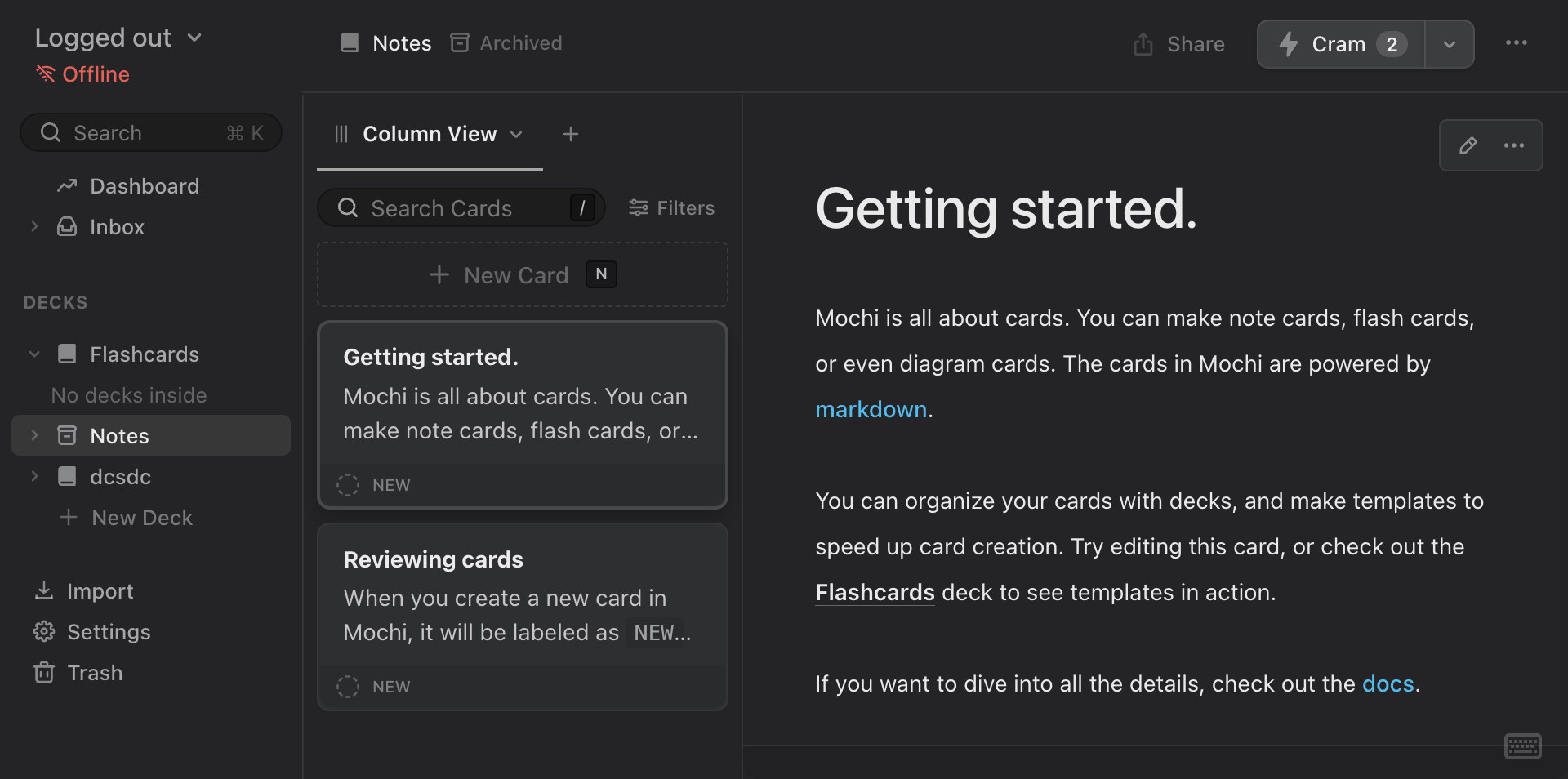
Developer Matthew Steedman maintains the project independently with an active community forum at forum.mochi.cards. The critical caveat: sync across devices requires the Pro subscription at $5 per month. The free tier is limited to a single device. The community is also substantially smaller than Anki's or RemNote's, which means fewer shared decks and less community support available.
Download: iOS · Android · Web App
Pricing: Free (single device). Pro $5/month (adds sync).
Why Most Popular Flashcard Apps Did Not Make This List
It might seem surprising that apps with tens of millions of users are absent from a list of the best flashcard apps with sync across devices. Quizlet, with over 60 million monthly active users, has no real desktop application. What exists is a legacy Windows Store wrapper that is essentially the website in a thin shell. Brainscape, popular for its confidence-based repetition system, has never offered a desktop app at all. Vaia (formerly StudySmarter), claiming 40 million student users, relies entirely on browser access for desktop use. Even SuperMemo — created by the inventor of the spaced repetition algorithm itself — discontinued its Windows desktop application in September 2025 and moved to a web-only model.
A pattern runs through the industry. Many apps describe browser access on a laptop as "desktop support." But opening a website is not the same as running a dedicated application. A real desktop app stores data locally, runs its spaced repetition algorithm offline, and syncs changes when connectivity returns. A browser tab does none of this if the connection drops. For students studying in hospital basements between clinical rotations, on subway commutes without signal, or on flights in airplane mode, the difference between a real desktop app and a browser tab is the difference between studying and staring at a loading spinner.

The Forgetting Curve and Why Review Timing Matters
In 1885, German psychologist Hermann Ebbinghaus measured how quickly human memory fades without reinforcement. His findings — now called the forgetting curve — showed that retention drops to roughly 33 percent within just 24 hours. This was not simply a historical curiosity. In 2015, Murre and Dros successfully replicated the original experiment in a study published in PLOS ONE, confirming the curve's shape 130 years after Ebbinghaus first described it.
Spaced repetition directly addresses this decay. Instead of reviewing everything at once, a spaced repetition algorithm schedules each flashcard at the moment just before it would be forgotten. A meta-analysis by Cepeda et al. (2006) across 254 studies found that distributing practice over time produced 10 to 30 percent better retention than massed practice. Dunlosky et al. (2013), writing in Psychological Science in the Public Interest, ranked practice testing and distributed practice among the most effective learning techniques available — giving them "high utility" ratings while popular methods like highlighting and rereading received the lowest marks.
This is where device access becomes critical. A spaced repetition algorithm does not care whether a card is due at 8 AM on a phone or 10 PM on a laptop. What matters is that the review happens on time. If a student can only access their flashcards on one device, they miss scheduled reviews whenever that device is unavailable. Every missed review weakens the memory reinforcement that makes the entire system work.
How Multi-Device Study Habits Affect Retention
The argument for cross-platform sync is not just theoretical. Research consistently shows that students use multiple devices throughout their day. The Pew Research Center 2024 survey found that among American teens, 95 percent have smartphone access, 88 percent have laptop or desktop access, and 70 percent also have tablet access. Research published in EDUCAUSE Review found that 76 percent of university students use laptops as their primary academic device while 56 percent use smartphones as a secondary study tool.
This means flashcard review happens in fragments across the day. A few cards on the bus. A focused session at a desk. A quick review before bed. A 2017 meta-analysis by Adesope et al. analyzed 272 independent effects from 188 experiments and found that retrieval practice produced an effect size of g = 0.67 in educational settings. That benefit is substantial. But it only materializes if the student can actually practice retrieval when the algorithm says a card is due — regardless of which device happens to be in hand at that moment.
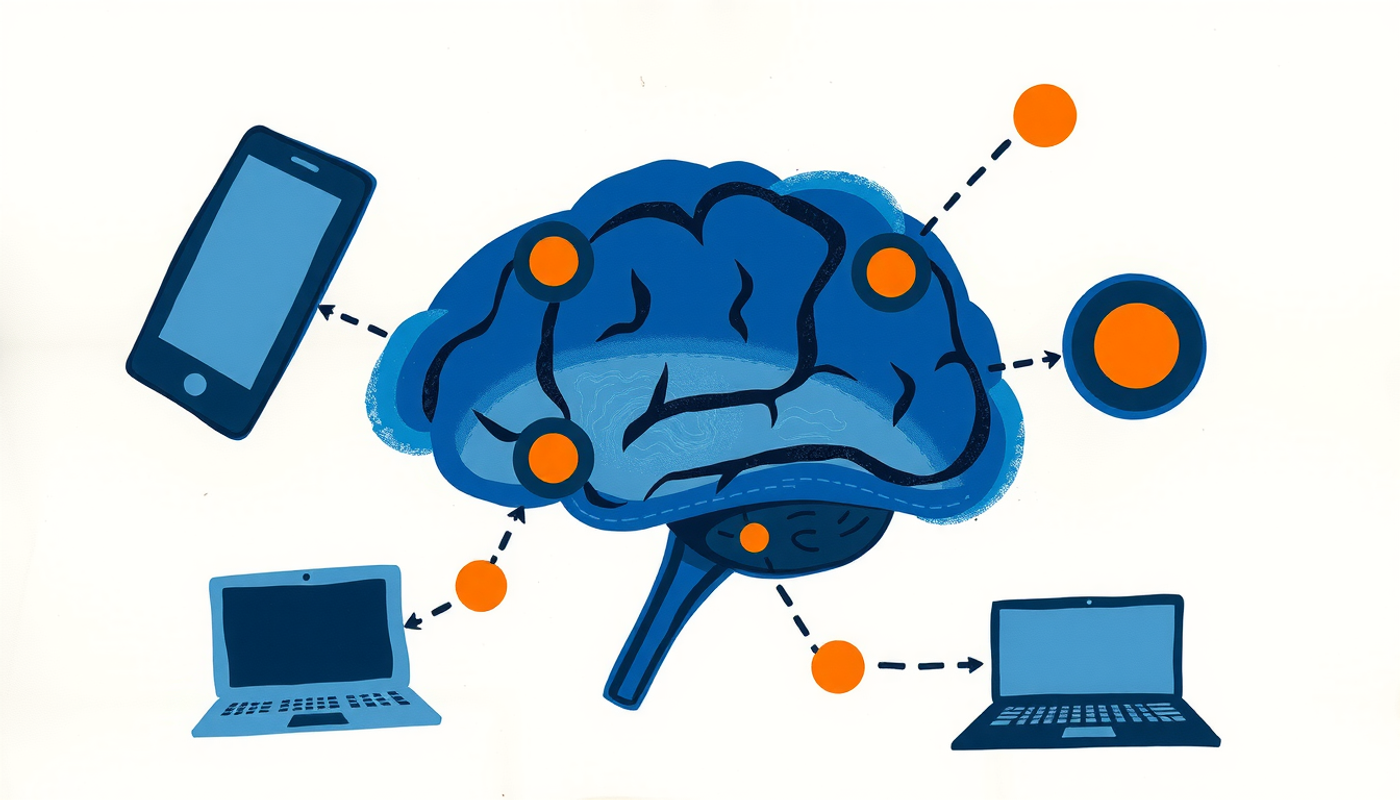
The practical implication is straightforward. An app that only works on a phone forces students to skip reviews whenever they sit at a computer. An app that only works in a browser forces students to lose access whenever the internet drops. Only the best flashcard apps with sync across devices — those with genuine native applications on every platform — allow the spaced repetition schedule to run as designed, without gaps caused by device limitations or connectivity problems.
CONCLUSION
Finding the best flashcard apps with sync across devices in 2026 turned out to be harder than expected. Out of fourteen apps tested, only four offered genuine cross-platform support with native desktop applications, mobile apps, and web access connected by working sync. Anki remains the most powerful free option for students willing to learn its interface. RemNote offers the smoothest note-to-flashcard workflow with free cross-device sync. Mochi Cards provides the cleanest design for Markdown-oriented users willing to pay for sync. And tools like Anki, RemNote, and Mindomax each put different aspects of the spaced repetition workflow within reach on every device a student owns. The science is consistent — distributed practice and retrieval testing are among the most effective study strategies available. The question is not whether to use flashcards. It is whether the chosen app allows study to happen whenever and wherever the student is ready.
Frequently Asked Questions
What does sync across devices mean in a flashcard app?
Sync across devices means that flashcards, study progress, and review schedules update automatically on every platform where the app is installed. When a card is reviewed on a phone, that progress appears instantly on a laptop and web browser without any manual exporting or importing.
Can Anki sync flashcards between a phone and computer for free?
Yes. Anki provides free sync through AnkiWeb across all platforms. The desktop app is free on Windows, Mac, and Linux. AnkiDroid is free on Android. The only paid component is the iOS app AnkiMobile at $24.99 as a one-time purchase.
Does Quizlet have a desktop app in 2026?
No. Quizlet does not offer a dedicated installable desktop application. It can be accessed through a web browser on any computer, but there is no native desktop app with offline capabilities. A legacy Windows Store wrapper exists but functions as a minimal website shell.
Why is cross-platform sync important for spaced repetition?
Spaced repetition algorithms schedule reviews at precise intervals based on when memory is about to fade. Students use multiple devices throughout the day. Without real sync, scheduled reviews get missed when a particular device is unavailable, which weakens the memory reinforcement that makes spaced repetition effective.
Are there free flashcard apps that sync across all devices?
Anki offers completely free sync across desktop, Android, and web through AnkiWeb. RemNote also provides free cross-device sync on all platforms including its desktop app. Mochi Cards requires a $5 per month Pro subscription for sync — the free tier works on a single device only.


