
INTRODUCTION
Here is a number worth remembering. People recall about 65% of information paired with images after three days. For text alone, that number drops to roughly 10%. The gap is enormous — and it explains why the best iOS flashcard apps with image and text support have become essential tools for serious learners. Research on the multimedia learning effect confirms that combining words and visuals creates stronger memory traces than either format alone. But not every flashcard app handles images well. Some only support plain text. Others allow photos but strip formatting. This article profiles ten modern iOS apps that genuinely support both image and rich text on flashcards, then explains the cognitive science that makes this combination so effective.
1. Knowt — AI Flashcards With a Generous Free Tier
Knowt has grown to over four million students by offering what might be the most complete free flashcard experience available on iOS. Spaced repetition, AI-generated cards from notes and PDFs, practice tests, and match games are all included at no cost — a combination that no competitor matches at the free level.
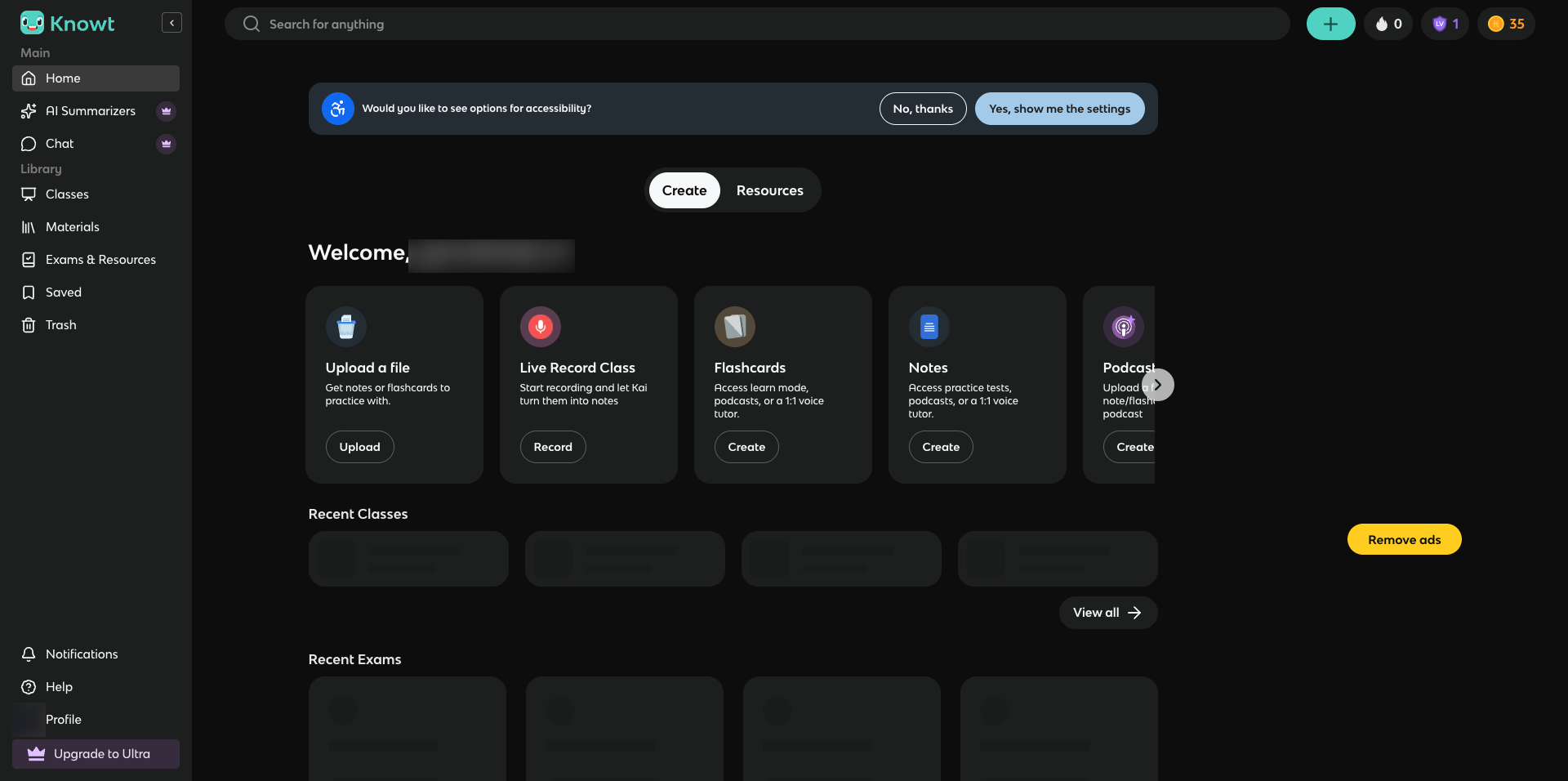
The app generates flashcards from uploaded PDFs, YouTube videos, and PowerPoint files, and users can add images to any card without a subscription. Where Knowt falls short is formatting depth — there is no native LaTeX or Markdown support, and the free version displays ads that some students find distracting. The iOS app occasionally suffers from sync delays and freezing, particularly with larger decks.
2. Mindomax — AI Image Generation for Every Card
Mindomax stands out for a feature almost no competitor offers: AI-generated images for individual flashcards. Hand it a concept and the app produces a relevant visual automatically. Beyond that, it creates flashcards from photos, PDFs, audio recordings, and plain text, making it unusually versatile when it comes to input formats.
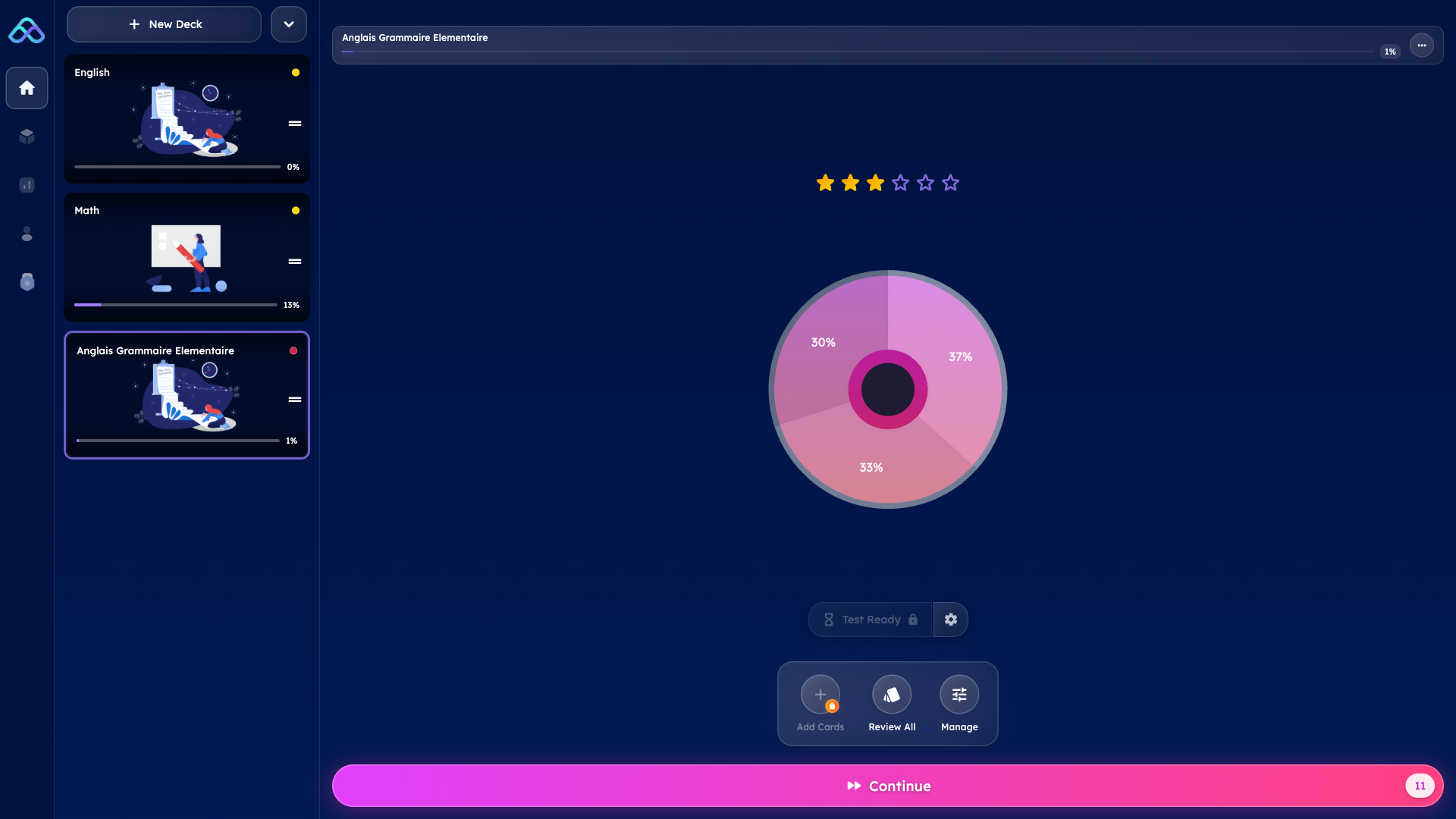
The app runs natively on iPhone, iPad, and macOS, and includes a LaTeX formula editor with AI assistance — useful for STEM students working with equations. The free plan gives one box with unlimited cards and basic AI access, while the premium tier at five dollars per month unlocks full AI capabilities, pronunciation support in fourteen languages, and a library of over 150,000 ready-made flashcards including MCAT and USMLE content. The honest caveat: Mindomax is very new, which means a smaller community and fewer third-party integrations compared to established platforms. Most AI features require the premium subscription.
3. Gizmo — Gamified Flashcards With OCR Import
Gizmo takes a different approach to studying. Built by Cambridge University alumni, it wraps spaced repetition inside a game-like experience with lives, leaderboards, streaks, and a multiplayer quiz mode called Gizmo Live. The app's Magic Import feature uses OCR to scan handwritten notes and photos into flashcards, and it also imports from PDFs, PowerPoint, and YouTube videos.
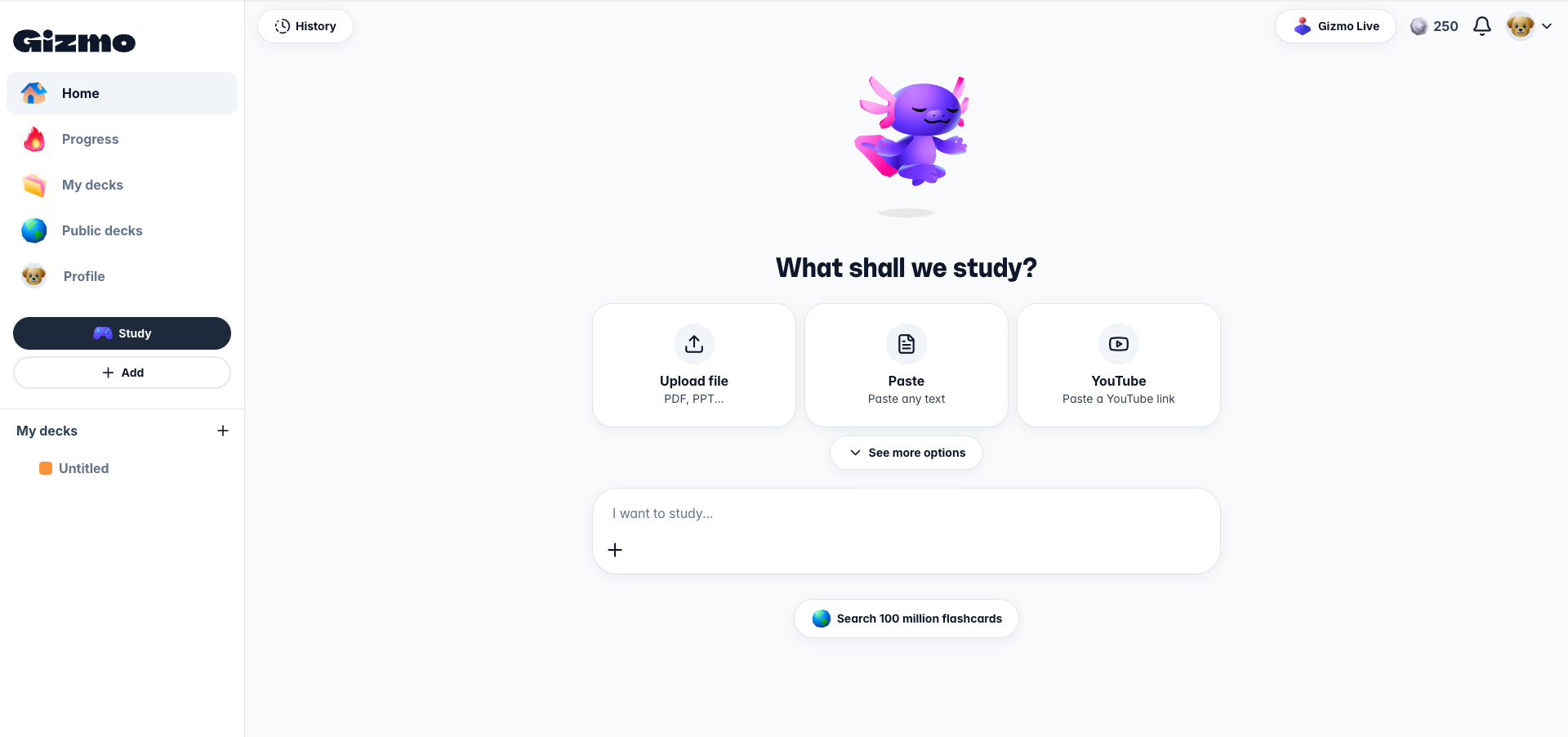
With over four million downloads, its community deck library is substantial. The trade-off is an aggressive monetization model — the free tier limits daily usage through a life system, and premium pricing runs steep at roughly three dollars per week on an annual plan. Some users report that AI-generated card quality can be inconsistent, particularly for specialized subjects.
4. Mochi Cards — Markdown and LaTeX for Power Users
Mochi Cards is built for learners who want complete control over their flashcard formatting. It supports full Markdown with headings, code blocks, and inline formatting, plus block and inline LaTeX for mathematical notation. Image support includes drag-and-drop embedding, built-in image occlusion, and an integrated image search.
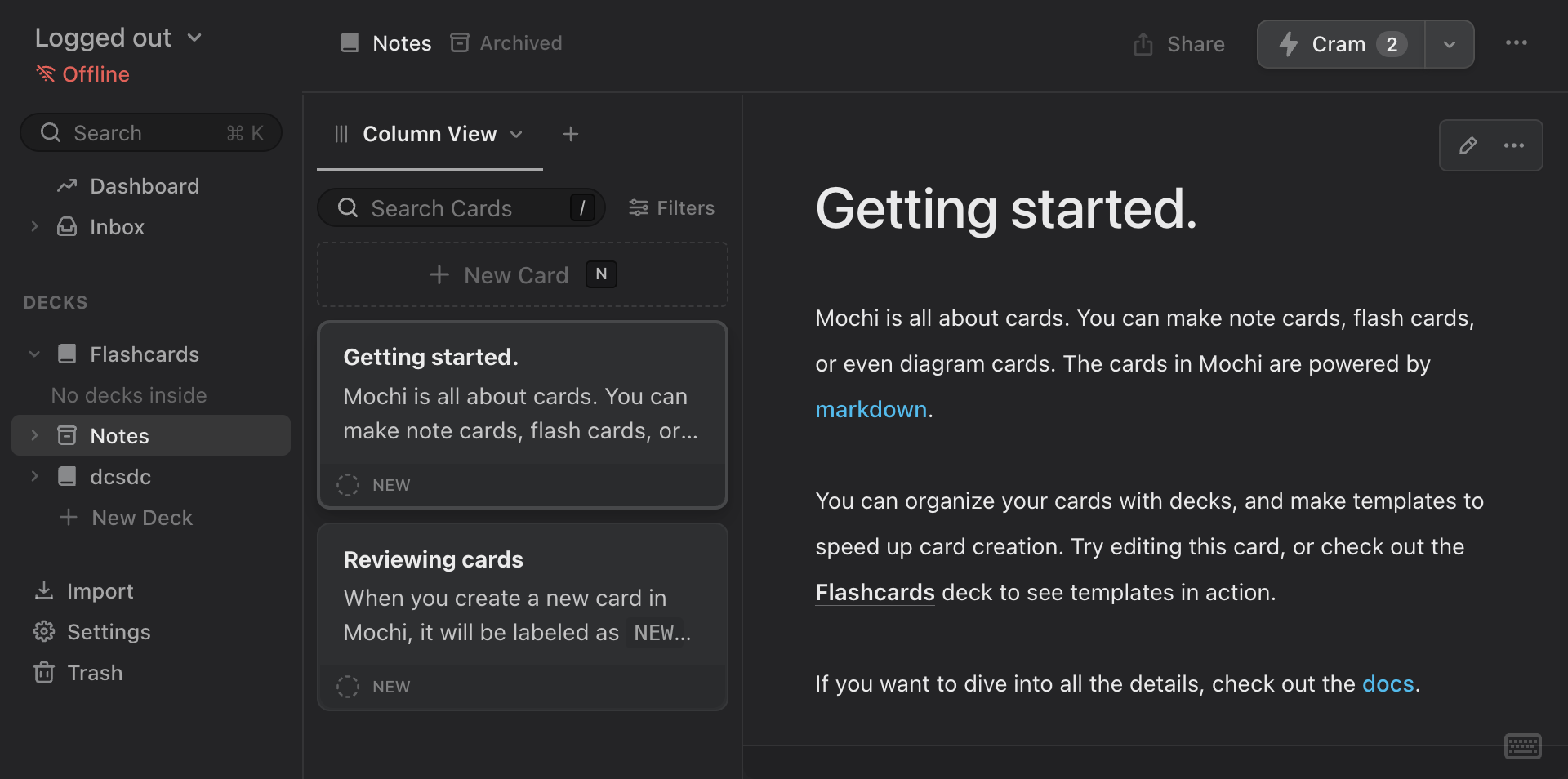
What makes Mochi unusual is its local-first architecture — no account is required, and everything works offline. The app recently added a beta FSRS algorithm, the same machine-learning scheduler used by Anki. Cards can be linked together in a Zettelkasten-style knowledge graph. The limitation is accessibility: Mochi's power comes with a learning curve, and the free plan lacks cross-device sync. It is maintained by a single developer, so feature development moves slower than VC-funded competitors.
5. Noji — Modern Design With Apple Pencil Support
Noji, formerly known as Anki Pro (with no affiliation to the open-source Anki project), offers a polished interface with SM-2 spaced repetition, image occlusion, and Apple Pencil handwriting support on iPad. The app includes a built-in image search for finding visuals, LaTeX rendering for equations, and customizable SRS presets optimized for different study scenarios like language learning or medical school.
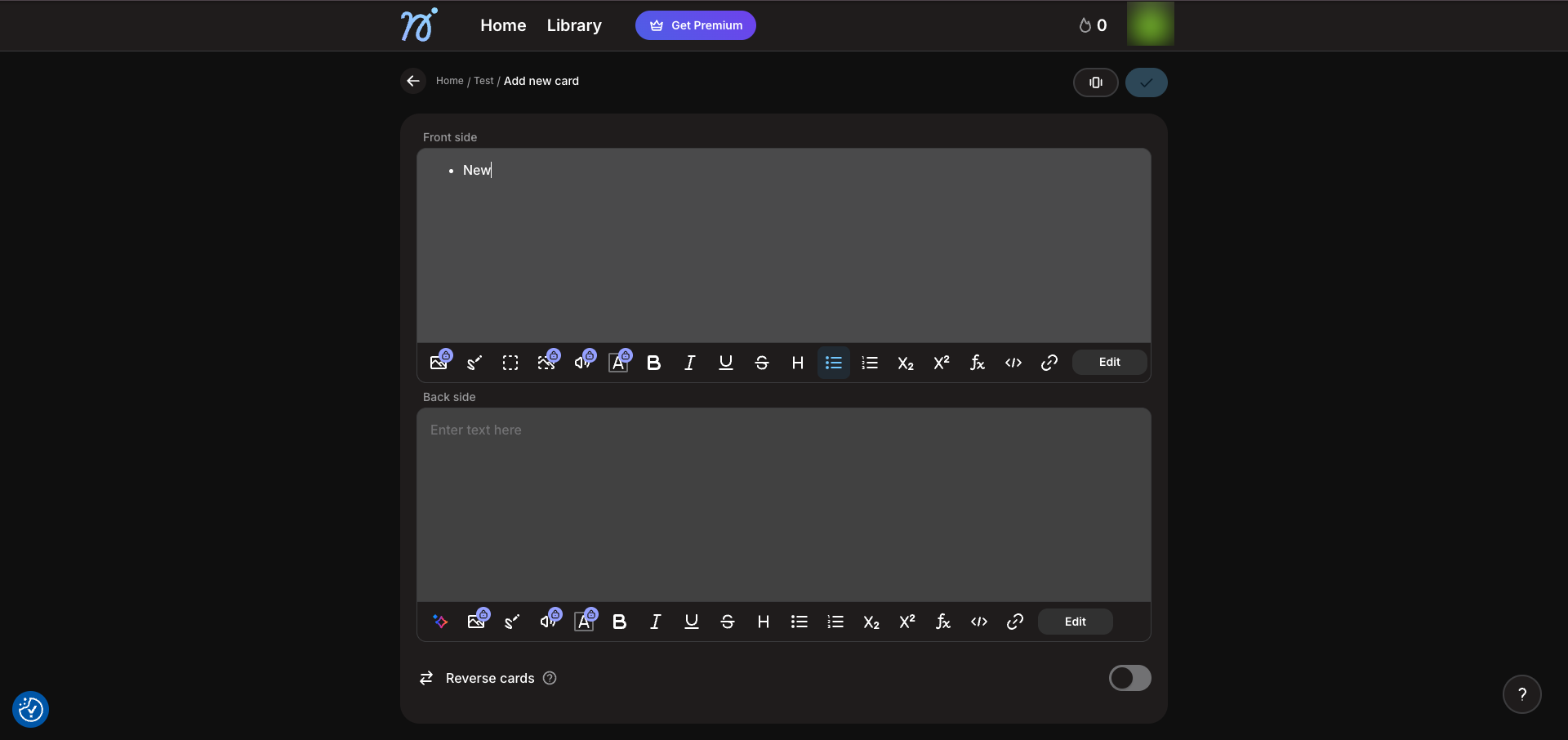
Its community library holds over 50,000 shared decks, and Anki deck import is supported. The main criticism is that image addition and rich editing require the premium subscription at roughly five dollars per month. Some users have also raised concerns about confusing subscription practices and the app's earlier misleading name.
6. Flashcard Max — Completely Free With Image Masking
Flashcard Max is the only app in this list that is entirely free — no ads, no subscription, no in-app purchases. It runs on iPhone and has a companion macOS desktop app. Users can add photos to cards, import lecture slides from PowerPoint and PDF files, and edit images directly with a masking tool that covers key parts of diagrams for self-testing.
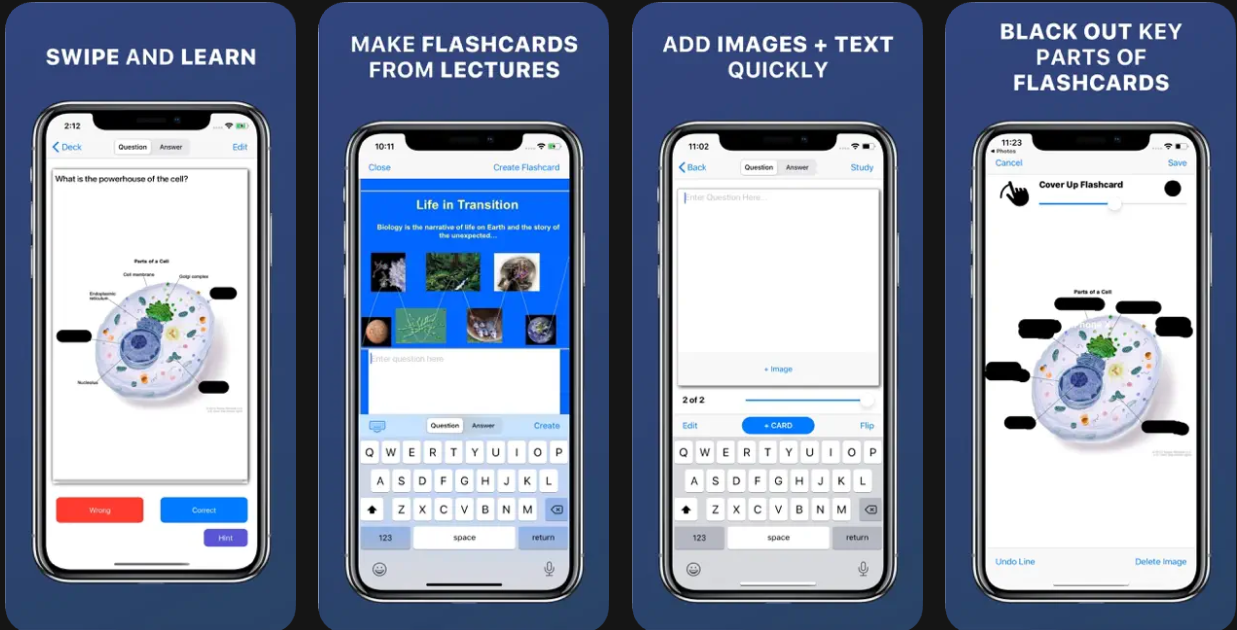
The app uses FSRS-5, one of the most advanced spaced repetition algorithms currently available, and also allows users to build their own custom review schedules. The trade-off for zero cost is limited reach: there is no Android app, no web version, no cloud sync, and no collaborative features. Text formatting is basic — bold is supported, but italics, LaTeX, and Markdown are not.
Download: iOS
7. Wooflash — Built on Neuroeducation Research
Wooflash is developed in partnership with Steve Masson, Director of the Neuroeducation Research Laboratory at the University of Québec in Montréal. Its adaptive algorithm is formally grounded in seven neuroeducation principles, and it offers over twenty interactive question types — far beyond standard flashcards.
These include label-on-image questions where students identify parts of a diagram, matching exercises, dictation, sorting, and script concordance tests. Media integration covers images, videos, hyperlinks, and audio. The app integrates with Microsoft Teams, Moodle, and Google Classroom, making it well-suited for institutional deployment. The downside is complexity — individual learners may find the interface overwhelming, and the Google Play rating sits at a modest 3.5 out of 5. AI-generated content quality is described as inconsistent.
8. Zorbi — Flashcards That Sync With Notion
Zorbi solves a specific problem: the gap between note-taking and flashcard creation. Its Notion integration lets users write flashcards inside Notion documents using a simple toggle format, and the cards auto-sync whenever notes change. A Chrome extension creates cards from any webpage with a keyboard shortcut, and the app supports images, GIFs, and audio on the free tier.
The paid Zorbi Pro plan adds image occlusion with color-grouped hidden sections, custom SRS profiles for exam preparation, and text-to-speech in over 24 languages.
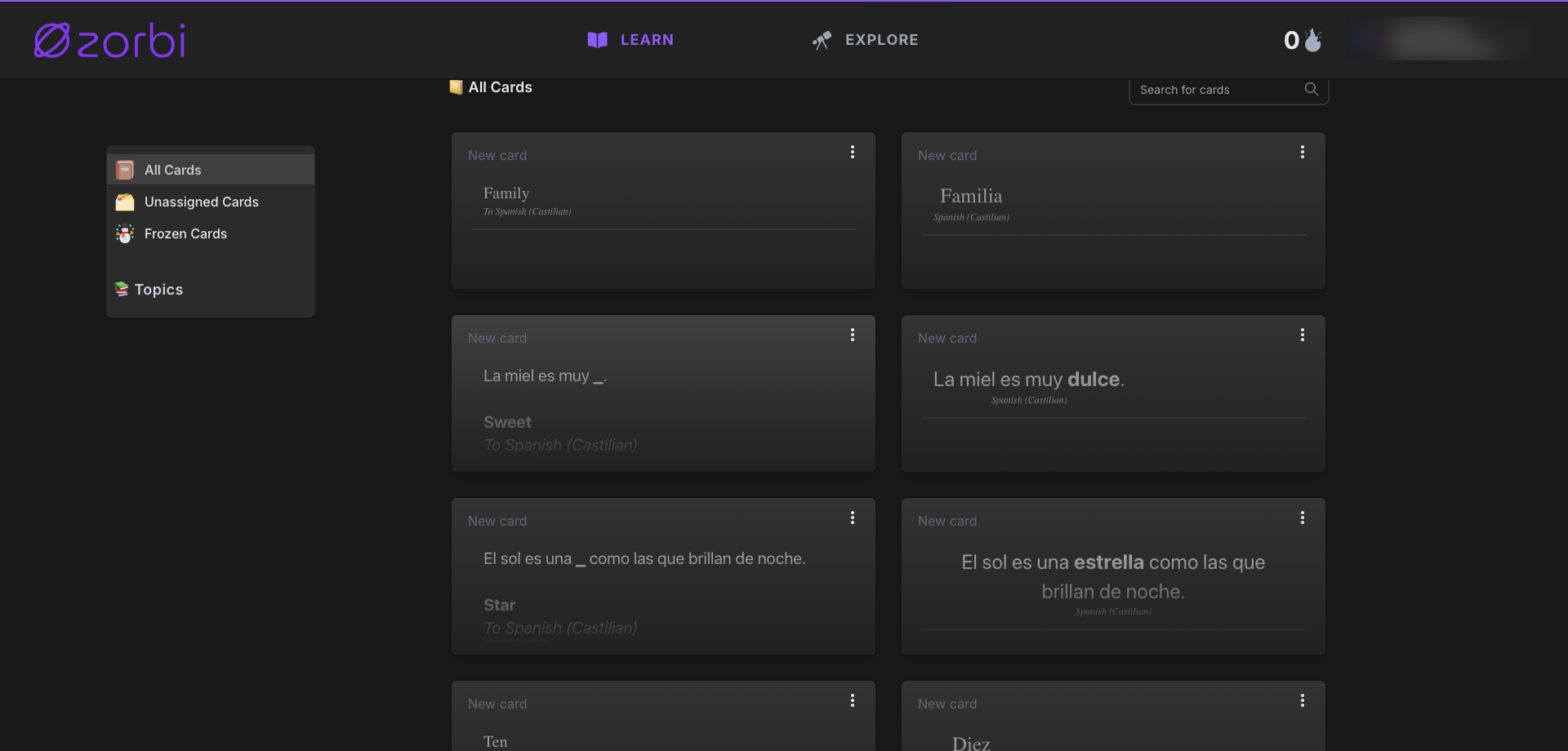
LaTeX is supported. The limitation is that the iOS app has not been updated as frequently as the web version — the latest iOS release dates to late 2023 — and the user base is smaller than most alternatives on this list.
9. Flashka — AI-First With Diagram Generation
Flashka is one of the newest entries in the flashcard space, built around AI from the ground up. Its standout feature is image occlusion designed specifically for medical and science students — hide labels on anatomical diagrams, chemical structures, or engineering schematics and test recall visually. The app includes an AI tutor called Professor Ka that generates memorization tips and even creates diagrams through a Visualize option. Cards can be generated from PDFs, photos, and highlighted text. Flashka reached the top free app ranking in Italy and Spain shortly after launch. The trade-offs of being new are real: users report bugs with image display, editing challenges, occasional wrong-language AI output, and no Android app yet. A credit system governs AI usage, which some find confusing.
10. Retain — Smooth Migration Path From Anki Decks
Retain targets students who want a modern interface without losing their existing study material. It imports Anki decks seamlessly — including popular medical collections — and rebuilds them in a clean, Notion-inspired layout. A Co-Pilot AI mode generates flashcards from PDFs with source references, and image occlusion lets users mask parts of diagrams for self-testing. One unusual feature is a predicted exam-day knowledge score based on study progress and the forgetting curve.
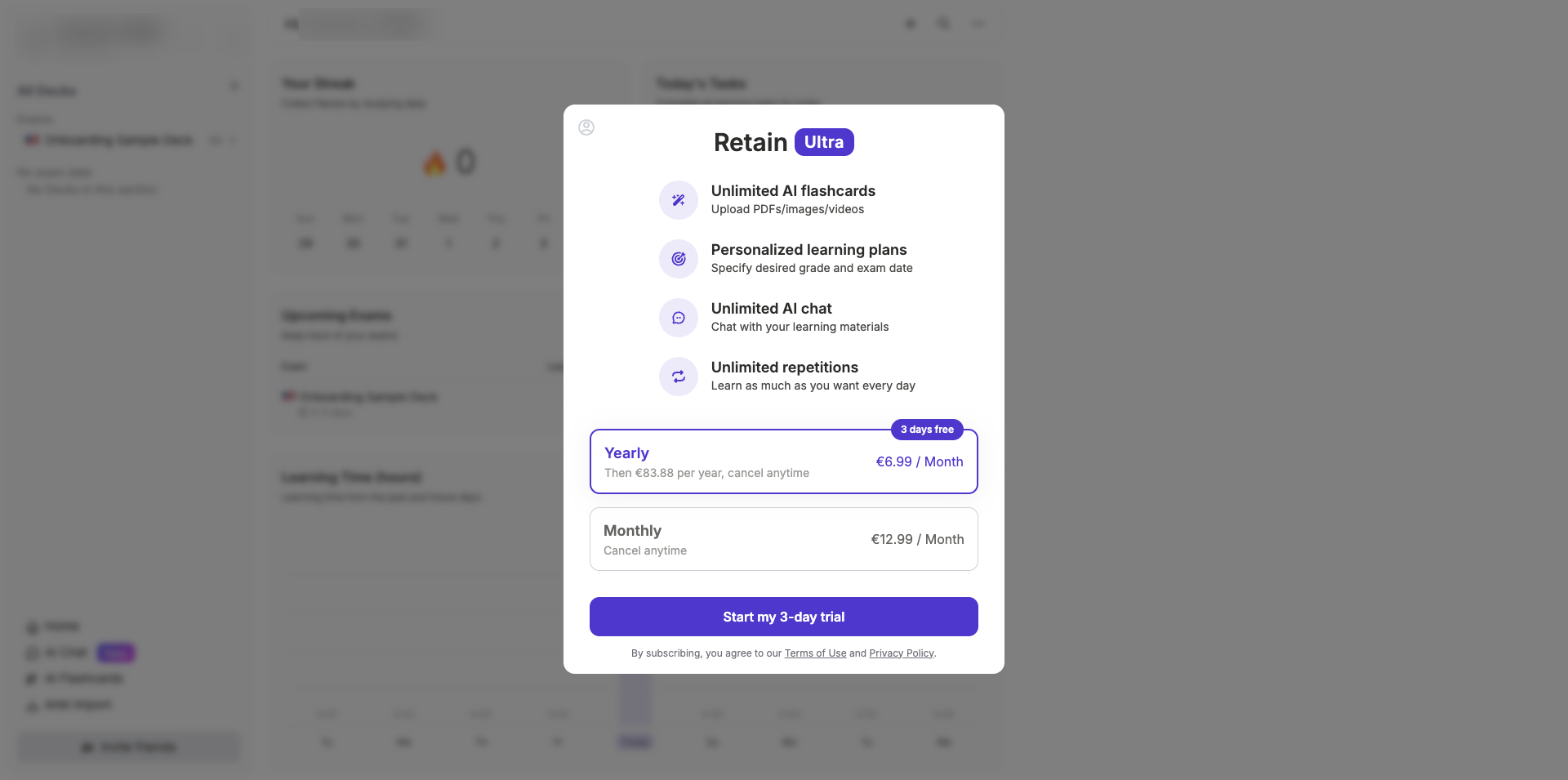
Voice study mode enables hands-free review. The concern with Retain is its paywall — subscription prompts appear frequently, and features that were previously free have reportedly moved behind premium tiers over time. The developer's efficiency claims versus other platforms come from their own blog rather than independent testing.

Why Images on Flashcards Work Better Than Text Alone
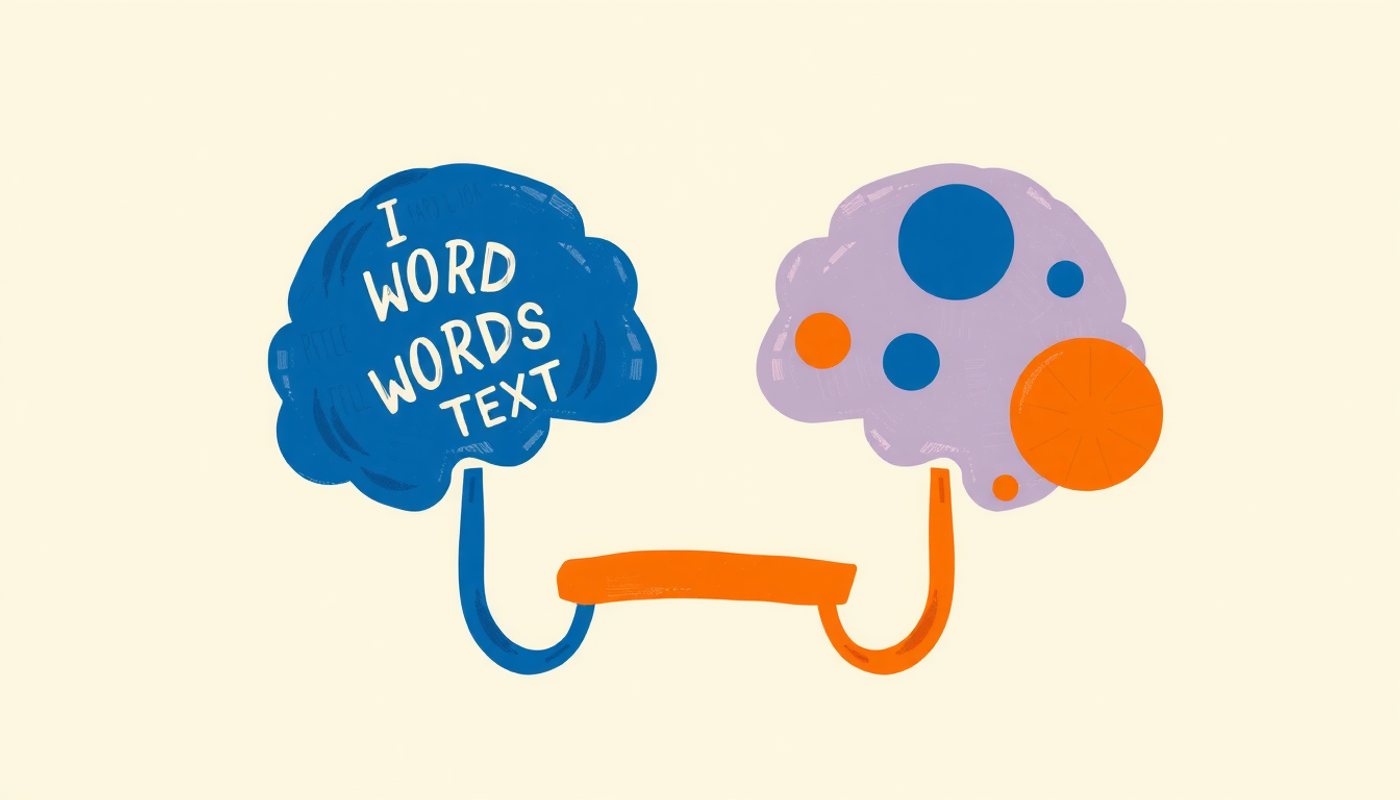
The theoretical foundation for combining images and text in flashcards goes back to 1971. Allan Paivio proposed what he called Dual Coding Theory — the idea that the human mind operates with two functionally independent but interacting systems. One processes verbal information. The other processes mental images. When a concept activates both systems simultaneously, two separate memory traces are created, which doubles the number of retrieval pathways available during recall. Clark and Paivio applied this framework directly to educational contexts in 1991, confirming that concreteness and imagery play major roles in learning across subjects.
Richard Mayer extended this into practical design principles through his Cognitive Theory of Multimedia Learning. His central finding — that people learn more deeply from words and pictures together than from words alone — has been validated across decades of research. A 2023 update published in Educational Psychology Review expanded the framework to include social and affective processing dimensions, reinforcing its relevance to app-based learning. The implication for flashcard design is direct: a card with a labeled diagram of the heart activates both the verbal system (the label names) and the imagistic system (the visual layout), creating a richer and more durable memory than either element alone.
The quantitative evidence is striking. In a landmark recognition study, Shepard (1967) demonstrated 98% accuracy for picture recognition versus 88% for words. And Carney and Levin (2002) confirmed in a thorough review that adding relevant pictorial illustrations to text consistently improves students' learning outcomes. The key word is relevant — random decorative images do not help. The pictures need to connect meaningfully to the content being studied. This is why the best flashcard apps with image and text support allow users to add their own photos, diagrams, and screenshots rather than relying on generic clip art.
Spaced Repetition Turns Short Sessions Into Long-Term Memory
Flashcard apps that schedule reviews at increasing intervals are using a method called spaced repetition. The concept traces back to Hermann Ebbinghaus and his work on the forgetting curve in 1885 — the observation that memory decays predictably over time unless reinforced at the right moments. Modern algorithms try to identify exactly when a learner is about to forget a card and present it just before that threshold.
Recent evidence has strengthened the case considerably. A 2025 meta-analysis by Mawson and Kang, analyzing 22 classroom studies with over 3,000 participants, found a moderate effect favoring distributed over massed practice with an effect size of d = 0.54. The benefits were larger with longer retention intervals and higher education levels. In medical education specifically, a 2024 systematic review published in the Journal of Medical Internet Research analyzed 23 studies and found spaced digital education superior for both knowledge retention and clinical behavior change — directly validating the app-based approach.
What does this mean for someone choosing a flashcard app? It means the scheduling algorithm matters as much as the card content. Apps like Flashcard Max and Mochi Cards now use FSRS, a machine-learning algorithm that adapts to individual forgetting patterns. Others like Wooflash build their scheduling around formal neuroeducation principles. The practical takeaway is simple: studying the same material in short sessions spread across several days produces far stronger retention than cramming the same total time into one sitting. And when those sessions use flashcards that combine meaningful images with clear text, the effect compounds.

Active Recall Is the Missing Piece
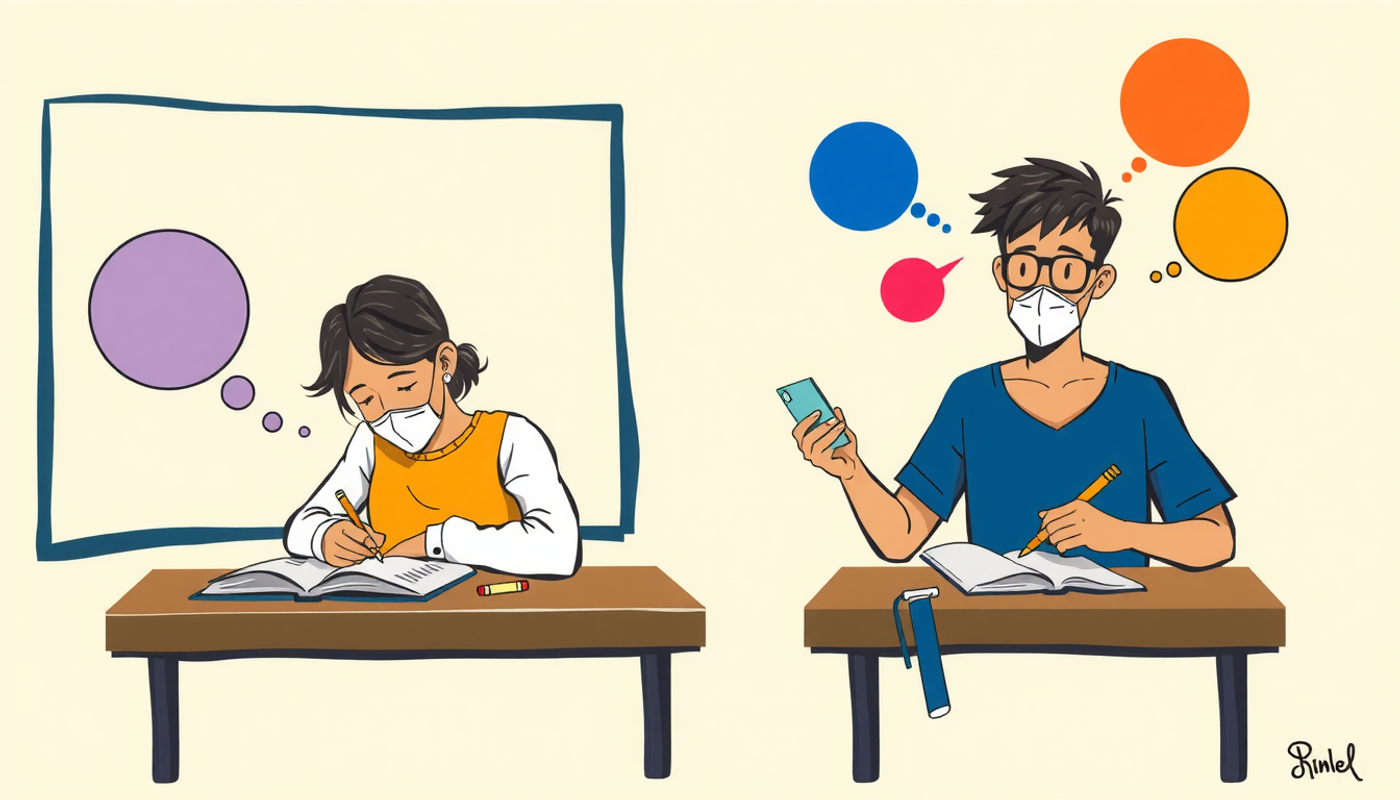
Spaced repetition schedules when to study. Active recall determines how. Instead of rereading notes or highlighting passages — strategies that feel productive but produce weak memory traces — active recall forces the brain to retrieve information from memory before seeing the answer. This retrieval effort is what strengthens the neural pathway.
The evidence behind this is substantial. Adesope, Trevisan, and Sundararajan (2017) conducted a meta-analysis of 272 independent effects from 188 experiments and found that practice testing produced an effect size of g = 0.51 compared to restudying, and g = 0.93 compared to doing nothing. Dunlosky and colleagues rated retrieval practice as one of the two most effective learning strategies out of ten commonly used techniques in their widely cited review published in Psychological Science in the Public Interest.
This is exactly what happens every time someone flips a flashcard. The question appears. The brain works to produce an answer. Then the answer is revealed for comparison. That moment of effort — even when the answer is wrong — creates a stronger memory trace than passively reading the same information ten times. When the flashcard also includes an image, the retrieval process engages both visual and verbal memory systems simultaneously, which is why image-rich flashcards consistently outperform text-only ones in controlled studies. Every app on this list supports this fundamental mechanism. The differences lie in how well each one schedules the timing, presents the content, and reduces the friction of card creation.
CONCLUSION
The search for the best iOS flashcard apps with image and text support comes down to matching the right tool to the right learning style. For students who want maximum free features, Knowt and Flashcard Max deliver without a subscription. For those who need advanced formatting, Mochi Cards and Zorbi offer Markdown and LaTeX. For learners who want AI to handle the card creation process, Gizmo, Mindomax, Flashka, and Retain each bring different strengths. And for institutional settings, Wooflash provides the deepest integration with learning management systems. The science behind these tools — dual coding, spaced repetition, active recall — is not new. But the apps that combine all three principles with genuine image and text support are making evidence-based studying more accessible than it has ever been.
Frequently Asked Questions
Do flashcards with images actually improve memory compared to text-only cards?
Yes. Research on dual coding theory shows that combining images with text creates two independent memory traces in the brain, which significantly increases the chance of successful recall. Studies have found roughly 65% retention for image-paired information after three days versus about 10% for text alone.
What should students look for in an iOS flashcard app that supports images?
The key features to check are whether the app allows adding custom photos and screenshots to cards, whether it supports image occlusion for diagram-based studying, and whether imported PDFs retain their embedded images. Some apps also offer AI image generation or built-in image search.
Is spaced repetition more effective than traditional studying?
Multiple meta-analyses confirm that spacing study sessions over time produces significantly stronger long-term retention than cramming the same total hours into one session. A 2025 meta-analysis of classroom studies found a moderate positive effect size of d = 0.54 favoring distributed practice.
Can AI-generated flashcards replace manually created ones?
AI-generated flashcards save considerable time and work well for initial card creation from lectures, PDFs, or notes. However, most experts recommend reviewing and editing AI-generated cards before studying, since no AI produces perfectly accurate or well-structured cards every time.
Are free flashcard apps good enough for serious studying?
Several free options in this category are genuinely strong. Knowt offers spaced repetition and AI card generation for free, and Flashcard Max provides FSRS-5 scheduling and image masking at zero cost. The premium tiers on other apps typically add AI features, advanced formatting, or cloud sync rather than core study functionality.


