

INTRODUCTION
Finding the best flashcard app with AI can feel overwhelming. Dozens of options promise to make studying faster. But which ones deliver? A 2026 meta-analysis published in The Clinical Teacher analyzed over 21,000 learners and found that spaced repetition — the method most flashcard apps are built on — produced a large effect size of d = 0.78 for long-term retention. When AI handles card creation, students save hours every week. The global AI in education market reached $8.3 billion in 2025 and is growing at over 30% per year. This guide compares ten of the top AI-powered flashcard tools available right now.

What Makes a Good AI Flashcard App?
The most important feature is spaced repetition. A landmark review by Dunlosky and colleagues published in Psychological Science in the Public Interest ranked retrieval practice and distributed study among the most effective learning strategies. Beyond the algorithm, AI quality matters. Good AI generates questions that test real understanding. Bad AI pulls random sentences from notes. A strong AI flashcard tool should also work across phone, tablet, and computer.
10 Best Flashcard Apps With AI
1. Anki — Best for Power Users Who Want Full Control
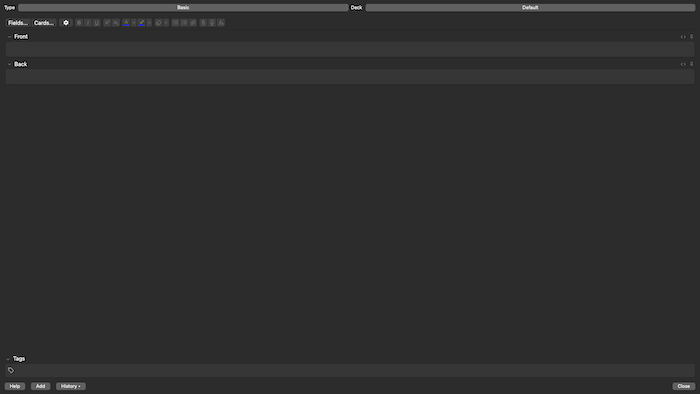
Anki has been the gold standard for spaced repetition since 2006. Roughly 70% of first-year medical students use it, according to a 2022 study at UCF College of Medicine. The FSRS 6 algorithm uses machine learning to model individual forgetting curves, cutting daily reviews by 20-30%. Anki lacks built-in AI, but add-ons like AnkiBrain bring ChatGPT integration into the app.
Pros:
- Completely free on desktop, Android, and web
- Most powerful spaced repetition algorithm available (FSRS 6)
- Huge shared deck library and thousands of community add-ons
Cons:
- Steep learning curve with a dated interface
- iOS app costs $24.99 one-time
- No built-in AI card generation
Download: iOS (AnkiMobile) · Android (AnkiDroid — Free) · Web App
Pricing: Free (desktop, Android, web), $24.99 one-time (iOS)
2. Quizlet — Best for Huge Content Libraries and Group Study
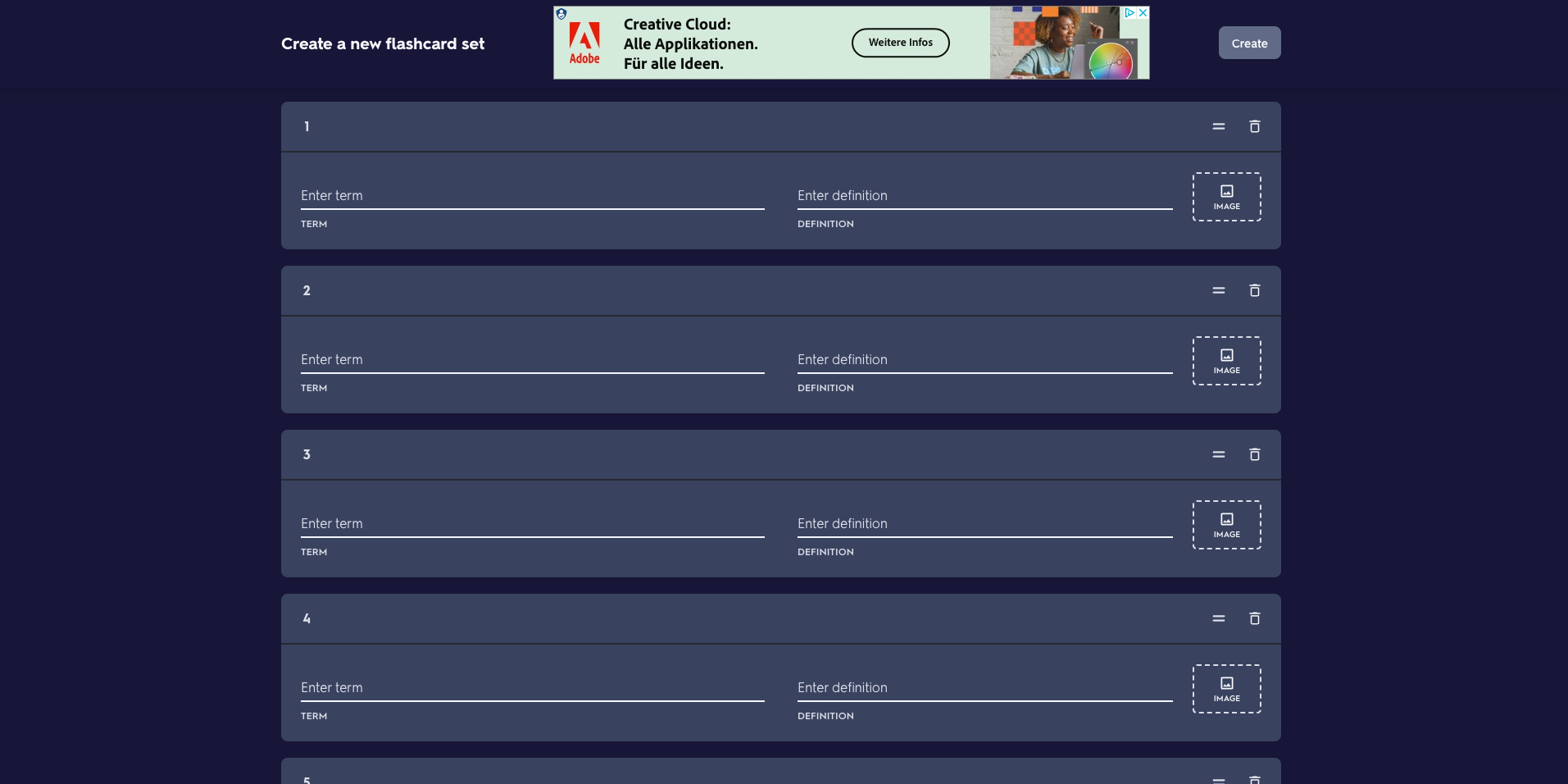
Quizlet is the world's most popular flashcard platform with over 60 million monthly users and 700 million study sets. Magic Notes AI converts uploaded text and PDFs into flashcards and practice tests. The Learn Mode adapts difficulty based on performance. But the free plan has become very limited, and Quizlet holds a 1.4 out of 5 on Trustpilot — mostly due to paywall frustrations.
Pros:
- Massive content library with 700+ million study sets
- Magic Notes AI generates flashcards, summaries, and practice tests
- Polished interface with Quizlet Live for group sessions
Cons:
- Free plan heavily restricted with constant upgrade prompts
- Weaker spaced repetition than Anki
- AI accuracy issues — roughly 13% of responses are unreliable
Download: iOS · Android · Web App
Pricing: Free (limited), Plus $35.99/year, Plus Unlimited $44.99/year
3. RemNote — Best for Combining Notes and Flashcards
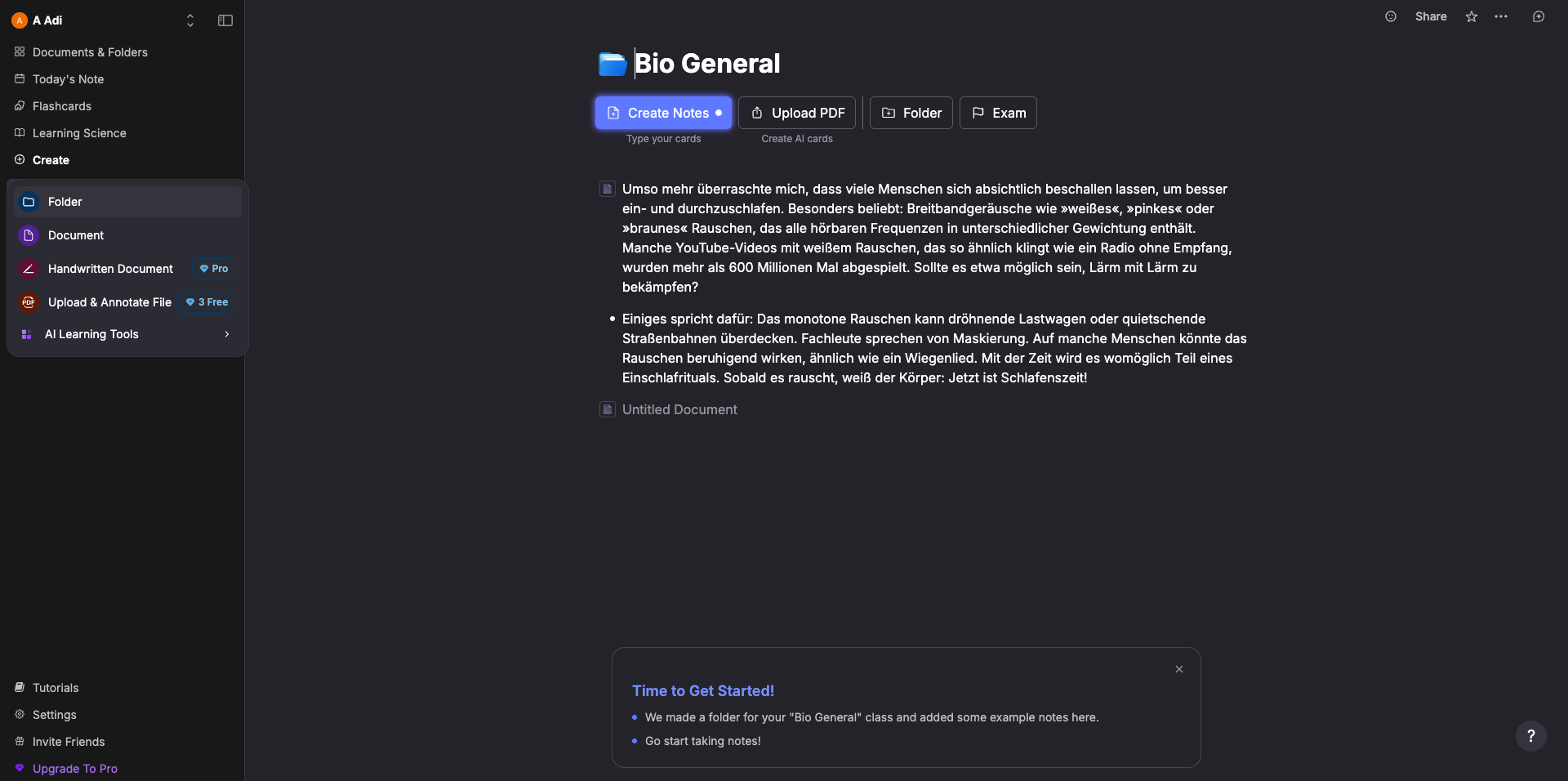
RemNote lets students keep notes and flashcards in the same tool. Type "::" in any note and it becomes a flashcard instantly. AI features include card generation from PDFs, an AI tutor chat, and automatic summarization. It also supports image occlusion for anatomy and diagrams. Over one million students use the platform.
Pros:
- Seamless note-to-flashcard creation with "::" syntax
- Built-in spaced repetition with AI scheduling
- PDF annotation linked directly to flashcard creation
Cons:
- Interface can feel overwhelming for new users
- Free plan limits PDF annotations to 3 and image occlusion to 5
- Mobile app less feature-rich than desktop
Download: iOS and Android · Web App
Pricing: Free (unlimited notes and flashcards), Pro $8/month ($96/year), Pro with AI $18/month
4. Brainscape — Best for Confidence-Based Repetition
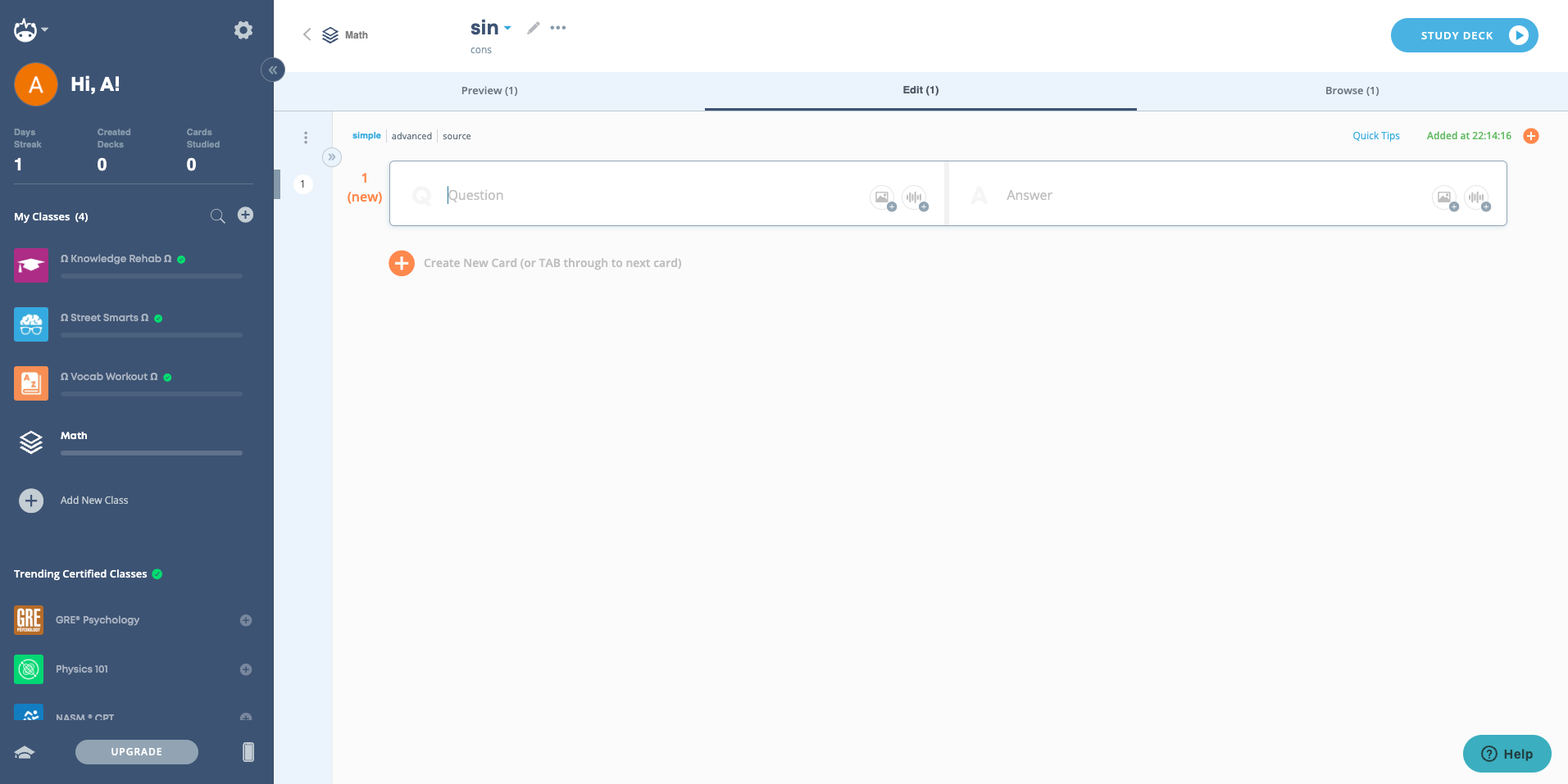
Brainscape takes a different approach. Students rate confidence on each card from 1 to 5, and the app adjusts review frequency accordingly. The AI Flashcard Copilot generates cards from uploaded PDFs and PowerPoints. A large certified flashcard library covers medical school, language learning, and professional certifications — all reviewed by subject experts.
Pros:
- Intuitive confidence-based repetition system
- Expert-verified certified flashcard collections
- AI generates flashcards from documents and topic descriptions
Cons:
- Premium content locked behind a paywall
- AI only generates Q&A format — no cloze deletion
- $19.99/month without annual commitment feels steep
Download: iOS · Android · Web App
Pricing: Free (limited), Pro $20/month, Lifetime $199.99
5. Knowt — Best Free AI Flashcard Option
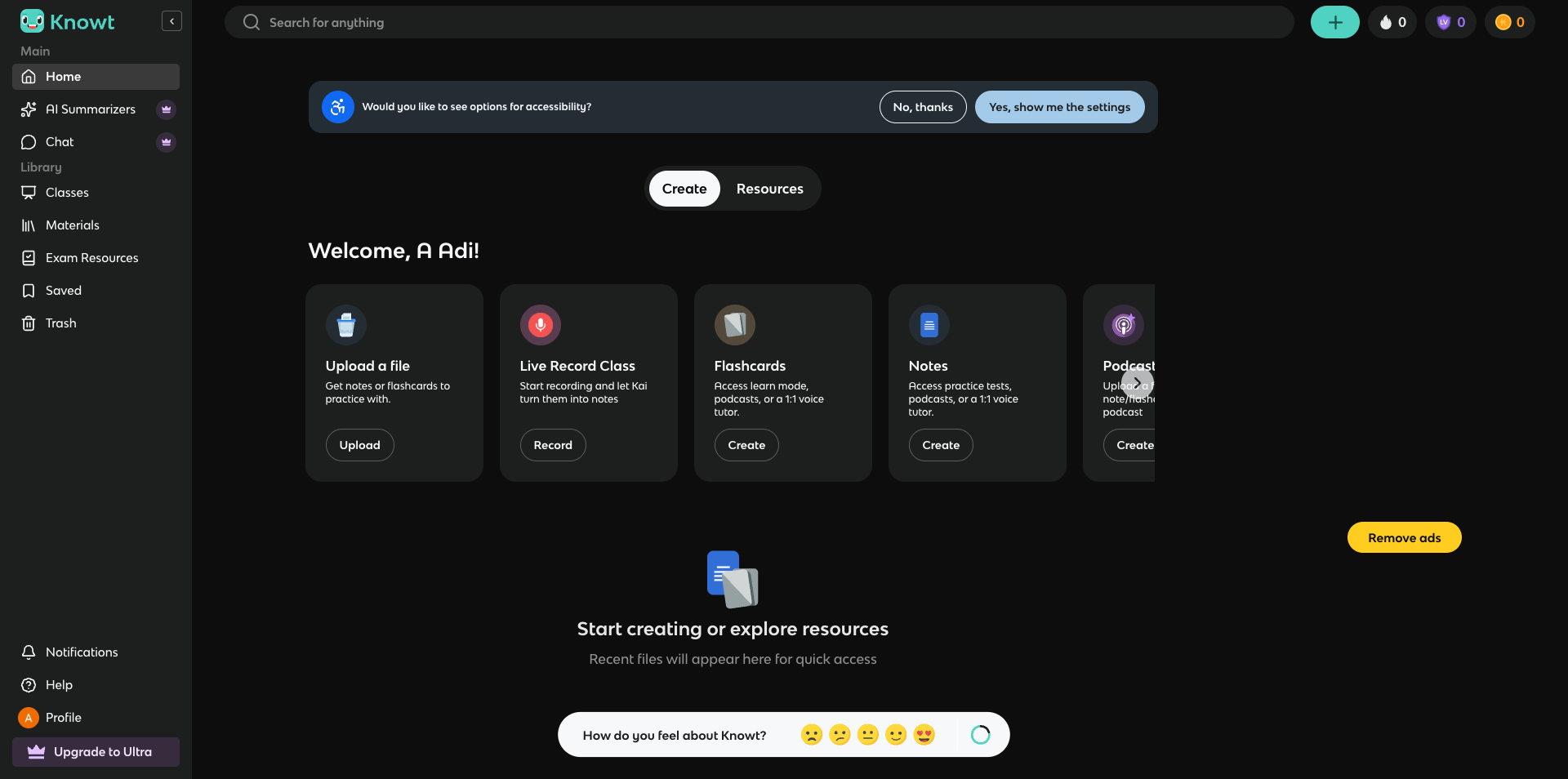
Knowt is the strongest free alternative to Quizlet. All core study modes — learn, practice test, match, and spaced repetition — work without caps. AI generates flashcards from notes, PDFs, and lecture videos. A one-click Quizlet import pulls existing sets through a Chrome extension. Over 5 million users have joined, and a built-in AI tutor called Kai answers questions about study material.
Pros:
- All study modes available free with no usage caps
- AI generates flashcards from PDFs, notes, and video lectures
- One-click Quizlet import via Chrome extension
Cons:
- Ads on the free plan distract during study sessions
- AI-generated questions sometimes lack depth
- Pricing structure changes frequently and the app is so buggy!
Download: iOS · Android and Web App (via knowt.com)
Pricing: Free (all study modes), Ultra ~$24.99/month
6. Mindomax — Best for Multi-Format AI Card Generation
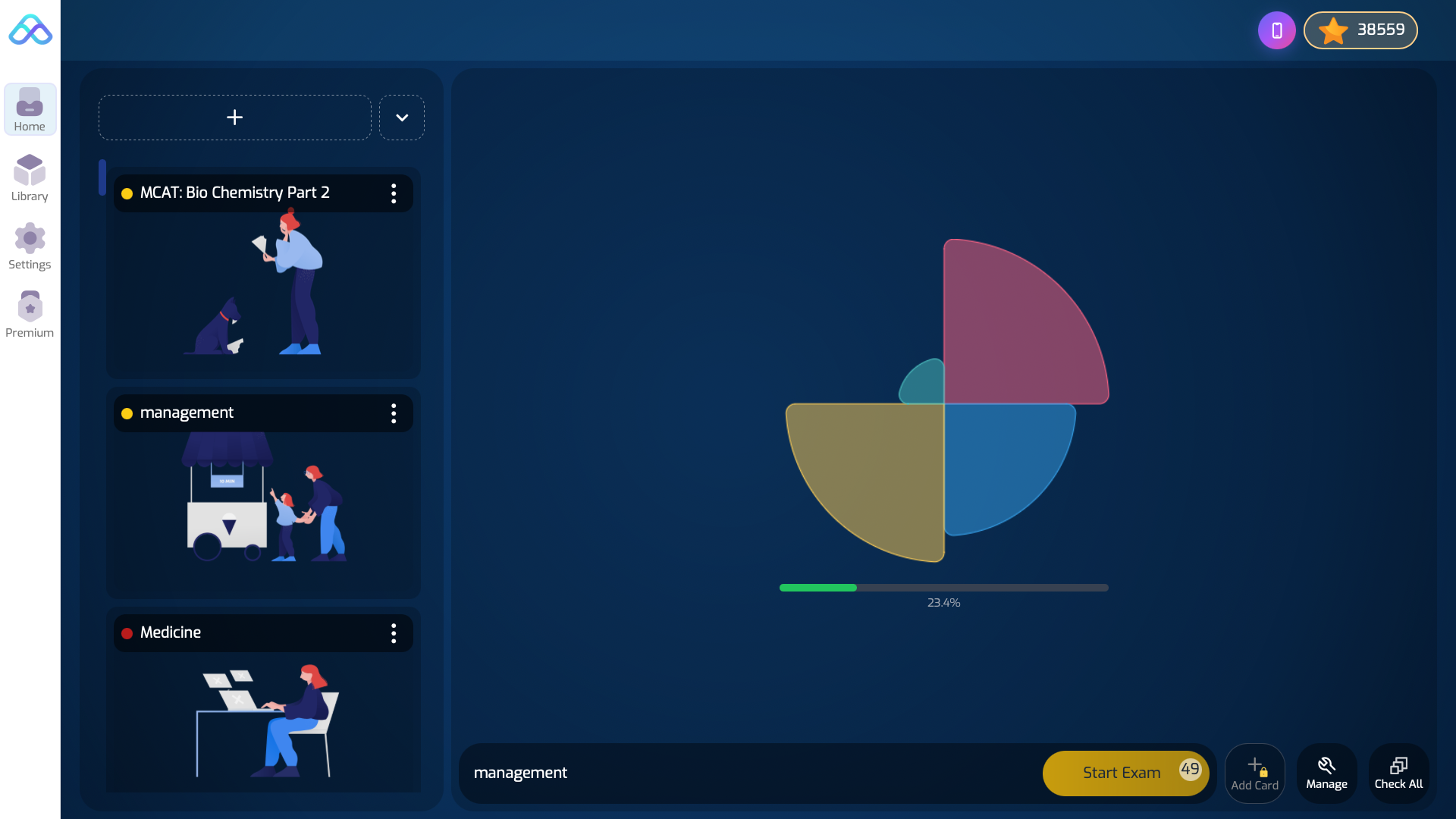
Mindomax is a newer platform by Lumixis that focuses on automatic card creation from multiple input types — PDFs, audio files, images, and text. A LaTeX formula editor with AI assistance targets STEM students working with equations. Pronunciation support in 14 languages serves language learners. Over 150,000 ready-made flashcards cover MCAT, USMLE, GMAT, GRE, and PMP subjects.
Pros:
- Single-card AI assist that generates custom images and text content
- generates flashcards from PDFs, audio, images, and text
- AI tutor that provides on-demand explanations for each individual flashcard
Cons:
- Smaller community compared to Anki or Quizlet
- Newer platform with limited independent reviews
- Full AI requires Premium — free plan allows 3 requests/day
Download: iOS · Android · Web App
Pricing: Free (one box, unlimited cards, 3 AI requests/day), Premium $5/month
7. Gizmo — Best for Gamified AI Learning
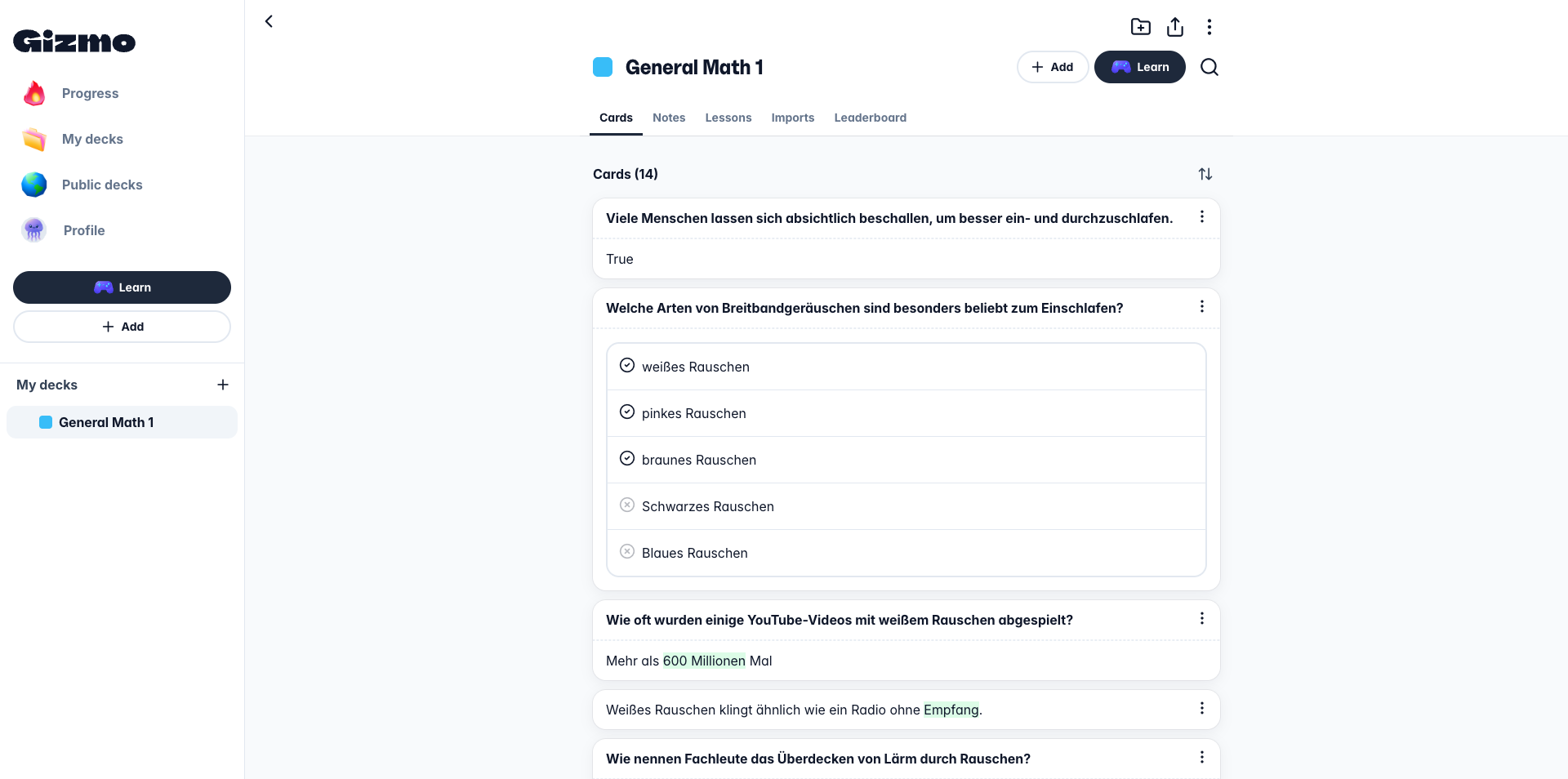
Gizmo turns studying into a game. Founded by Cambridge alumni, it uses streaks, leaderboards, and a hearts system for motivation. AI imports material from PDFs, YouTube, slides, handwritten notes, and other platforms like Quizlet and Anki. A built-in tutor explains tough concepts with a popular "Explain like I'm 5" mode. Over 3.7 million downloads, with strong adoption among UK students.
Pros:
- AI generates cards from nearly any format including handwritten notes
- Gamification with streaks, hearts, and leaderboards
- AI tutor with "Explain like I'm 5" mode
Cons:
- Free plan is restrictive — 15 "lives" per day
- Weekly pricing adds up fast
- Users report crashes on both iOS and Android
Download: iOS · Android · Web App
Pricing: Unlimited ~$24.99/month
8. StudyFetch — Best All-in-One AI Study Platform
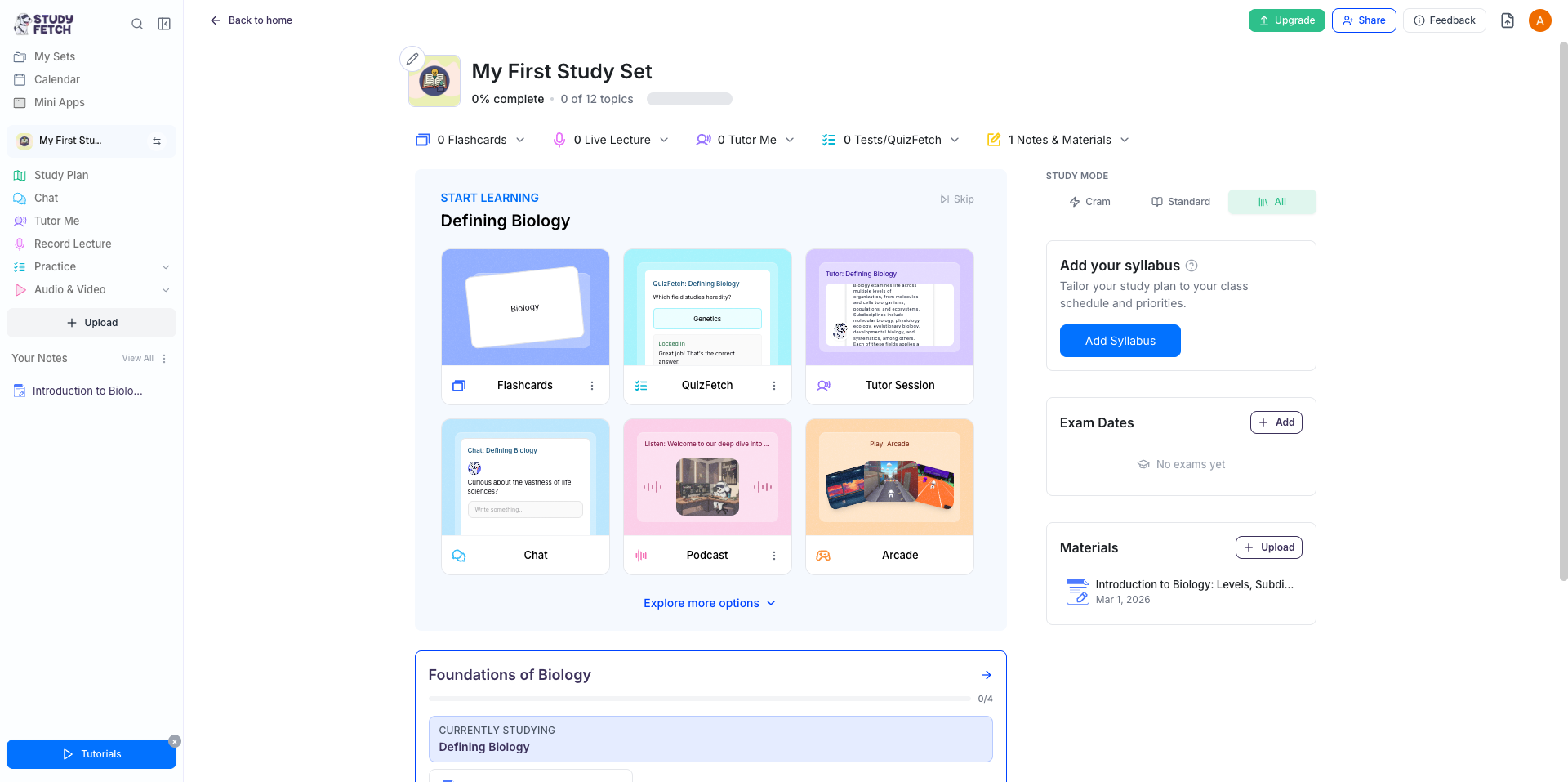
StudyFetch goes beyond flashcards. Upload PDFs, slides, recordings, or YouTube videos — the AI tutor Spark.E creates flashcards, quizzes, practice tests, and audio recaps. The key difference? Spark.E is trained on uploaded materials, so answers stay grounded in course content. A 2025 Harvard study found that students using personalized AI tutors learned more in less time — StudyFetch follows that same approach.
Pros:
- All-in-one: flashcards, quizzes, essay grading, audio recaps, study calendar
- AI tutor trained on the student's own uploaded materials
- Integrates with Canvas and Blackboard
Cons:
- Very limited free plan — 10 conversations, 1 study set, 2 uploads
- AI accuracy varies across subjects
- Users report unexpected charges and refund difficulties
Download: iOS · Android · Web App
Pricing: Free (limited), Premium $17.99/month
9. Revisely — Best for Exam-Focused Card Generation
Revisely is built around exam preparation. The AI accepts PDFs, PowerPoints, Word documents, images, and handwritten notes, then produces study-ready cards. Exam Mode tests students and gives personalized AI feedback. Particularly popular with UK GCSE and A-Level students. Web-only platform with no native mobile app, but works well in mobile browsers and exports directly to Anki.
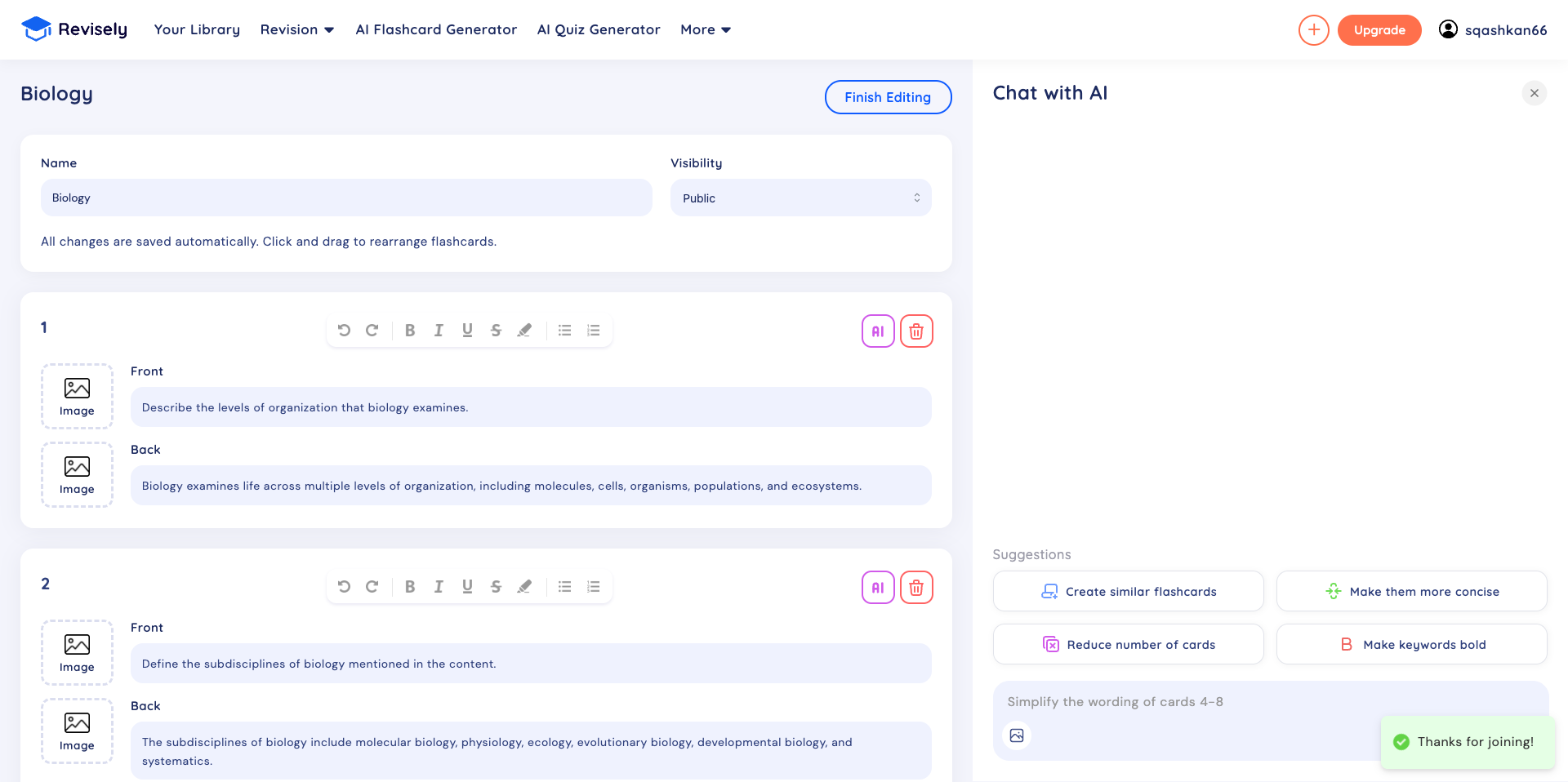
Pros:
- Strong handwritten note recognition
- Exam Mode with personalized AI feedback
- Very affordable at $2.99/month on annual plan
Cons:
- No native iOS or Android app — web only
- Limited free plan with only 3-5 AI generations
- Mixed reviews regarding cancellation and refund policies
Download: Web App only (no native mobile apps)
Pricing: Free (limited), Flashcards Plus $5.99 to $11/month depends on Features
10. Jungle AI — Best for Case-Based Scenario Questions
Jungle AI, formerly Wisdolia, generates case-based and scenario questions — not just standard flashcards. This makes it valuable for medical, nursing, and law students who need applied reasoning practice. The AI accepts slides, PDFs, webpages, YouTube videos, and handwritten materials. After answering, personalized feedback identifies specific knowledge gaps. Over one million students at universities including Harvard and Stanford use it.
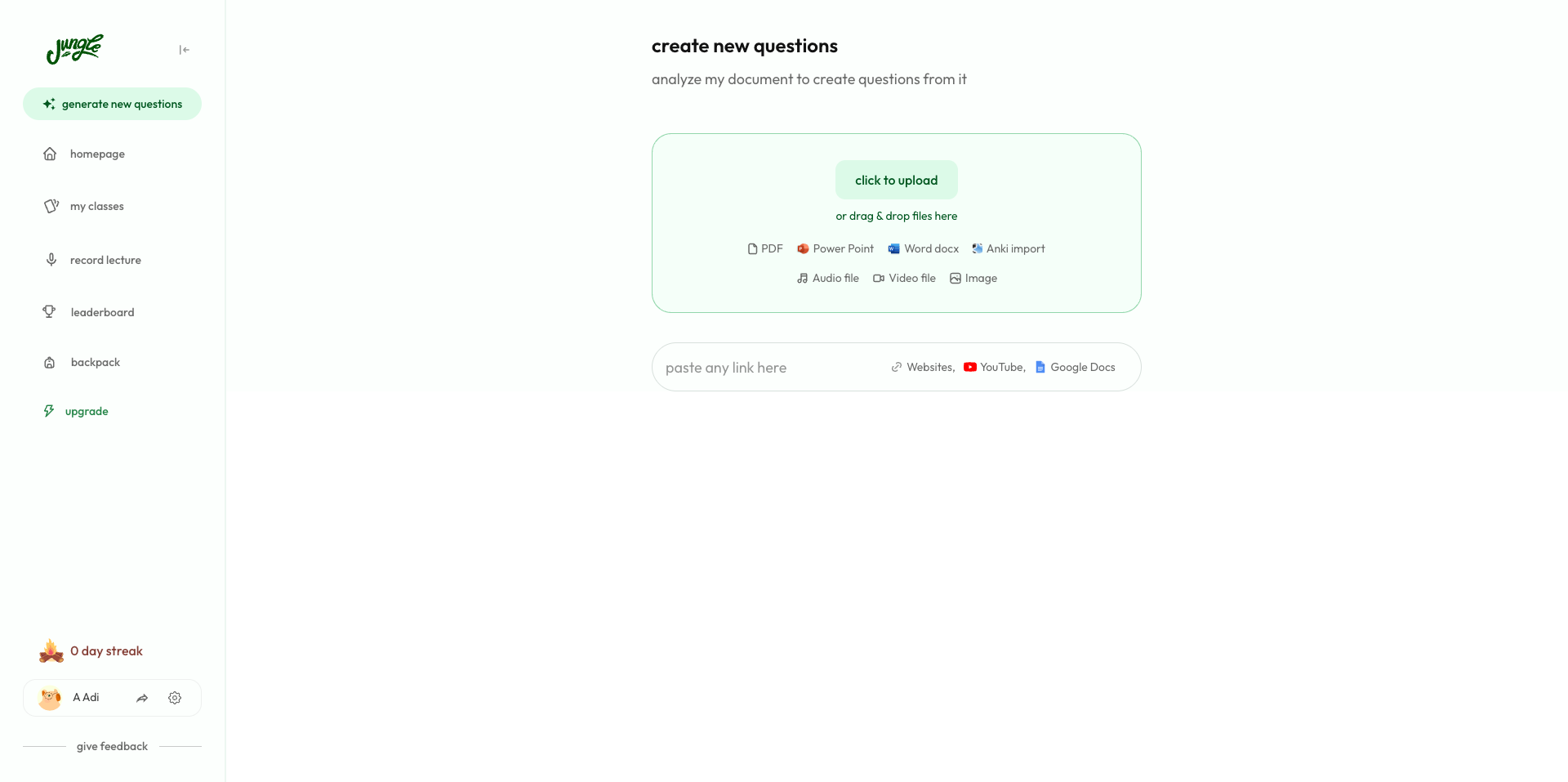
Pros:
- Generates case-based scenario questions — rare among flashcard apps
- AI identifies specific knowledge gaps with personalized feedback
- Chrome extension for flashcard creation from any webpage
Cons:
- Free plan caps AI explanations at 8 per hour
- No pre-made content library
Download: iOS · Android · Web App
Pricing: Free (10 generations/month), Super Learner ~$11/month (annual, ~$72/year)
How to Pick the Right One
The best flashcard app with AI depends on how someone studies. Students who want maximum control should learn Anki — the time investment pays off. Those who want AI that works out of the box will find Mindomax, Knowt, or StudyFetch easier. Medical students should look at image occlusion and case-based tools. Language learners need pronunciation support. And anyone on a budget should know that Knowt and Anki offer the most value for free.
CONCLUSION
The best flashcard app with AI in 2026 is the one that fits a student's real habits. The science is strong — meta-analyses show that spaced repetition and active recall produce large, reliable learning gains. AI makes these techniques more accessible by removing the biggest barrier: the time it takes to create materials. Whether someone picks Anki, Quizlet, or a newer option, the key is using it consistently. The tools are better than ever. The rest is up to the student.
Frequently Asked Questions
Are AI-generated flashcards as effective as manually created ones?
Research suggests the retrieval practice during review matters more than the creation process itself. A Harvard study found students using AI tutors learned more than twice as much in less time. The best approach is using AI to generate cards quickly and then reviewing each one for accuracy before studying.
Do AI flashcard apps actually help with long-term memory?
Yes. The effectiveness comes primarily from spaced repetition algorithms these apps use. A 2025 meta-analysis found spaced practice produces a moderate effect size of d = 0.54 over massed study. A randomized trial of over 26,000 physicians showed spaced repetition groups retained significantly more knowledge at six months.
Is there a completely free AI flashcard app that actually works?
Anki remains fully free on desktop and Android with the most powerful spaced repetition algorithm available. Knowt offers all core study modes free without usage caps. Most other AI flashcard tools use freemium models with limited free tiers. Another option is using ChatGPT to generate cards and importing them into Anki via CSV.
Which AI flashcard app works best for medical students?
It depends on study style. Over 86% of American medical students use Anki and research shows Anki users score 6 to 13% higher on exams. Medical students specifically need cloze deletions and image occlusion for anatomy. Apps that support existing community decks like AnKing offer the smoothest workflow for board prep.
Can AI flashcard apps produce incorrect information?
Yes. AI hallucination is a documented issue and errors in flashcards tend to be subtle rather than obvious — a slightly wrong mechanism or an outdated statistic. The recommended workflow is to review every generated card against source material before studying. Some apps let you trace cards back to original text for faster verification.