

INTRODUCTION
You studied for six hours. You felt confident walking into the exam. And then your mind went blank. That gap between studying and actually remembering has a name. Researchers call it the forgetting curve, and it shows that most people lose 50 to 70 percent of new information within 24 hours unless they actively reinforce it. The best flashcard app for memory retention in 2026 is not just a digital index card. It is a system built on spaced repetition algorithms, active recall science, and increasingly, artificial intelligence that automates the hardest parts of studying. But not every app takes retention seriously. Some focus on gamification. Others prioritize social features. A few barely have a scheduling algorithm at all. This guide looks at seven apps — most of them launched or significantly updated in 2025 and 2026 — and evaluates each one specifically through the lens of long-term memory retention. No fluff. No sponsored rankings. Just an honest look at what works.

1. Knowt — Best Free Option With Built-In Spaced Repetition
Knowt has grown fast. Really fast. Around four million students now use the platform, and over 700,000 relied on it during the May 2025 AP exam season alone. The reason is simple: Knowt offers spaced repetition for free. That is unusual. Most competitors lock their scheduling algorithms behind a paywall. Knowt does not. The app generates flashcards automatically from PDFs, YouTube videos, lecture recordings, and PowerPoint files using AI. Its Learn Mode adapts based on which cards a student gets wrong, prioritizing weaker material. For anyone who needs a Quizlet replacement that actually schedules reviews scientifically, Knowt is the obvious first stop.
Pros:
- Spaced repetition included in the free tier — one of the only apps that does this
- AI generates flashcards from PDFs, YouTube, audio recordings, and slides automatically
- Cross-platform with full feature parity on iOS, Android, and web
- Large and growing library of community-created study sets
Cons:
- Free tier shows increasingly intrusive ads that disrupt study flow
- Some previously free features are slowly moving behind the paywall
- Occasional sync bugs — users report flashcards not saving between devices
- No FSRS or advanced algorithm options; proprietary scheduling with limited transparency
Download: iOS · Android · Web App
Pricing: Free (with ads). Student Ultra: $10.99/month (annual) or $19.99/month (monthly)

2. Mindomax — Best for AI-Generated Flashcards From Any Source
Mindomax launched in November 2025 and takes a different approach to retention. Instead of relying on a single algorithm, the app uses a proprietary AI-driven scheduling system that factors in individual performance patterns, time-of-day study habits, and subject difficulty to personalize review intervals. The standout feature is AI flashcard generation from virtually any source — PDFs, audio files, images, and plain text.
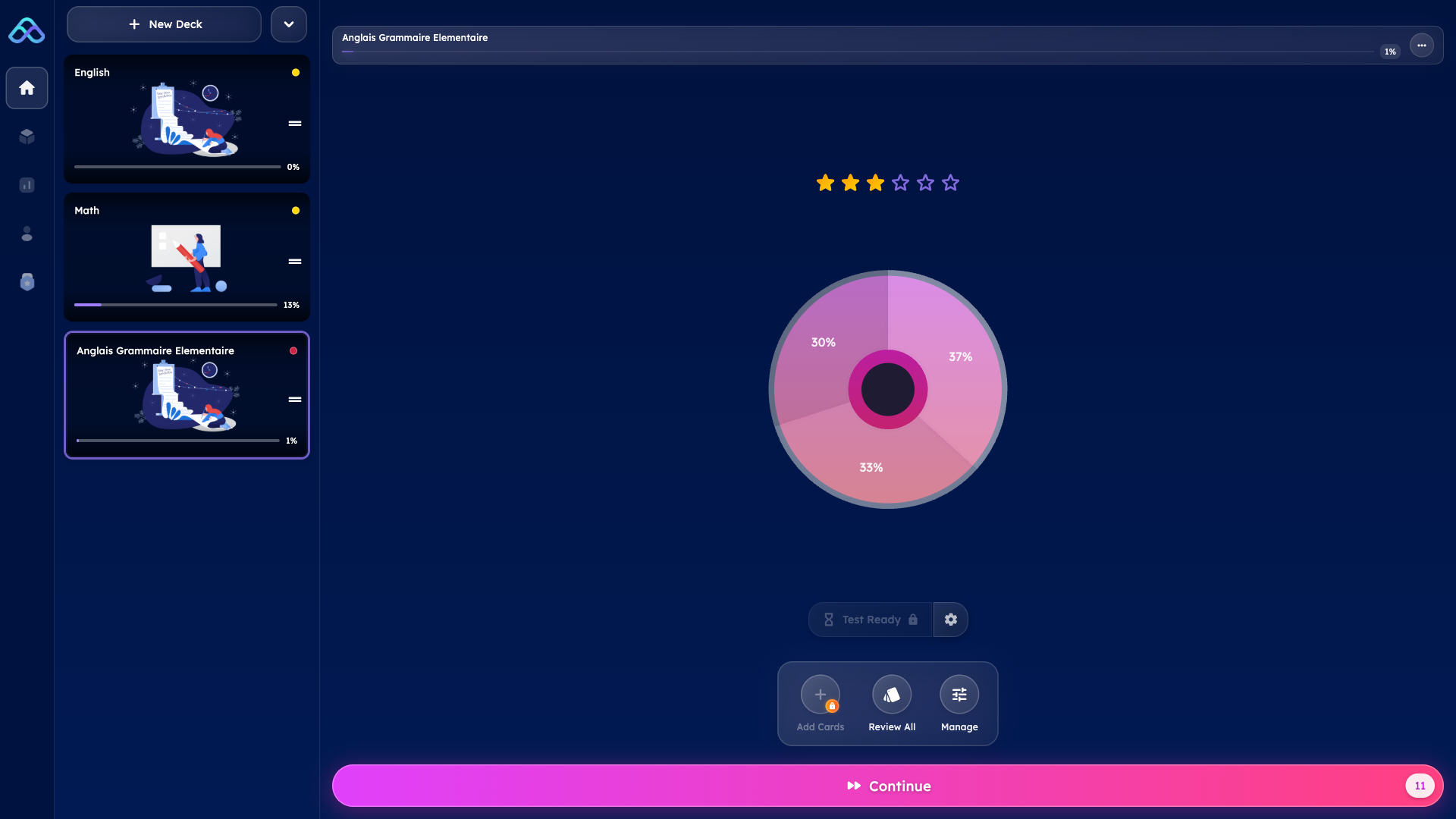
It also offers an AI image generator for card visuals, a LaTeX formula editor for STEM students, and pronunciation support in 14 languages. The free plan gives one box with unlimited cards and three AI requests per day. Premium unlocks everything for $5.99 per month.
Pros:
- AI generates flashcards from PDFs, audio, images, and text — broadest input format support in this list
- AI image generation for flashcard visuals adds an extra encoding layer for visual learners
- LaTeX editor with AI assistance is rare and genuinely useful for math and science students
- Over 450,000 ready-made flashcards for subjects including MCAT and USMLE prep
Cons:
- Very new platform (launched November 2025) with a small user community and no independent reviews yet
- Free tier is limited — only one box and three AI requests per day
- Inconsistent data across platforms (Google Play lists 150,000+ cards while the website claims 450,000+)
- No yearly subscription option — monthly billing only at $5.99/month
Download: iOS · Android · Web App
Pricing: Free (1 box, 3 AI requests/day). Premium: $5.99/month
3. Gizmo — Best for Gamified Retention Training
Gizmo was built by Cambridge University alumni and has attracted over three million users since its 2021 launch. The app leans heavily into gamification — leaderboards, streaks, multiplayer quizzes, and a lives system where wrong answers cost study time. Its AI import system, called Magic Import, handles PDFs, YouTube links, handwritten notes via camera, and PowerPoint slides. Gizmo also imports decks directly from Anki and Quizlet formats. The active recall mechanism is built into every quiz mode, and the app includes a spaced repetition scheduler.
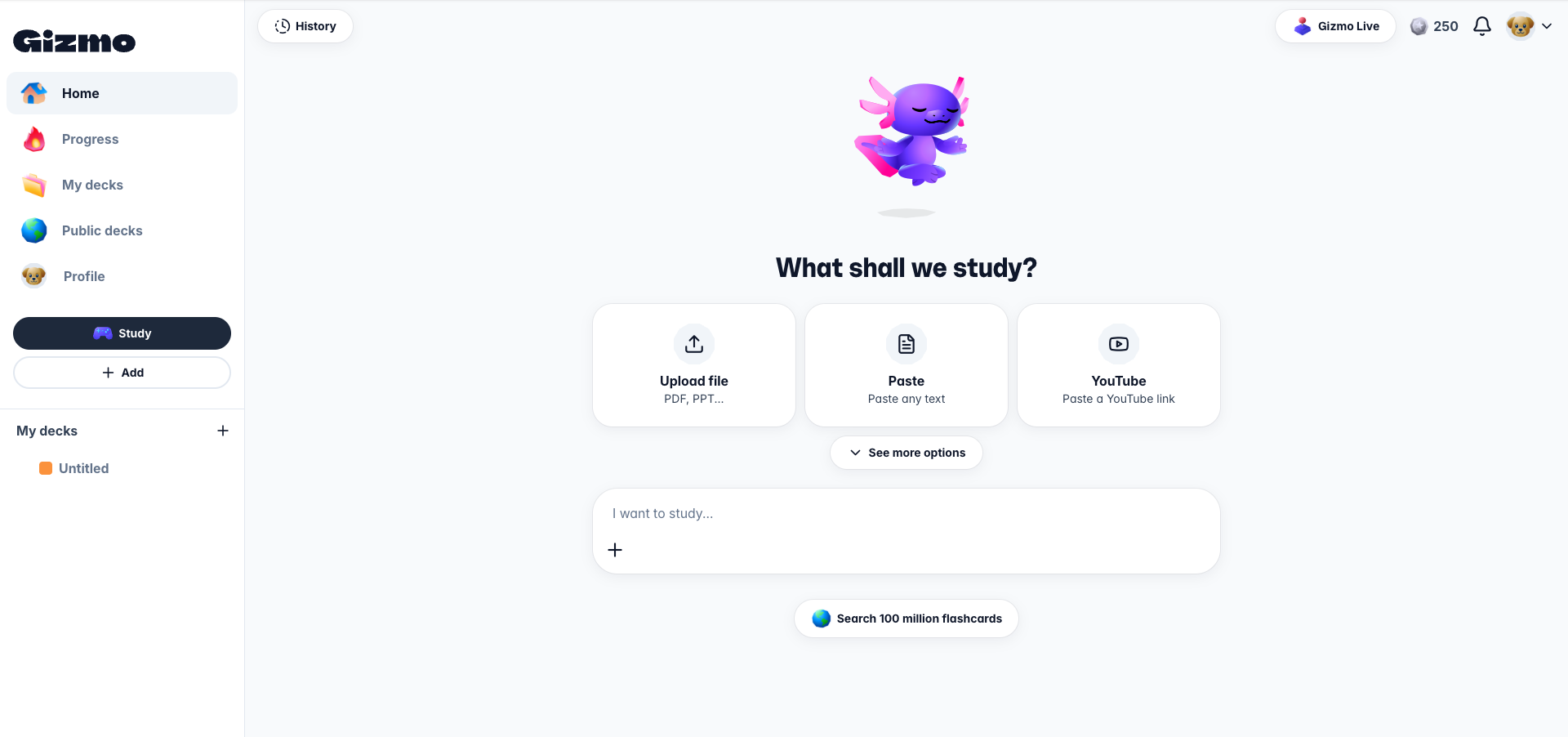
For students who struggle with motivation and need external accountability, the gamification layer genuinely helps build consistency.
Pros:
- Magic Import converts almost any format into flashcards — PDFs, photos of handwritten notes, YouTube, slides
- Gamification features (leaderboards, streaks, Gizmo Live multiplayer) help maintain study consistency
- Large user base with 4.65/5 Google Play rating across 92,000 reviews
- Imports existing Anki and Quizlet decks, so switching is painless
Cons:
- Free tier uses a "lives" system — wrong answers trigger a 10-minute lockout designed to push subscriptions
- SRS algorithm is proprietary and less transparent than open alternatives like FSRS
- Frequent crash reports on larger decks with media-heavy cards
- Pricing is confusing — ranges from $0.99/month to $2.99/week depending on plan and region
Download: iOS · Android · Web (landing page only)
Pricing: Free (15 daily lives, 10 AI quizzes/day). Personal: from $0.99/month. Annual: ~$155/year

4. Mochi — Best for Power Users Who Want FSRS in a Beautiful Package
Mochi is the quiet favorite among developers, researchers, and anyone who writes in Markdown. Built by a solo developer, it offers a rare combination: a genuinely beautiful interface paired with the FSRS algorithm — the same modern scheduler now available in Anki, which research shows requires 20 to 30 percent fewer reviews than SM-2 for the same retention level. Mochi is local-first, meaning the free tier works entirely offline with no account needed. Cards support rich formatting, images, audio, and bidirectional linking between notes. The Pro tier adds cloud sync and AI-powered dynamic fields for translation, text-to-speech, and dictionary lookups. For students who want the algorithm quality of Anki without the 2006 interface, Mochi is the answer.
Pros:
- Supports FSRS — the most advanced open spaced repetition algorithm available, validated on 220 million learning records
- Local-first architecture means full offline use, even on the free tier — no account required
- Markdown-native with rich formatting, images, audio, and bidirectional note linking
- Native desktop apps for macOS, Windows, and Linux alongside iOS and Android
Cons:
- No AI bulk generation from PDFs or videos — card creation is primarily manual or via import
- Sync between devices requires Pro ($5/month) — free tier is local-only
- Very small community with no pre-made deck library worth mentioning
- Minimal analytics and no gamification — assumes self-motivated learners
Download: iOS · Android · Web App
Pricing: Free (local-only, unlimited). Pro: $5/month (sync, AI fields, API access)
5. Wooflash — Best for Neuroscience-Backed Institutional Learning
Wooflash comes from Wooclap, a Belgian edtech company, and it takes a different angle. Its spaced repetition engine was developed in collaboration with Steve Masson, Director of the Neuroeducation Research Laboratory at UQAM, and is built around seven principles of neuroeducation.
The app supports over 20 question formats — not just basic flashcards but also matching, sorting, labeling on images, dictation, and fill-in-the-blank. It generates questions automatically from text and PDFs using AI. Wooflash has been adopted by major European universities including Toulouse, Lyon, Lausanne, and Leiden.
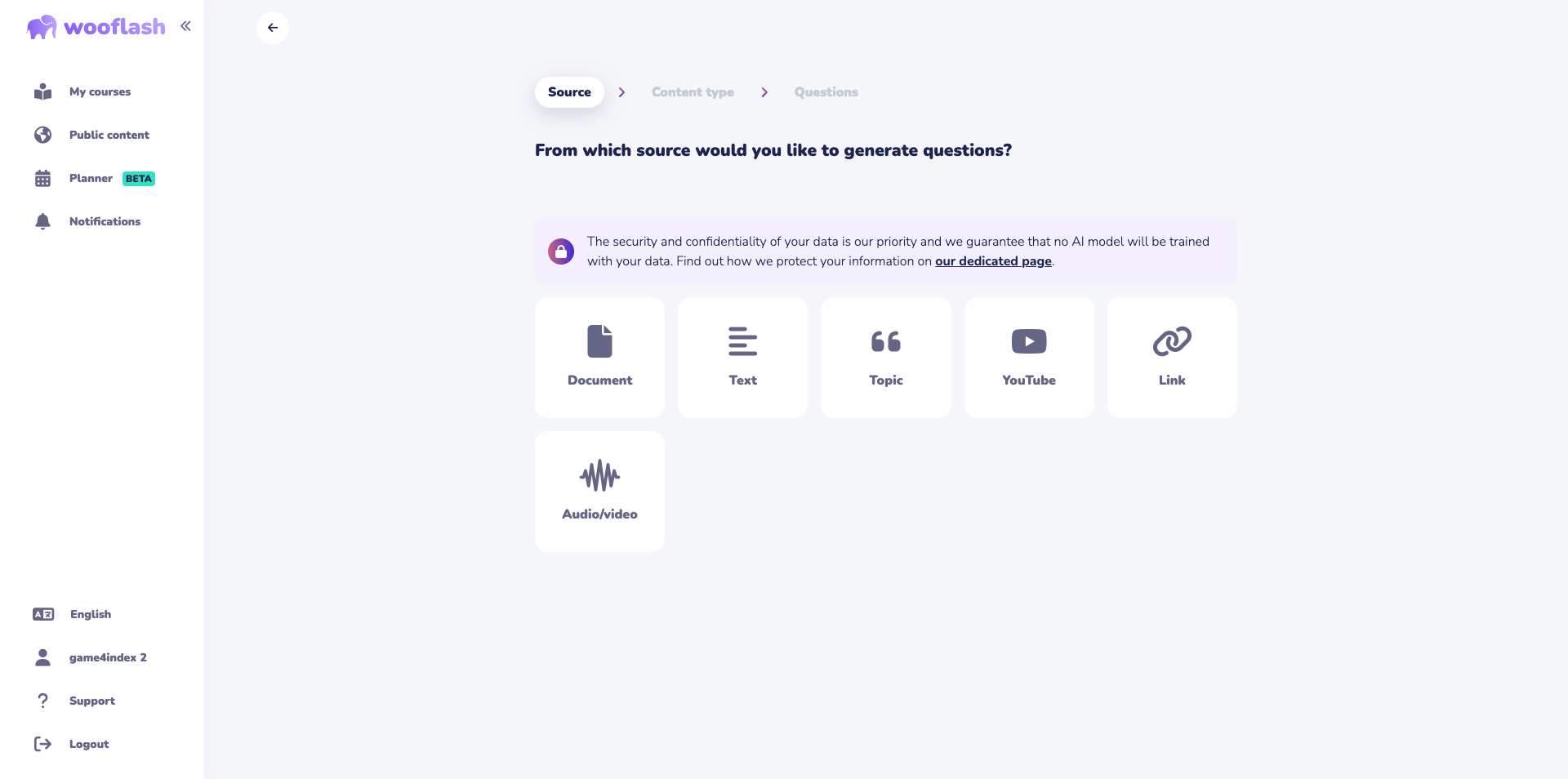
The student plan is completely free with unlimited flashcards and questions.
Pros:
- SRS algorithm co-designed with a neuroscience researcher — not just a marketing claim but a verifiable academic collaboration
- Free for students with unlimited flashcards, questions, and video content
- Over 20 question formats beyond basic Q&A — matching, sorting, labeling, dictation, and more
- Strong institutional adoption with LMS integrations for Moodle, Google Classroom, and Teams
Cons:
- Feels more like a course tool than a personal study app — the UI is teacher-focused
- Small mobile user base and limited public content library compared to consumer apps
- Android app has a 3.5-star rating with mixed reviews about stability
- No offline study mode on mobile — requires internet connection
Download: iOS · Android · Web App
Pricing: Free (students). Teacher: €6.99/month (annual). Campus: custom pricing

6. Retain.cards — Best for Adaptive Exam Preparation
Retain is a newer app that claims its adaptive algorithm was trained on 220 million learning records and saves approximately 20 percent study time compared to traditional SM-2 scheduling. The standout feature is its exam preparation planner — set an exam date and a target grade, and the app generates a daily study plan that adapts as performance data comes in. Retain supports AI flashcard generation from PDFs, slides, images, handwritten notes, and YouTube videos. Card types include standard Q&A, cloze deletions, and image occlusion. Unfortunately, it's not possible to test the app without adding a credit card and monthly subscription!
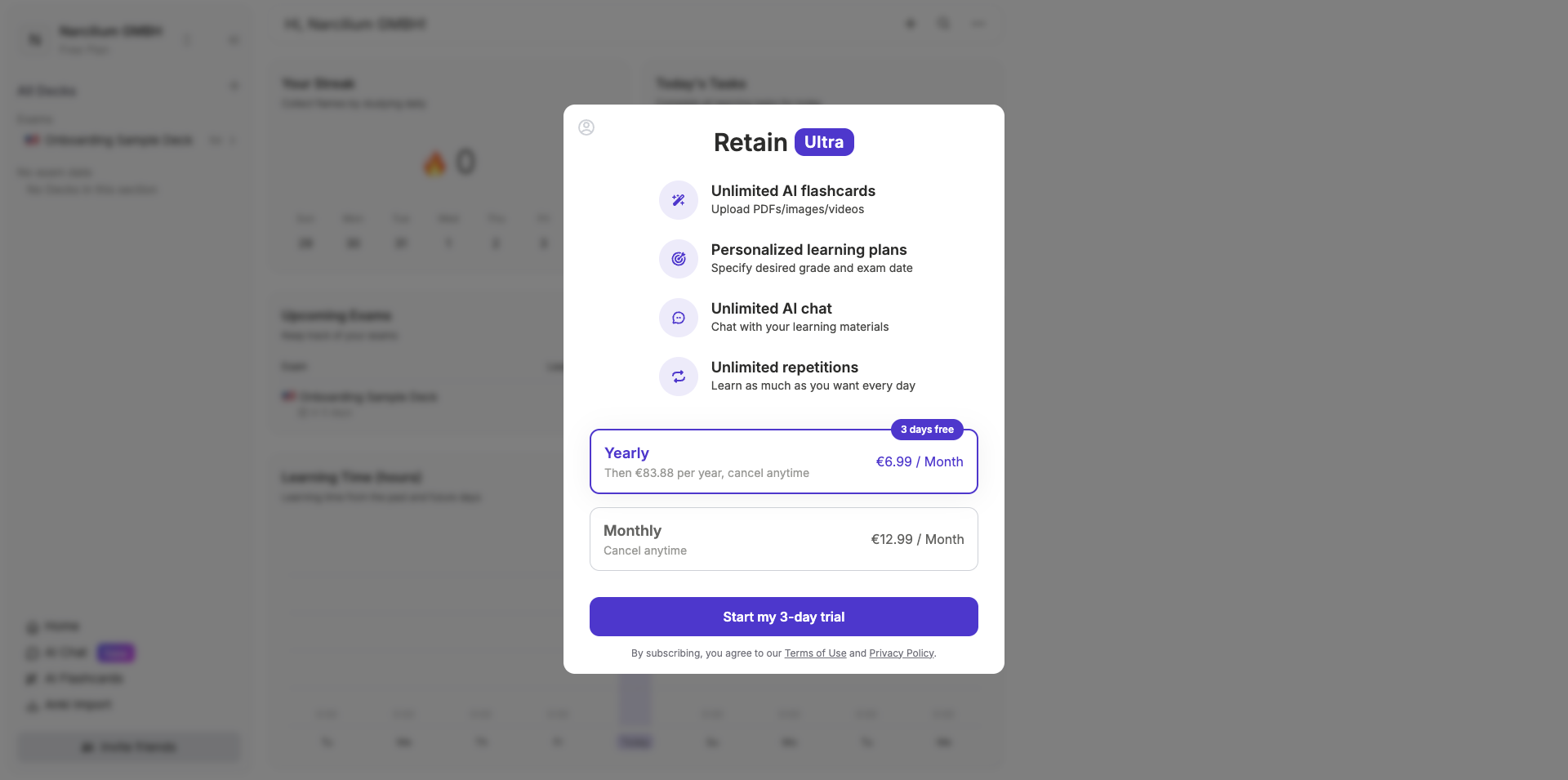
The app also offers AI Insights that provide deeper context for cards and AI Suggestions for card backs.
Pros:
- Adaptive SRS algorithm claims measurable improvement over SM-2, trained on large-scale learning data
- Exam preparation planner with goal-setting — set a date and target grade, get a personalized daily plan
- AI generation from multiple formats including handwritten notes and YouTube videos
- Supports advanced card types: cloze deletion and image occlusion alongside standard Q&A
Cons:
- Progressive paywalling reported by users — features initially available for free become locked behind subscription over time
- Exact subscription pricing is not transparently listed on the website
- Small and unproven user base with limited independent verification of algorithm claims
- The "220 million learning records" claim is shared with the FSRS research paper, raising questions about attribution
Pricing: Free (limited). Premium: subscription-based (exact pricing not publicly listed — verify in-app)
7. Space — Best for Students Who Want the Most Advanced Algorithm
Space is built around one core principle: give students the best possible spaced repetition algorithm without making them configure anything. The app uses FSRS (Free Spaced Repetition Scheduler), a machine learning-based algorithm that community benchmarks show delivers 20 to 30 percent fewer reviews for equivalent retention compared to SM-2. The free tier is generous — unlimited flashcards and decks, full SRS scheduling, multi-device sync, text-to-speech in over 40 languages, dark mode, Anki and CSV import, access to 10,000+ community decks, and seven free AI generations per month. The interface is clean and modern. For students who care more about the algorithm than about social features, Space is hard to beat.
Pros:
- Uses FSRS — the most academically validated SRS algorithm available, with published benchmarks showing superiority over SM-2
- Extremely generous free tier with full SRS, sync, TTS in 40+ languages, and Anki import
- Clean, modern interface that requires zero configuration — the algorithm adapts automatically
- Over 10,000 community-created decks available for free
Cons:
- Smaller community and deck library compared to long-established apps
- Pro pricing is not transparently published on the website
- Relatively unknown outside of SRS enthusiast communities
- No bulk AI generation from PDFs or videos on the free tier (limited to 7 AI generations/month)
Download: iOS · Android · Web App
Pricing: Free (full SRS, sync, 7 AI generations/month). Pro: available in-app (pricing not publicly listed)
What the Science Says About Memory Retention and Flashcards
Before picking any app, it helps to understand why some tools work better than others for retention.
The most important finding comes from a landmark review by Dunlosky et al. (2013) published in Psychological Science in the Public Interest. The researchers evaluated ten popular study techniques and found that only two received a "high utility" rating: practice testing and distributed practice. Everything else — including highlighting, rereading, and summarization — was rated low or moderate. Flashcard apps that combine both techniques (testing yourself and spacing reviews over time) are directly aligned with the strongest evidence in learning science.
How much does retrieval practice actually help? A meta-analysis by Rowland (2014) in Psychological Bulletin found a medium effect size (g = 0.50) for testing over restudying — meaning students who tested themselves remembered significantly more than students who simply re-read the same material. And a study by Karpicke and Blunt (2011) in Science showed that retrieval practice outperformed even concept mapping, with an effect size of 1.50.
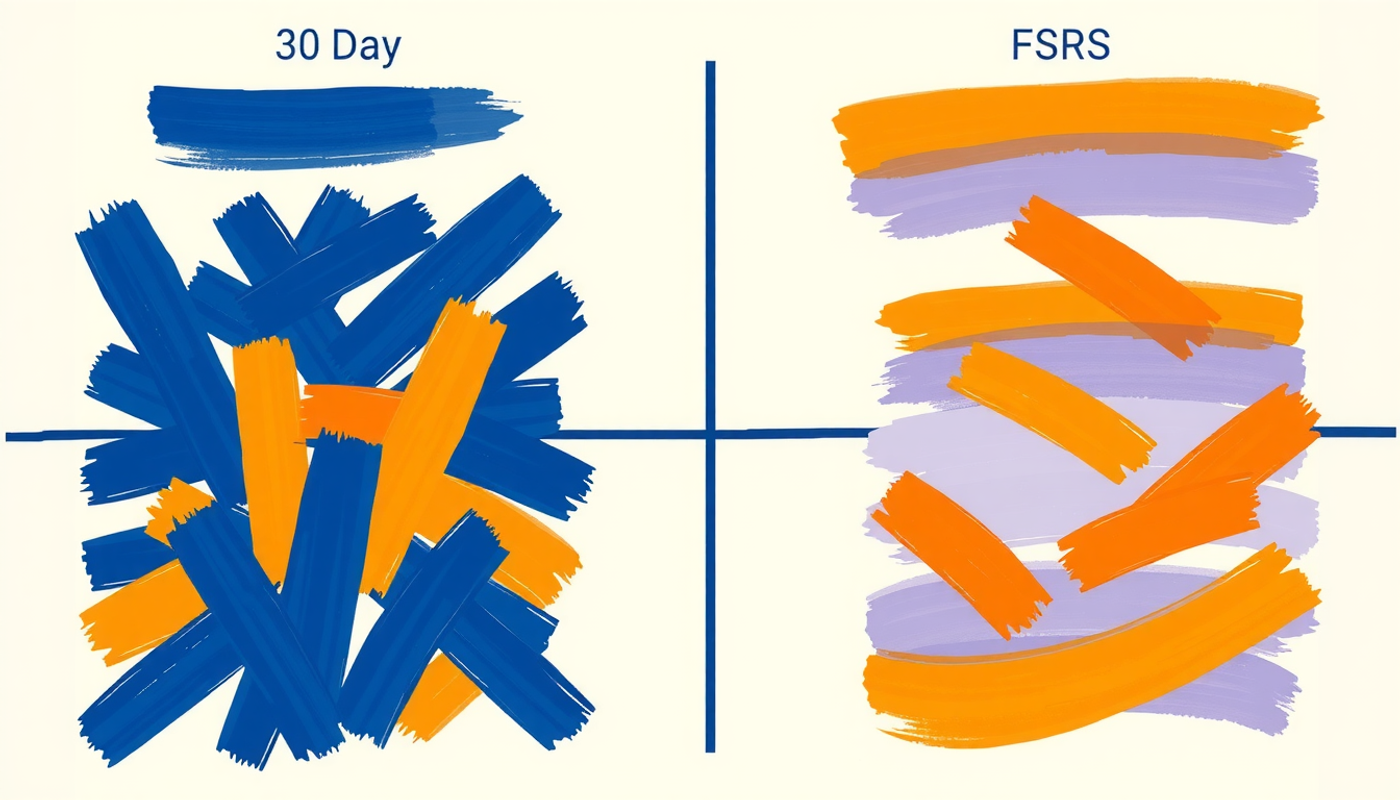
The scheduling algorithm matters too. The original SM-2 algorithm, created in 1987, has been the standard for decades. But newer research by Ye et al. (2022) at KDD used 220 million student learning records to build the FSRS scheduler, which achieved 12.6 percent better performance than SM-2 in predicting optimal review times. Apps like Mochi and Space now implement FSRS, while others use proprietary variants.
The practical takeaway? Any app with real spaced repetition and active recall will outperform passive study. But the specific algorithm, the ease of card creation, and whether the app fits into a student's daily routine all determine whether the retention gains actually materialize in practice.

CONCLUSION
The best flashcard app for memory retention is the one that combines three things: a real spaced repetition algorithm, active recall through self-testing, and a workflow simple enough that students actually use it every day. Among the seven apps reviewed here, Knowt stands out for its free spaced repetition access. Mochi and Space lead on algorithm quality with FSRS support. Gizmo offers the strongest gamification. Wooflash brings genuine neuroscience credibility. Retain.cards focuses on adaptive exam planning. And Mindomax provides the broadest AI generation from different source formats. The research from Dunlosky, Karpicke, and Rowland all points in the same direction: testing yourself at spaced intervals is the single most effective way to move information into long-term memory. The tools exist. The science is settled. The only variable left is consistency.
Frequently Asked Questions
What makes a flashcard app good for memory retention?
The two most important features are spaced repetition and active recall. Spaced repetition schedules reviews at increasing intervals before you forget. Active recall forces you to retrieve answers from memory rather than passively rereading. Research consistently shows these two techniques together produce the strongest long-term retention.
Is FSRS better than SM-2 for spaced repetition?
FSRS is a newer algorithm trained on 220 million learning records. Benchmarks show it requires 20 to 30 percent fewer reviews than SM-2 for the same retention level. Apps like Mochi and Space now support FSRS. However SM-2 still produces strong results and remains effective for most learners.
Are AI-generated flashcards as effective as manually created ones?
AI-generated flashcards save significant time but should be reviewed and edited before studying. No large-scale peer-reviewed study has directly compared AI-generated versus manually created flashcards for retention outcomes as of 2026. The act of creating cards manually is itself a learning exercise that adds an encoding benefit.
How many flashcards should I review per day for optimal retention?
Most spaced repetition research suggests reviewing cards daily in short sessions of 15 to 30 minutes rather than in long cramming blocks. The exact number depends on your total deck size and the algorithm being used. Starting with 20 to 30 new cards per day and keeping up with reviews is a sustainable approach for most students.
Can flashcard apps replace traditional studying entirely?
No. Flashcards with spaced repetition are most effective for memorizing facts, definitions, vocabulary, and discrete pieces of information. They are less effective for deep conceptual understanding, essay writing, or problem-solving skills. The strongest study approach combines flashcard-based retrieval practice with other methods like practice problems and elaborative questioning.