INTRODUCTION
Most flashcard apps treat language learning as a visual task. A word appears on screen. The learner reads it silently, taps a button, and moves on. But language is not a reading exercise. It is a speaking skill. And the gap between recognizing a word and pronouncing it correctly is where most learners stall. That is why a growing number of students are searching for the best flashcard apps for language learning with voice recording 2026. Research published in Memory by Forrin and MacLeod (2017) showed that reading words aloud produces significantly stronger recall than reading silently, and that hearing your own recorded voice adds another layer of distinctiveness to the memory trace. The tools below combine spaced repetition with audio features that go beyond passive text-to-speech. Some let learners record their own pronunciation. Others score it with speech recognition. A few do both.
1. Speechling — Human Pronunciation Coaches Meet Spaced Repetition
Speechling is a nonprofit language platform built around one workflow: listen to a native speaker say a sentence, record yourself repeating it, and get feedback from a certified pronunciation coach within twenty-four hours. The app includes over ten thousand sentences per language with both male and female native-speaker audio. A spaced repetition system schedules reviews around recorded sentences. Free users get thirty-five coach corrections per month. Unlimited coaching costs $19.99 per month. Speechling covers ten languages including Spanish, French, Mandarin, German, Korean, and Japanese. The interface feels dated compared to newer tools, and there is no AI-generated feedback in real time. But for learners who want expert human correction on their pronunciation rather than algorithmic scoring, no other app at this price point offers the same depth.
2. Brainscape — Confidence-Based Repetition With Audio Recording
Brainscape takes a different approach to scheduling. Instead of algorithm-driven intervals, learners rate their confidence on a one-to-five scale after each card, and the system adjusts frequency accordingly. The Pro tier unlocks voice recording on mobile, allowing users to attach up to thirty seconds of audio per card. Certified language decks for Spanish, French, and German include thousands of professionally recorded native-speaker pronunciations. AI card generation from uploaded materials is available on paid plans. Brainscape Pro runs approximately $9.99 per month or $59.99 per year. The confidence-based system is simpler than FSRS but less personalized to individual forgetting patterns. Free users cannot record audio.
3. Mindomax — AI Card Generation With Fourteen-Language Audio
Mindomax generates flashcards from PDFs, audio recordings, and images using AI, then adds pronunciation audio automatically in fourteen languages. The app includes over 450,000 pre-made flashcards covering USMLE, MCAT, GRE, and multiple foreign languages. A LaTeX editor handles math and science notation. Scheduling uses the Windcatcher Theory, a proprietary algorithm. Free allows one box with unlimited cards and three AI requests daily. Premium costs $5.99 per month. As a late-2025 launch, the community is still smaller than established tools. The audio is text-to-speech rather than native-speaker recordings, and there is no voice recording or pronunciation scoring feature built in.
4. MosaLingua — Record-and-Compare With Native Speakers
MosaLingua was built specifically for language learners who want to practice pronunciation alongside vocabulary. Every card includes a native-speaker recording. Learners can record their own voice and play it back alongside the native version for direct comparison. The app calls this its "record-and-compare" workflow. Over 3,500 vocabulary cards come pre-loaded with professional audio. The MOSALearning algorithm handles spaced repetition. A hands-free mode lets users study during commutes. Premium costs approximately $4.99 to $9.99 per month. MosaLingua covers eleven languages. There is no AI-based pronunciation scoring. Judging whether a recording sounds correct relies entirely on the learner's own ear. The interface also feels dated compared to newer competitors.
5. Audio Flashcards — Built From the Ground Up for Voice
Audio Flashcards does one thing and does it well. Every card is created by recording a spoken question and a spoken answer. No typing required. A spaced repetition system schedules reviews, and continuous playback mode loops through a deck hands-free. Recent updates added text-to-speech with adjustable pitch and speed. The app is designed for learners who study while commuting, exercising, or doing housework. It works on both iOS and Android. The limitation is scope. There is no AI card generation, no shared deck library, no pronunciation feedback, and the SRS is basic compared to FSRS or SM-2. For learners who want a recording-first workflow and nothing else, it fills a gap no major app covers.
Why Speaking Aloud Helps You Remember Words
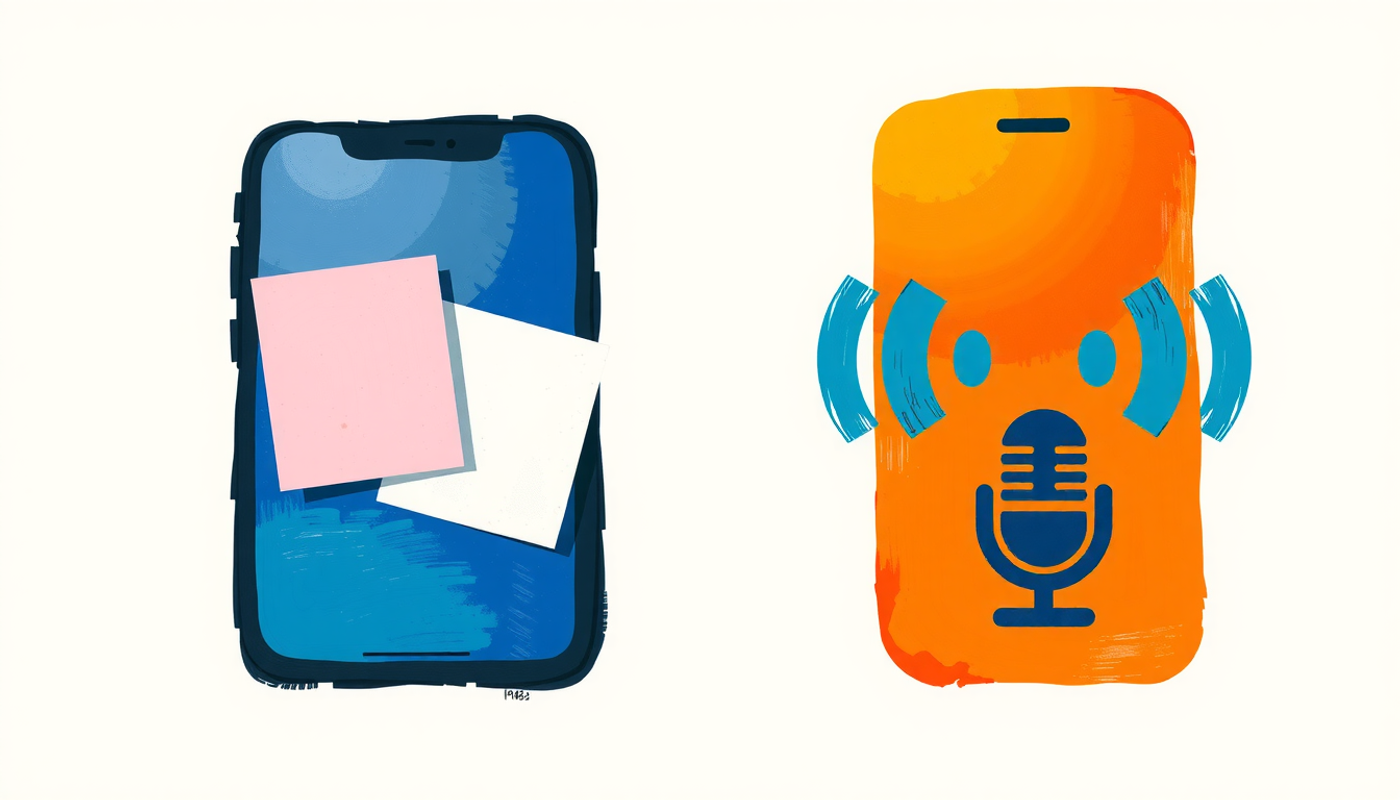
The research on this is surprisingly clear. In cognitive psychology, the advantage of speaking words aloud during study is called the production effect. MacLeod, Gopie, Hourihan, Neary, and Ozubko demonstrated across eight experiments in 2010 that produced words (read aloud) are recognized significantly better than silently read words.
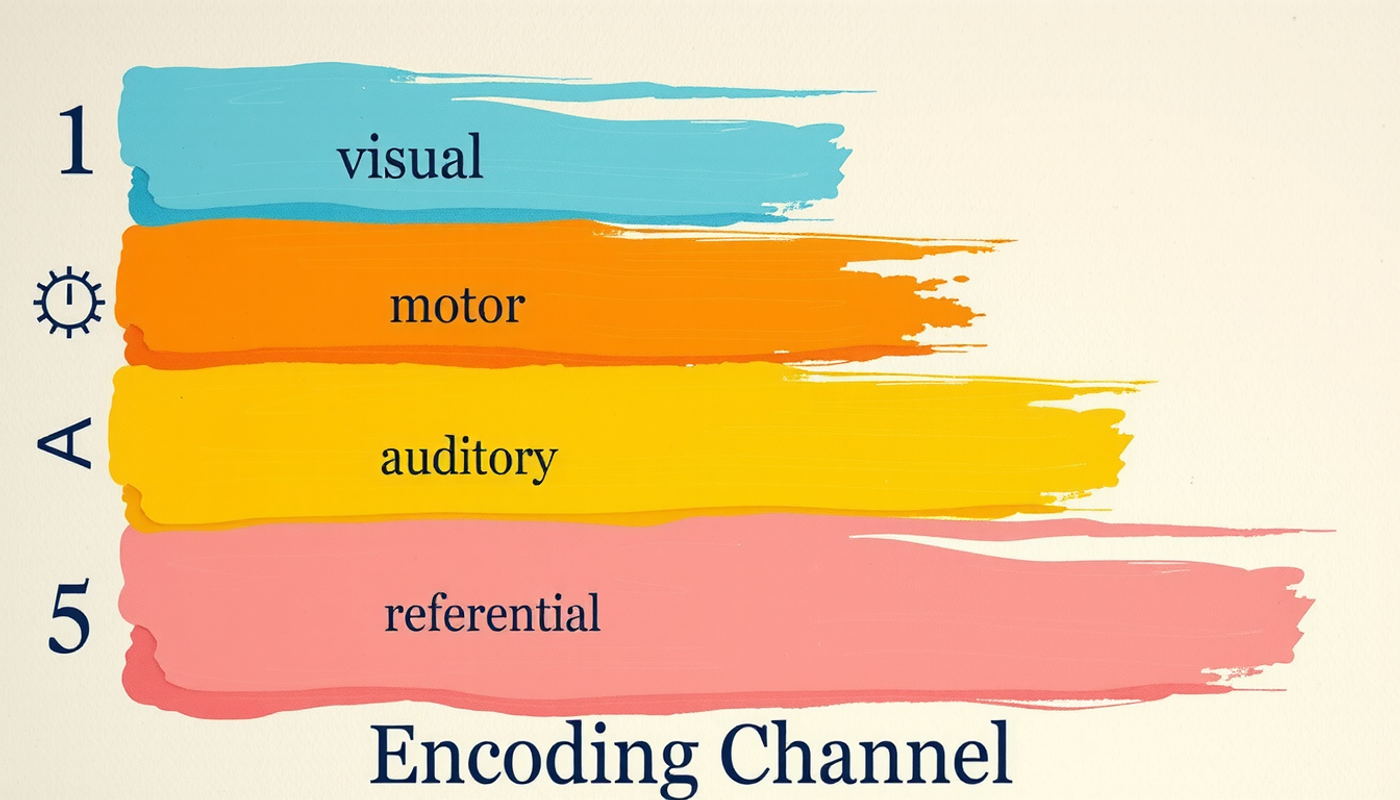
The explanation is distinctiveness. When a learner reads a word silently, the memory trace is encoded through one channel: visual. When the same learner speaks the word aloud, the trace gains a motor component (moving the mouth), an auditory component (hearing the word), and a self-referential tag (recognizing one's own voice). Each additional channel makes the memory more distinguishable from other memories and harder to forget.
Forrin and MacLeod (2017) tested this with ninety-five participants and found that reading aloud produced the strongest memory, followed by hearing a recording of oneself, followed by hearing someone else read, with silent reading producing the weakest results. The implication for flashcard apps is direct. Text-to-speech is better than silence. Native-speaker audio is better than synthetic TTS. But recording your own voice and hearing it back gives the strongest retention boost of all.
Four Types of Audio in Flashcard Apps
Not all audio features serve the same purpose, and most comparison articles treat them as interchangeable. They are not. Understanding the differences matters for choosing the right tool.
The cognitive science supports a specific hierarchy. Passive TTS adds an auditory channel but no motor engagement. Native audio adds a correct pronunciation model but the learner remains a listener. Voice recording activates the production effect. And ASR-based feedback closes the loop by telling learners whether their production was accurate. The most effective workflow combines at least two of these: a native model for input and a recording or ASR tool for output. No single app on this list delivers all four natively.

How Spaced Repetition and Voice Recording Work Together
Spaced repetition schedules reviews at the moment a memory is about to fade. The science behind it dates to Ebbinghaus in 1885 and has been replicated by Murre and Dros (2015) in PLOS ONE, confirming that most people forget fifty to seventy percent of new information within a day without review.
When a learner records pronunciation during each review, two evidence-based techniques combine. The spaced repetition algorithm ensures the word appears at the right time. The act of speaking it aloud activates the production effect at each retrieval attempt. Dunlosky et al. (2013) rated both practice testing and distributed practice as the only study methods earning a "high utility" rating across all tested populations. Voice-recorded flashcard review is one of the few workflows that engages both simultaneously.
There is a practical caveat worth noting. Research on multimedia learning shows that adding audio, image, and text simultaneously can overload working memory in beginning learners. Effective card design keeps the visual cue simple and lets the audio do the heavy lifting for pronunciation. A card showing one word, one image, and one native-speaker audio clip is more effective than a card packed with example sentences, grammar notes, and three audio files.

CONCLUSION
The evidence points in one direction. Speaking words aloud during study produces better recall than reading them silently. Recording your own voice adds self-referential distinctiveness. And spacing those recordings across time using an algorithm turns a single pronunciation attempt into durable memory. The tools on this list range from nonprofit coaching platforms like Speechling to purpose-built apps like Audio Flashcards and MosaLingua. Others like Brainscape and Mindomax offer different strengths in scheduling or AI generation. The right choice depends on whether a learner needs to hear correct pronunciation, practice producing it, or both. But any flashcard workflow that includes voice, spaced over time, outperforms silent review alone.
Frequently Asked Questions
Do flashcard apps with voice recording actually improve pronunciation?
Research on the production effect shows that speaking words aloud during study improves memory significantly compared to silent reading. When learners record themselves and listen back, they add self-referential encoding that further strengthens recall. Combined with spaced repetition, voice-recorded flashcard review engages multiple memory channels simultaneously.
What is the difference between text-to-speech and voice recording in flashcard apps?
Text-to-speech generates synthetic audio from written text. Voice recording captures the learner's own spoken pronunciation. TTS provides passive listening exposure. Voice recording activates motor and auditory memory through active production. Research suggests both are useful, but self-recording produces stronger long-term retention due to the production effect.
Can speech recognition in flashcard apps replace a language tutor?
Speech recognition scores pronunciation against a target model and can catch major errors. However, ASR accuracy varies across languages and accents. It works well for segmental pronunciation like individual sounds but struggles with intonation and prosody. For nuanced feedback, human tutors or services like Speechling remain more reliable.
Which free flashcard app has the best voice recording features?
Anki desktop and AnkiDroid are free and include built-in voice recording on every card. Audio Flashcards offers a free tier built entirely around voice-recorded cards. Speechling provides thirty-five free coach corrections per month with voice recording at its core. Each has trade-offs in interface quality and additional features.
How many words per day should language learners review with flashcards?
Most evidence suggests reviewing fifteen to thirty minutes daily maintains strong retention across several hundred active cards. Adding ten to twenty new vocabulary words per day is sustainable for most learners. Consistency matters more than volume. Daily short sessions outperform occasional long cramming sessions.