INTRODUCTION
You forgot 70% of what you studied yesterday. That is not a guess. A replication of Hermann Ebbinghaus's original forgetting curve by Murre and Dros (2015) in PLOS ONE confirmed that most new information fades within 24 hours unless you actively work to keep it. So the question is not really which flashcard app has the prettiest interface. The real question is which one actually helps your brain hold onto information. And the answer depends on a few specific things that most "best app" lists never bother to explain.
What Actually Makes a Flashcard App Work for Memorization?
Before looking at any app, it helps to understand what the science says. Two techniques have the strongest research behind them: retrieval practice and spaced repetition. Retrieval practice means forcing yourself to pull answers from memory instead of just rereading notes. A meta-analysis by Yang et al. (2021) in Psychological Bulletin found that testing yourself produces a medium effect size of g = 0.50 compared to restudying. That is a significant difference.
Spaced repetition takes this further. Instead of cramming everything in one night, you review material at increasing intervals — maybe after one day, then three days, then a week, then a month. The largest study ever conducted on this technique involved 26,258 physicians. Published by Price et al. in Academic Medicine in 2025, it showed that spaced repetition produced 58% correct answers compared to 43% without it. That is not a small margin.
So when you are choosing the best flashcard app for memorization, the first thing to check is whether it has a real spaced repetition algorithm. Not just a "review" button. An actual scheduling system that decides when to show you each card based on how well you know it.
The second thing? How fast you can create cards. A 2024 systematic review in the Journal of Medical Internet Research confirmed that digital spaced repetition tools improve both knowledge acquisition and long-term retention. But the review also noted a practical problem: if creating study material takes too long, students simply do not do it. This is where AI flashcard maker tools are changing the game. Apps that can turn a PDF, a lecture recording, or even a photo of your notes into ready-to-study flashcards remove the biggest barrier between you and effective studying.
The Features That Actually Matter
Not every feature on a flashcard app's marketing page matters equally. Here is what to look for if memorization is your goal.
A real spaced repetition algorithm is non-negotiable. Some apps use basic interval systems. Others use advanced machine-learning schedulers that adapt to your personal memory patterns. The difference matters over weeks and months of studying.
AI-powered card creation saves hours. If you are studying from a 50-page textbook chapter, manually typing flashcards takes forever. Modern AI flashcard maker tools can scan your material and generate question-answer pairs in seconds. Not all of them are equally good, but even a mediocre AI-generated deck that you edit is faster than starting from scratch.
Multi-format input is underrated. Can the app handle PDFs? Audio recordings? Images of handwritten notes? The more formats it accepts, the less friction between your study material and your flashcards.
And finally, cross-platform availability. Your study app needs to work on your phone, your laptop, and ideally a web browser. If you can only study at your desk, you will study less.
Five Apps Worth Trying in 2026
1. Knowt — Best Free Alternative for Students on a Budget
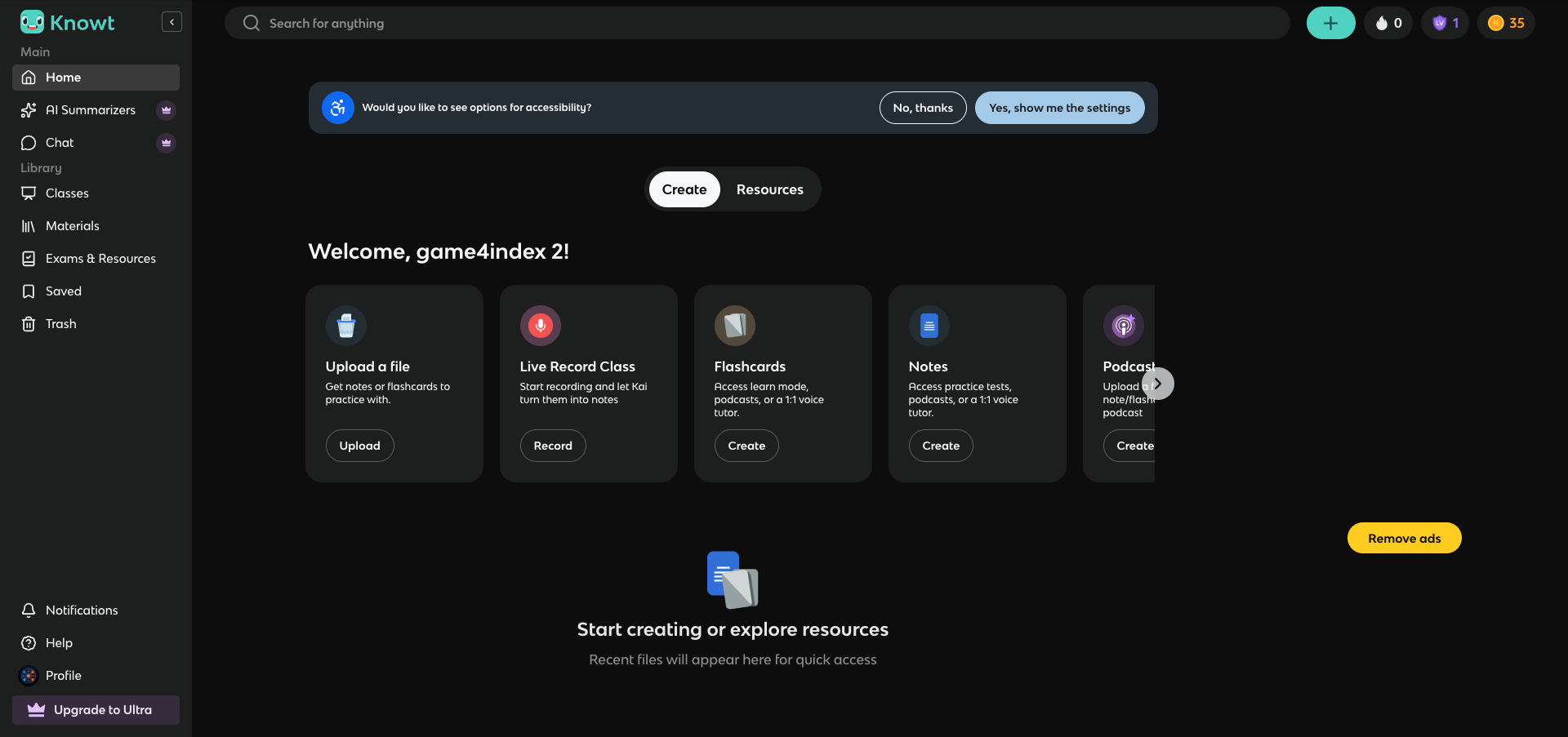
Knowt has positioned itself as the go-to free alternative to Quizlet, and for good reason. With over four million students using the platform, it offers AI-powered flashcard generation from notes, PDFs, PowerPoints, and even YouTube videos — features that many competitors lock behind a paywall. The built-in spaced repetition app and practice test mode are both available for free, which is rare. Knowt also has a growing library of over five million community-created study resources, and its exam prep hub covers AP, SAT, and ACT content.
Pros:
- Generous free tier with spaced repetition, practice tests, and AI generation included
- AI assistant Kai creates flashcards from multiple source types including video lectures
- Large community library with five million plus shared resources
- Strong exam prep content for AP, SAT, and ACT
Cons:
- Premium pricing is steep at $19.99 per month or $120 per year
- The app is newer and less proven for long-term heavy use compared to Anki or Quizlet
- Some AI-generated cards require significant manual editing for accuracy
Download: iOS · Android · Web App
Pricing: Free (generous), Premium $19.99/month or $120/year
2. Mochi — Best for Developers and Markdown Lovers
Mochi is what you get when someone who actually uses Anki every day decides to rebuild it from scratch with modern design principles. It is a Markdown-native note-taking and flashcard app that runs locally on your device first, syncs to the cloud second. Mochi uses the same FSRS algorithm that powers modern Anki — a machine-learning scheduler that adapts to your memory patterns. It also supports bi-directional linking between notes, image occlusion, and GPT-powered card generation.
Pros:
- Uses FSRS algorithm, the same advanced scheduler available in modern Anki
- Local-first design means your data stays on your device with optional cloud sync
- Markdown formatting with bi-directional note linking for connected knowledge
- Available on every major platform including Linux
Cons:
- No mobile-first design — the desktop experience is stronger than the phone experience
- No pre-made flashcard library — you must create or import everything
- Smaller community means fewer shared resources and less online support
Download: iOS · Android · Web App
Pricing: Free (local use), Pro ~$5/month (cloud sync and AI features)
3. Gizmo — Best for Visual and Gamified Learning
Gizmo takes a different approach. Built by Cambridge University alumni and backed by $3.5 million in funding, it uses heavy gamification — lives, leaderboards, streaks — to keep you coming back. But the real draw is its AI. Upload a PDF, a YouTube video, a PowerPoint, or even a photo of handwritten notes, and Gizmo's Magic Import turns it into flashcards automatically. It also has a built-in AI Tutor that can explain concepts step by step. With over 3.7 million downloads on Google Play and one million public decks, there is plenty of community content too.
Pros:
- AI generates flashcards from PDFs, YouTube videos, PowerPoints, and handwritten notes
- Built-in AI Tutor explains concepts with adjustable difficulty levels
- Gamification keeps studying engaging, especially for younger students
- Over one million pre-made public flashcard decks
Cons:
- The free tier is frustrating — a lives system actively interrupts study sessions
- Premium pricing is high at roughly $155 per year or $77 for students
- Some users report crashes and performance issues with larger decks
- The spaced repetition algorithm is less refined than FSRS or SM-2 based systems
Download: iOS · Android · Web App
Pricing: Free (limited lives), ~$77–155/year (student/regular)
4. Noji — Best Modern Alternative to Anki
Noji is what many students wish Anki looked like. With seven million users and a clean, modern interface, it offers SM-2 based spaced repetition with customizable presets for different subjects — languages, medicine, general study. You get over 50,000 pre-made community decks, handwriting support for Apple Pencil, and collaborative deck sharing. The app also includes an AI card builder and pronunciation features. It is worth noting that Noji was previously marketed as Anki Pro, though it has no affiliation with the open-source Anki project.
Pros:
- Modern and intuitive interface that makes Anki's features accessible to beginners
- Seven million users with 50,000 plus community decks covering many subjects
- Customizable spaced repetition presets for different learning goals
- Handwriting support and real-time deck collaboration
Cons:
- Free tier limits daily learning to 50 cards, which is restrictive for heavy users
- Previously branded as Anki Pro, causing confusion — not affiliated with the real Anki
- The spaced repetition algorithm is less configurable than the original Anki
- Premium pricing details are not always transparent
Download: iOS · Android · Web App
Pricing: Free (50 cards/day limit), Premium monthly/yearly/lifetime (~$80 lifetime)
5. Mindomax — Best for Multi-Format AI Flashcard Creation
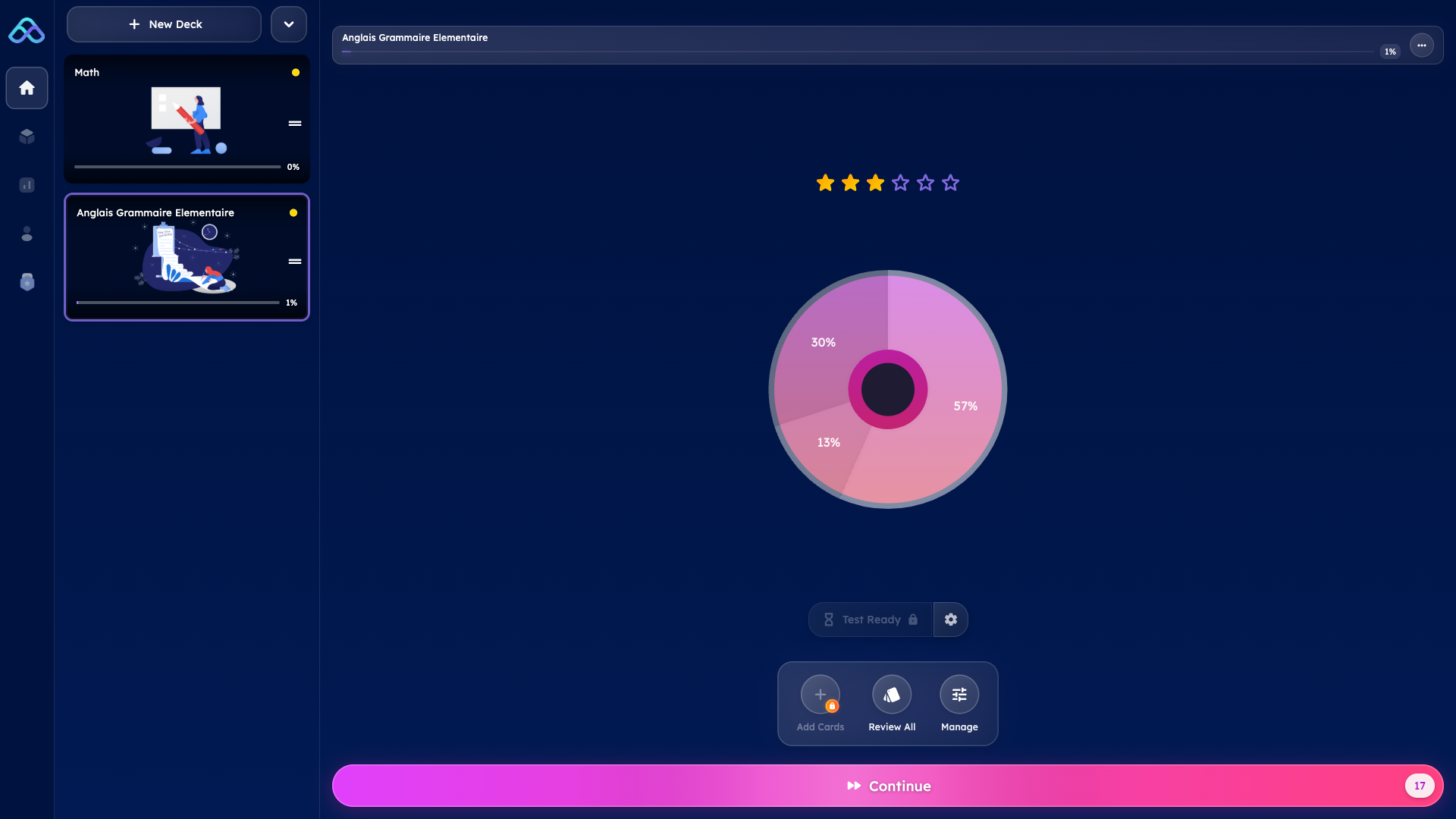
Mindomax is a newer entry in the flashcard space, launched in late 2025 by Lumixis Core Studio in Ottawa. What makes it stand out is its multi-format AI input. You can upload PDFs, audio recordings, images, or plain text, and the AI generates flashcards from all of them. The audio-to-flashcard feature is particularly rare — most competitors do not offer it. For STEM students, there is a LaTeX formula editor with AI assistance. The app also includes pronunciation support in 16 languages, an adaptive spaced repetition algorithm, and a growing library of over 400,000 ready-made flashcards including dedicated MCAT and USMLE decks.
Pros:
- AI generates flashcards from audio, PDF, images, and text — audio input is a rare and useful feature
- LaTeX formula editor with AI assistance fills a gap for STEM learners
- Competitive pricing at roughly $5 per month with a usable free tier
- Rapid development with frequent updates and growing content library
Cons:
- Smaller user community — roughly 50,000 users compared to millions on established platforms
- Newer platform launched in late 2025 — limited independent reviews and long-term track record
- Free tier allows only 3 AI requests per day, which may feel restrictive
- Fewer third-party integrations and no Anki or Quizlet import
Download: iOS · Android · Web App
Pricing: Free (1 box, unlimited cards, 3 AI requests/day), Premium ~$5/month

CONCLUSION
The best flashcard app for memorization is the one that combines real science with real convenience. Spaced repetition works. Retrieval practice works. The research on that is about as settled as anything in education science gets. What separates a good app from a forgettable one is whether it makes those techniques easy enough that you actually use them every day. Whether you want a free powerhouse like Knowt, a developer-friendly tool like Mochi, a gamified experience like Gizmo, a modern Anki alternative like Noji, or a multi-format AI tool like Mindomax — the right choice depends on how you study, what you study, and how much you are willing to spend. Pick one. Try it for a week. And let the science do the rest.
Frequently Asked Questions
What is the best free flashcard app for students?
Knowt currently offers the most generous free tier among modern flashcard apps, with spaced repetition, AI-generated cards, and practice tests included at no cost. Anki remains completely free on desktop and Android but charges $24.99 for the iOS app.
Is Anki still the best flashcard app in 2026?
Anki remains the gold standard for spaced repetition thanks to its FSRS algorithm and extreme customizability. However, newer apps like Knowt, Gizmo, and Mochi now offer AI-powered card creation and modern interfaces that Anki lacks, making them strong alternatives for students who prefer ease of use.
Do flashcards actually help with memorization?
Yes. A 2025 study of 26,258 physicians published in Academic Medicine found that spaced repetition with flashcards produced 58% correct answers versus 43% without it. The technique forces active recall, which creates stronger memory traces than passive rereading.
Can AI make flashcards for you?
Several modern apps use AI to generate flashcards from PDFs, lecture recordings, YouTube videos, and notes. Tools like Knowt, Gizmo, and Mindomax offer this feature. The quality varies, so reviewing and editing AI-generated cards before studying is recommended.
How does spaced repetition improve memory?
Spaced repetition schedules reviews at increasing intervals, showing you a card right before you are likely to forget it. This timing exploits the brain's natural forgetting curve, making each review more efficient. Research consistently shows it produces significantly better long-term retention than cramming.